



Wiegand Calculator for 26-Bit and 37-Bit HID Formats
Use this Wiegand calculator to build or decode H10301, H10302 and H10304 card data. Enter a facility code and card number, or paste a complete binary or hexadecimal value, to see the bit layout and parity checks. This HID card format calculator shows the Wiegand data fields; it does not read or program a physical card.
Build or Decode Wiegand Card Data
Select the exact format configured in your access-control system. H10301 and H10304 use a facility code and card number; H10302 uses a card number without a facility-code field.
H10302 has no facility-code field. Only the card number is used.
Use decimal digits. Leading zeros do not change the value. Zero is allowed mathematically; your system or supplier may reserve it.
Paste a complete frame. Hex input is left-padded to the selected bit length. Confirm that your reader supplies a full frame. This tool cannot identify data-only values, chip UIDs or reader-specific prefixes automatically.
This calculator processes values in your browser.
Bits run left to right, most significant first. The small numbers show bit positions, starting at 1.
Parity checks and data-only values
A parity pass only checks these bit rules. It does not identify the format, authenticate a card or confirm access rights. Both 37-bit formats use the same parity rules.
How to Use the Wiegand Calculator
1
Enter a Facility Code and Card Number
Choose Build data to calculate the complete Wiegand frame from decimal values. The calculator shows the supported range for each field and flags values that do not fit.
2
Decode a Binary or Hexadecimal Value
Choose Decode data and paste a complete frame, including its parity bits. The calculator separates the fields and checks parity using your selected format.
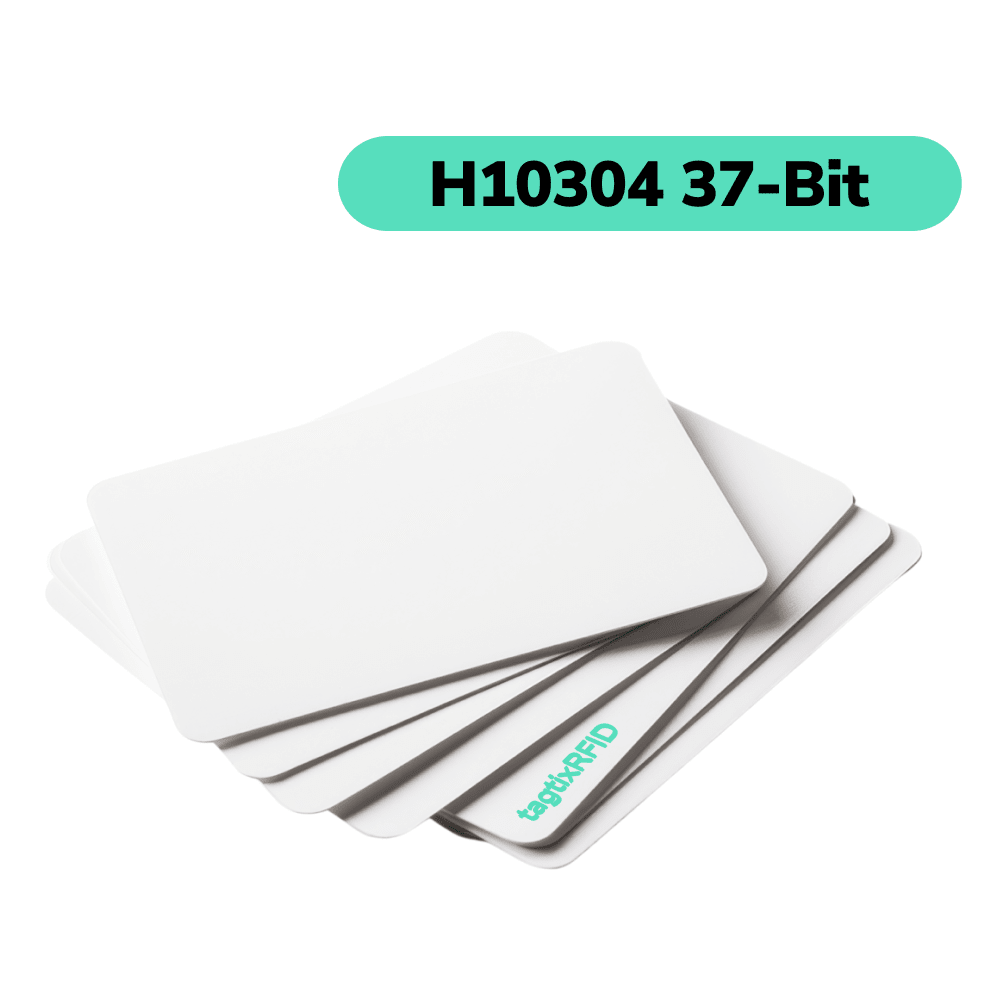
Shop Cards for Your Wiegand Format
Understand Your Wiegand Calculator Results
The result separates the data fields from the parity bits. Binary and hexadecimal values describe the same selected frame in different number systems.
Facility Code, Card Number and Parity Bits
The colored layout shows where each field starts and ends. A passing parity check means the frame follows the selected parity rules; it does not prove a card is authentic, enrolled or authorized.
Complete Frame Versus Data-Only Values
The complete frame includes parity. Data-only values exclude the first and last parity bits, so their binary, hexadecimal and decimal representations can differ from the full-frame values.
Why Pay More for H10301 Access Cards?
Replace Premium-Brand H10301 Cards for Less. Keep the Same Everyday Access-Control Function With Compatible 125 kHz HID Prox Readers. Try a Free Sample Before You Buy.
Compare H10301, H10302 and H10304 Card Formats
H10301 uses 26 bits, while H10302 and H10304 use 37 bits. The two 37-bit formats divide the data differently, so bit length alone cannot identify the format.
H10301: 26-Bit Wiegand Card Format
H10301 contains an 8-bit facility code, a 16-bit card number and two parity bits. Its fields can represent facility codes from 0 to 255 and card numbers from 0 to 65,535.
H10302: 37-Bit Format Without a Facility Code
H10302 contains a 35-bit card number and two parity bits. The card-number field can represent values from 0 to 34,359,738,367.
H10304: 37-Bit Format With a Facility Code
H10304 contains a 16-bit facility code, a 19-bit card number and two parity bits. Its fields can represent facility codes from 0 to 65,535 and card numbers from 0 to 524,287.
| Format | Facility code | Card number | Parity |
|---|---|---|---|
| H10301 · 26-bit | 8 bits 0–255 | 16 bits 0–65,535 | 2 bits |
| H10302 · 37-bit | None | 35 bits 0–34,359,738,367 | 2 bits |
| H10304 · 37-bit | 16 bits 0–65,535 | 19 bits 0–524,287 | 2 bits |
These are mathematical ranges. Your supplier or access-control system may reserve zero or apply other numbering rules.
HID Card Formats and Compatibility FAQs
Why Does My Reader Show a Different Card Number?
Your reader software may show the card number alone, combine it with other data fields, or add its own formatting. Check the selected card format and whether the displayed value includes parity bits or a reader-specific prefix before comparing it with the calculator.
How Can I Find Out Which Card Format My System Uses?
Check a previous credential box, your original order, or the credential-format setting in your access-control software. Look for the exact name: H10301, H10302, or H10304. A printed card number or the card’s appearance is not enough to identify the format.
If you cannot find the format, ask your access-control administrator or service provider for the configured credential format before ordering.
Will Any 26-Bit Card Work With My Proximity Reader?
No, a matching bit length alone does not establish compatibility. Your reader must support the credential technology, and your access-control panel or software must accept the exact data format.
For our H10301 cards, check for 125 kHz HID Prox support and the H10301 format. A reader that supports only EM4100 or a different credential technology is not equivalent, even if it also uses 26-bit Wiegand.
Can the Calculator Tell H10302 and H10304 Apart?
No, the same 37-bit frame can pass the parity checks for both H10302 and H10304. H10302 treats the data as one card number; H10304 divides it into a facility code and card number. Select the format from your system records rather than relying on a passing parity result.
For the field layouts and parity rules, see the Nedap P81 installation guide, sections 5.2.4 and 5.2.6.
What Is a Facility Code, and Where Can I Find It?
A facility code is a separate number field used alongside the card number in H10301 and H10304. H10302 does not have a facility-code field.
Look for the facility code in your existing credential order or access-control records. If you have a complete binary or hexadecimal Wiegand frame and know the exact format, the calculator can separate the facility code from the card number.
Does Passing Parity Mean a Card Will Open the Door?
No, passing parity only means the entered frame follows the selected format’s parity rules. It does not prove that the physical card is compatible, genuine, enrolled, or permitted to open a door. The reader and access-control system still determine whether access is allowed.
What Information Do I Need to Order Access Cards?
Have your exact card format, reader model, starting card number, and quantity ready. Include the facility code for H10301 or H10304; H10302 does not use one.
Check that your requested card-number range does not overlap with cards already enrolled in your system. Share those details with us, and we can help you choose the matching format and order range.
Can I Replace Premium-Brand H10301 Cards With Lower-Cost Cards?
Yes, our H10301 cards are a lower-cost option for systems that accept compatible 125 kHz HID Prox credentials in the H10301 format without a proprietary-credential restriction. The reader technology and configured card format still need to match.
You can apply for a free H10301 card sample to try with your system before placing a larger order.
More Detailed Guides on HID Data Formats

Understanding 26-Bit Wiegand Format: Proximity Cards & Access Control
Explore the 26-bit Wiegand format, a standard for proximity cards in access control systems. Understand its encoding, applications, and compatibility with H10301 readers.
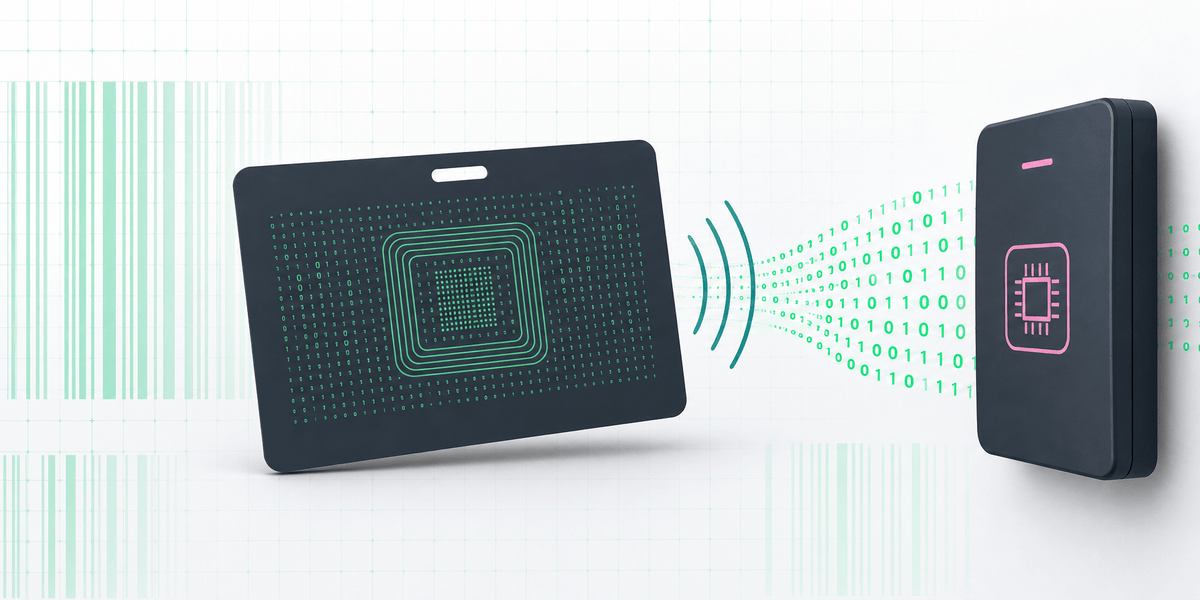
H10301 vs H10302 vs H10304: HID Card Formats Explained
Understand the differences between H10301, H10302, and H10304 and the information required when ordering programmed access-control credentials.
Bulk Quote 30% Off
Are you a distributor or reseller? Sourcing for a B2B project? Enjoy up to 30% discount for bulk orders. Chat with us for a custom quote.

No MOQ Required
Our experienced engineers can custom develop the RFID modules to embed into your systems. Hardware configuration, wiring adjustments, USB or serial port, etc tailored to your solution needs.
We Return Development Fee
When orders accumulate to a certain amount. Start with testing a sample and deploy the final products with tech support from our engineers. No matter how many you need, we are here to help. We value every client’s trust.