
UHF RFID Tags for Robotics & Automation

Identify robot components, metal equipment and parts moving through assembly with UHF RFID tags. Compare the tag formats below, then match your choice to the available space, mounting surface and working environment.

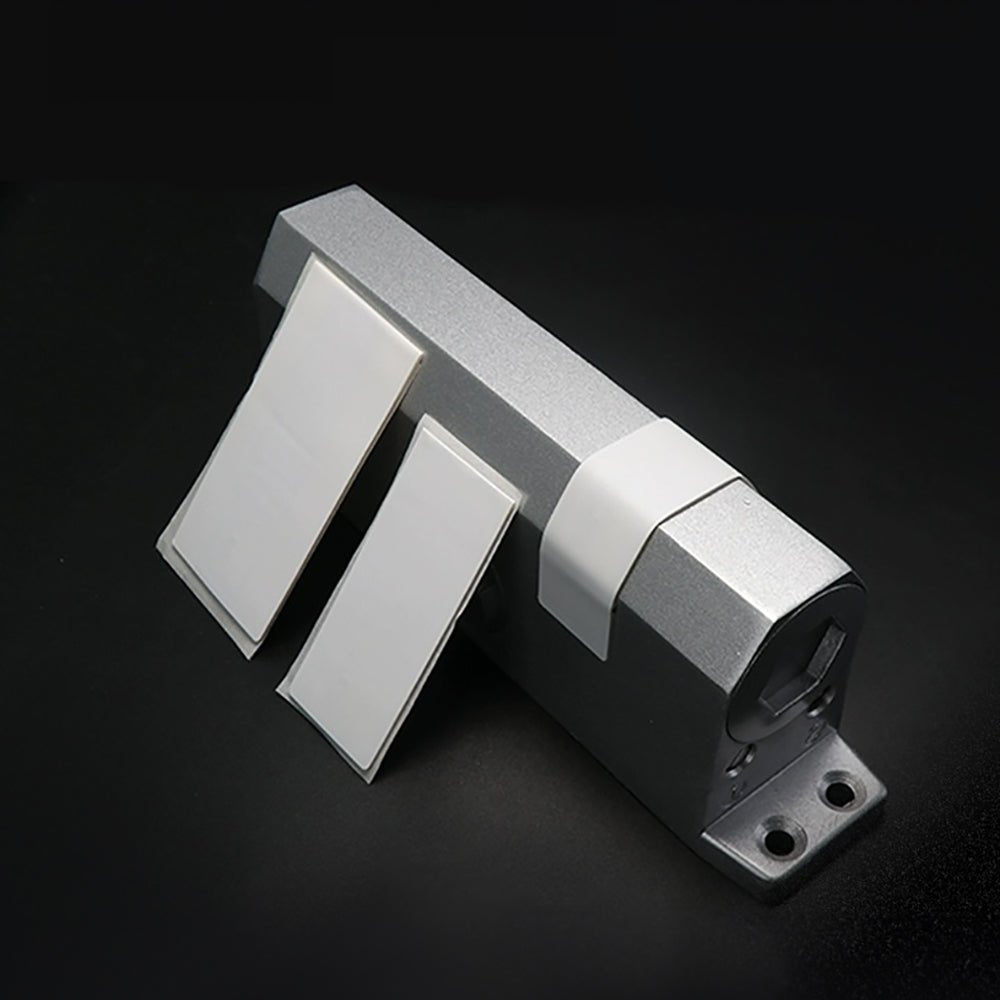
Find the Right Tag for Your Robotics Equipment

Start with the surface and space you have. These five options cover different label and housing formats; confirm the fit on your actual equipment.

Small Component Tracking
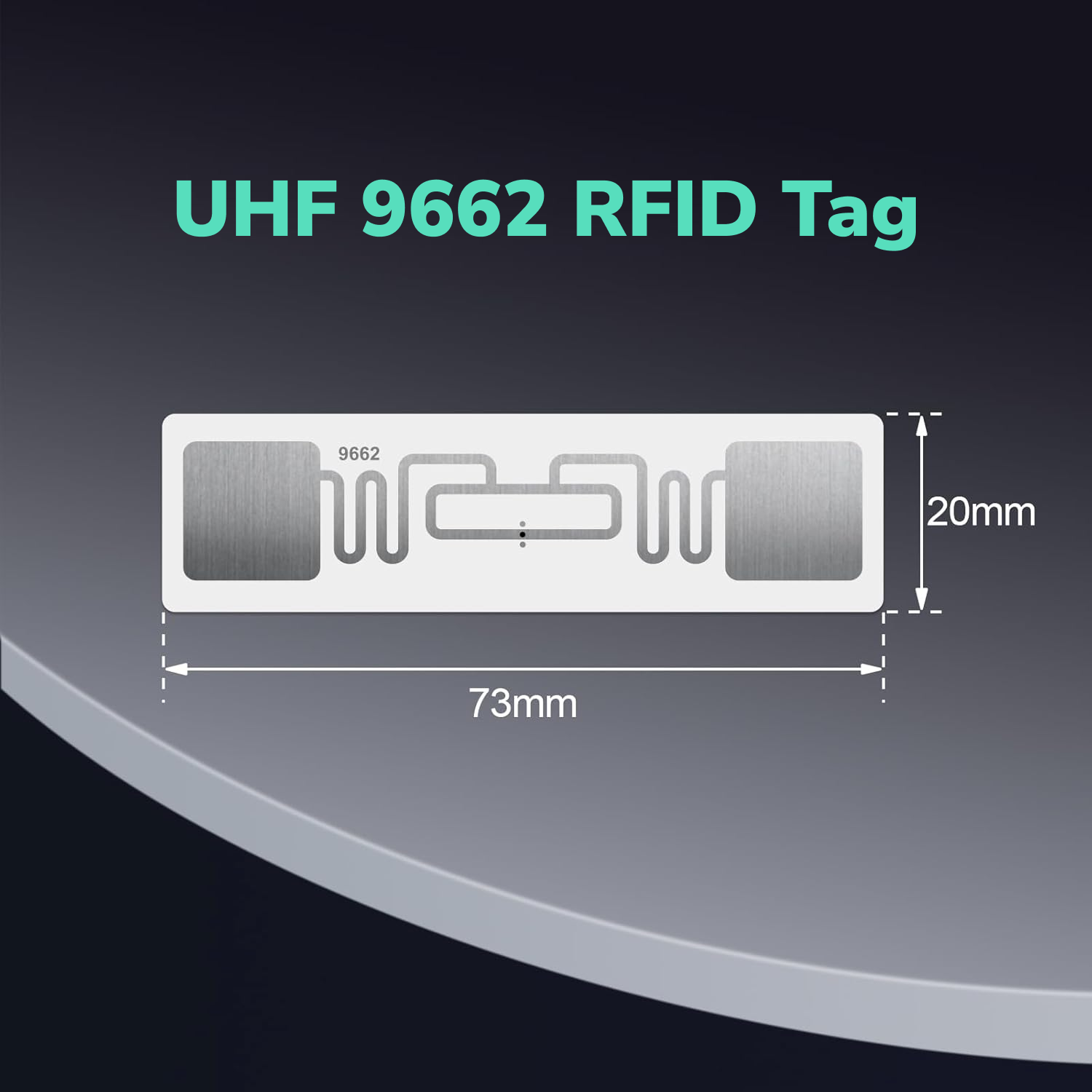
9662 Long Range UHF RFID Sticker ISO18000 - 6C EPC Class1 Gen2 Self - Adhesive Printable Inlay Asset Tag TagtixRFID
Indoor Parts Bins
9662 Long Range UHF RFID Tag 860mhz-960mhz ISO18000-6C EPC Class1 Gen2 self adhesive printable inlay label
Metal Housings & Tooling
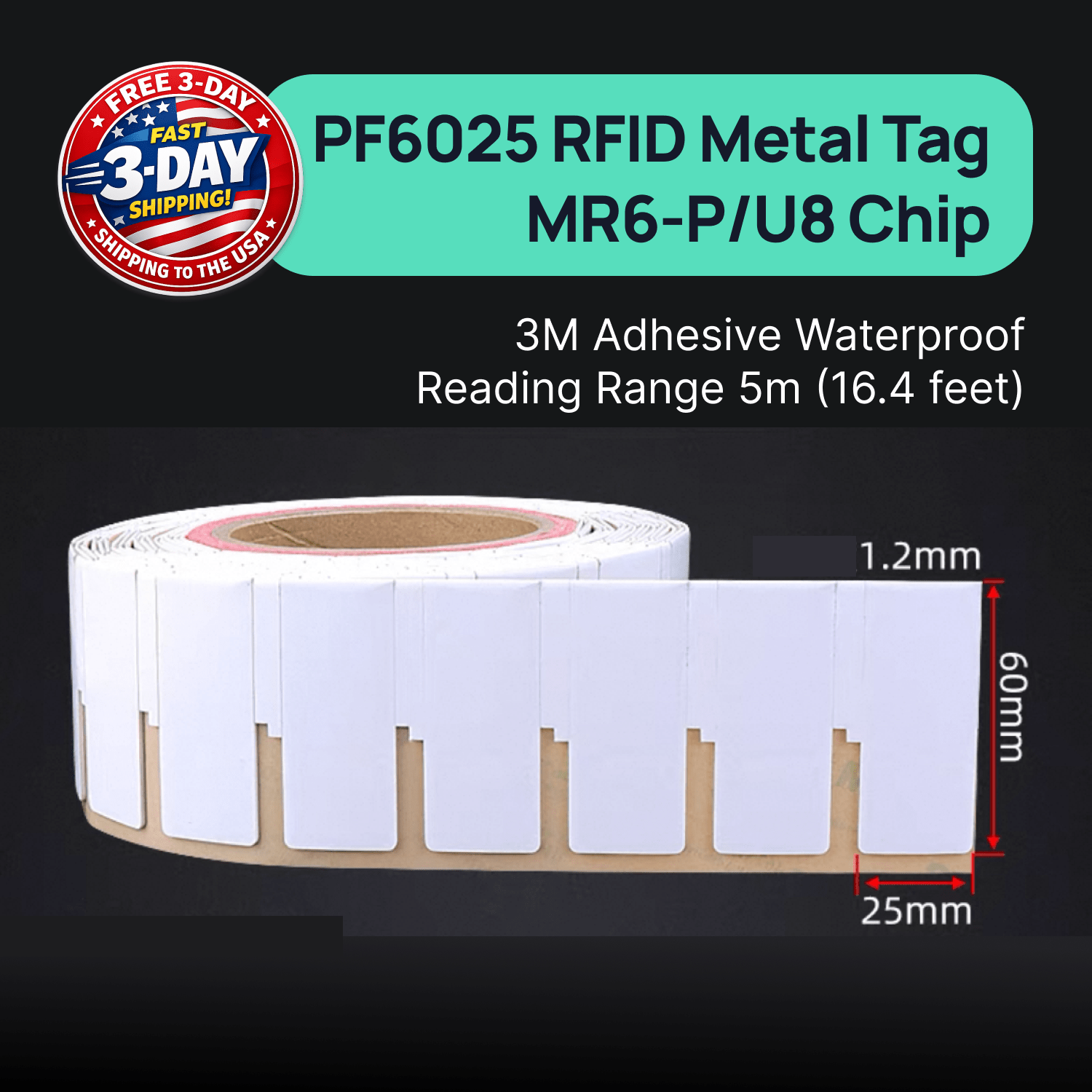
RFID UHF On Metal Asset Tags Sticker PET Meterial Waterproof 3M Adhesive TagtixRFID
Sale priceFrom $33.00 USD ($1.65 each)
Metal Equipment Tracking
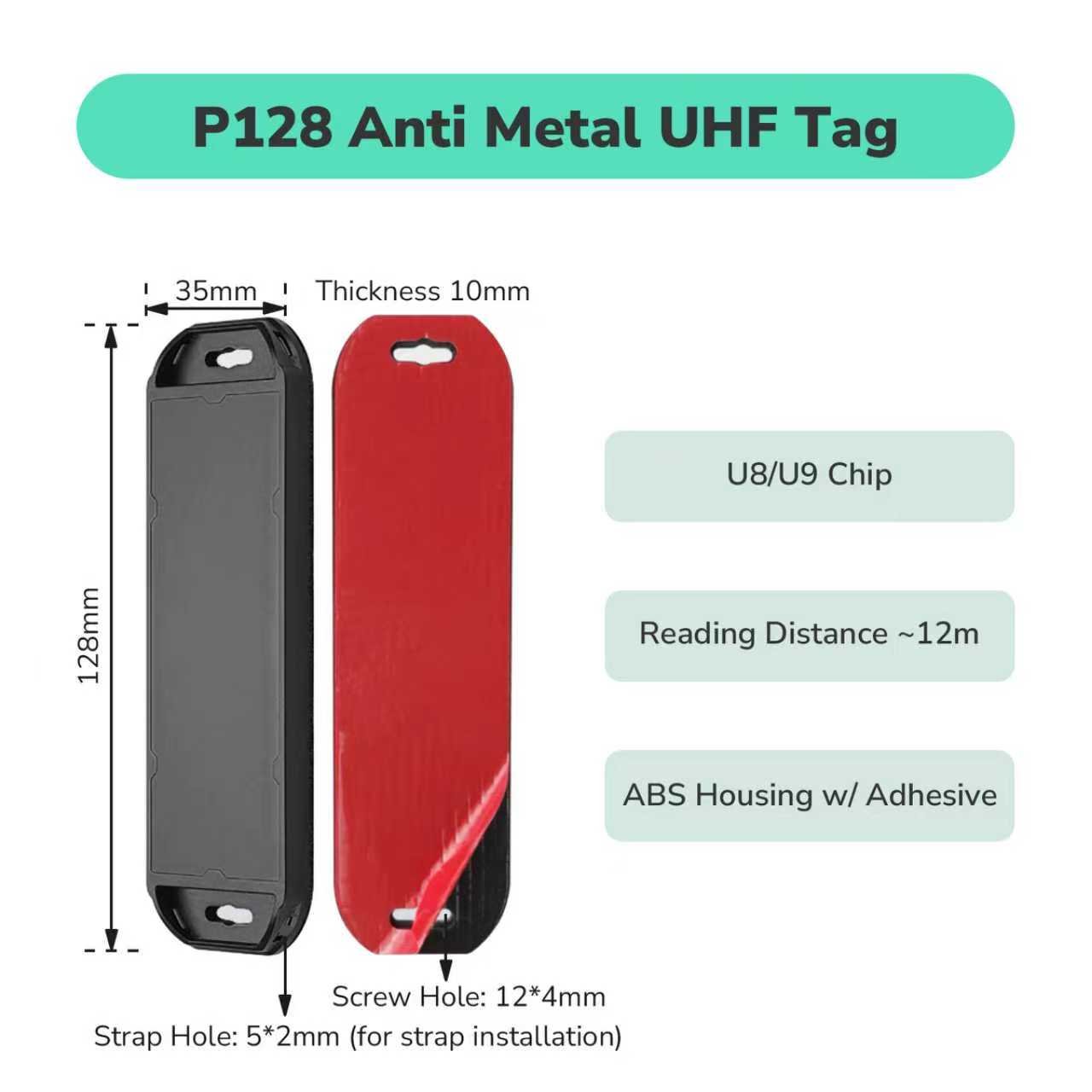
ABS Material RFID Mount On Metal Surface UHF Tag TagtixRFID
Sale priceFrom $15.00 USD ($1.10 each)
Moisture-Exposed Assets
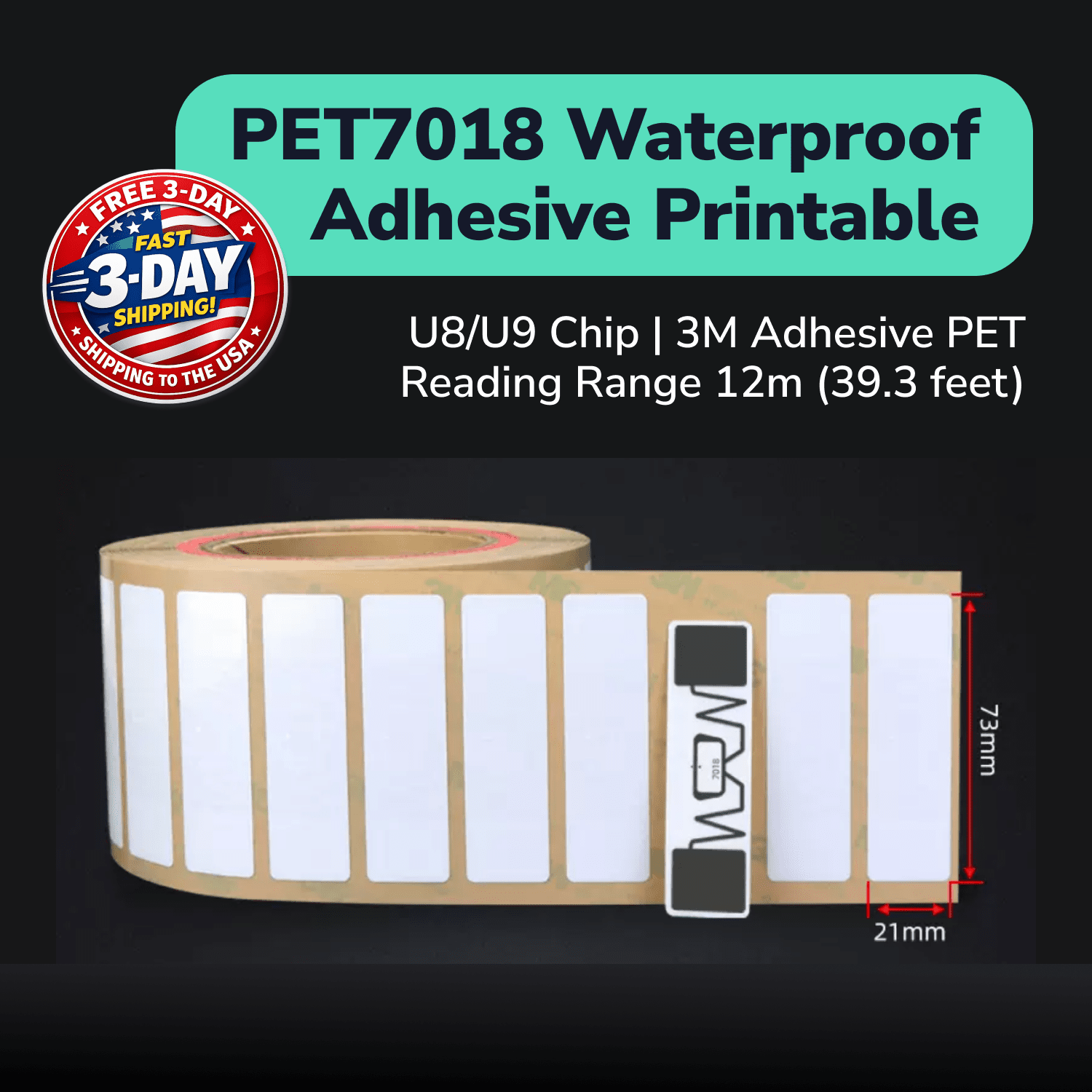
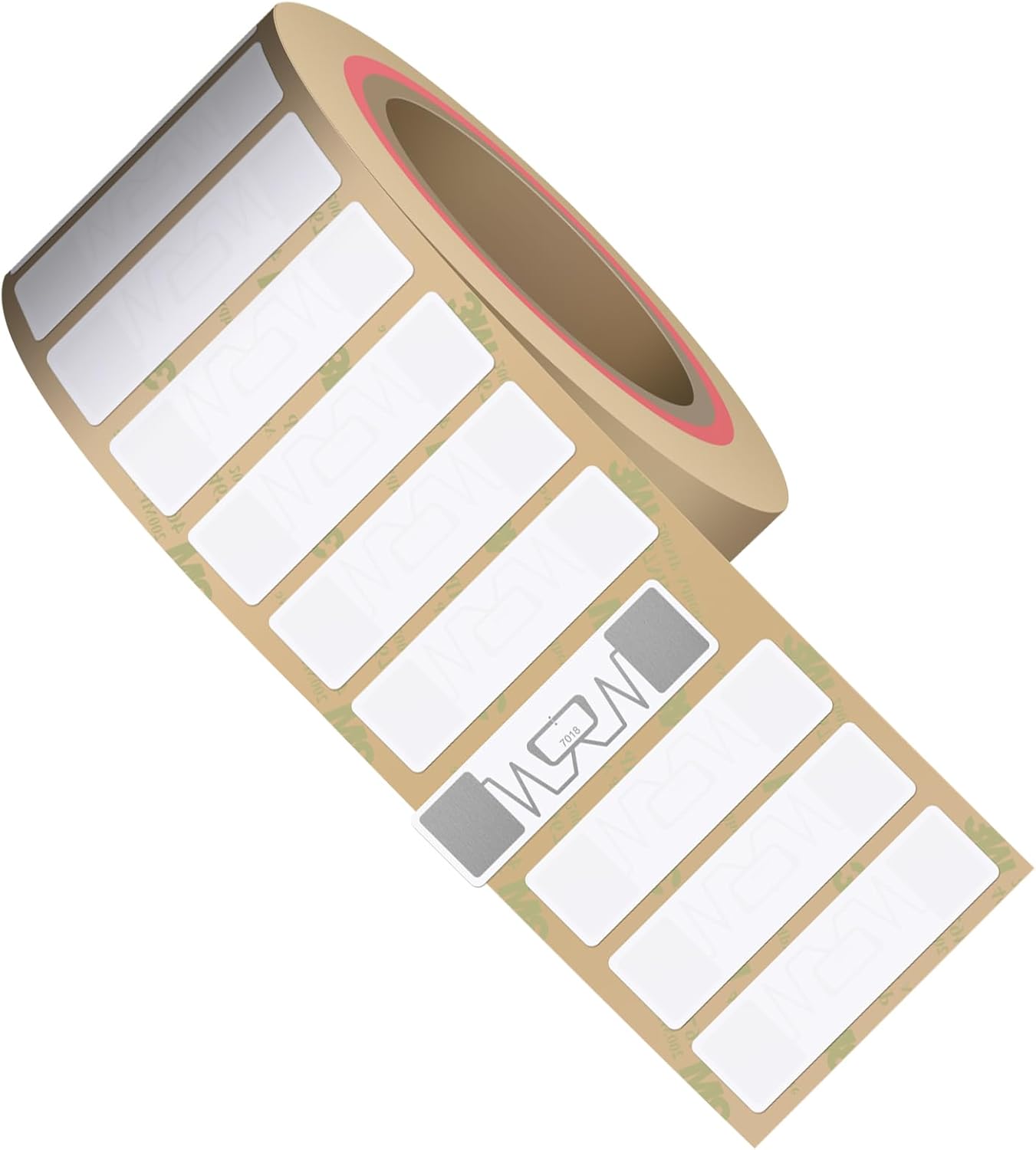
PET7018 Material Waterproof Printable Long Range UHF Label TagtixRFID
Sale priceFrom $17.99 USD ($0.18 each)

What Are You Looking to Track?

Small Components And Sensor Housings

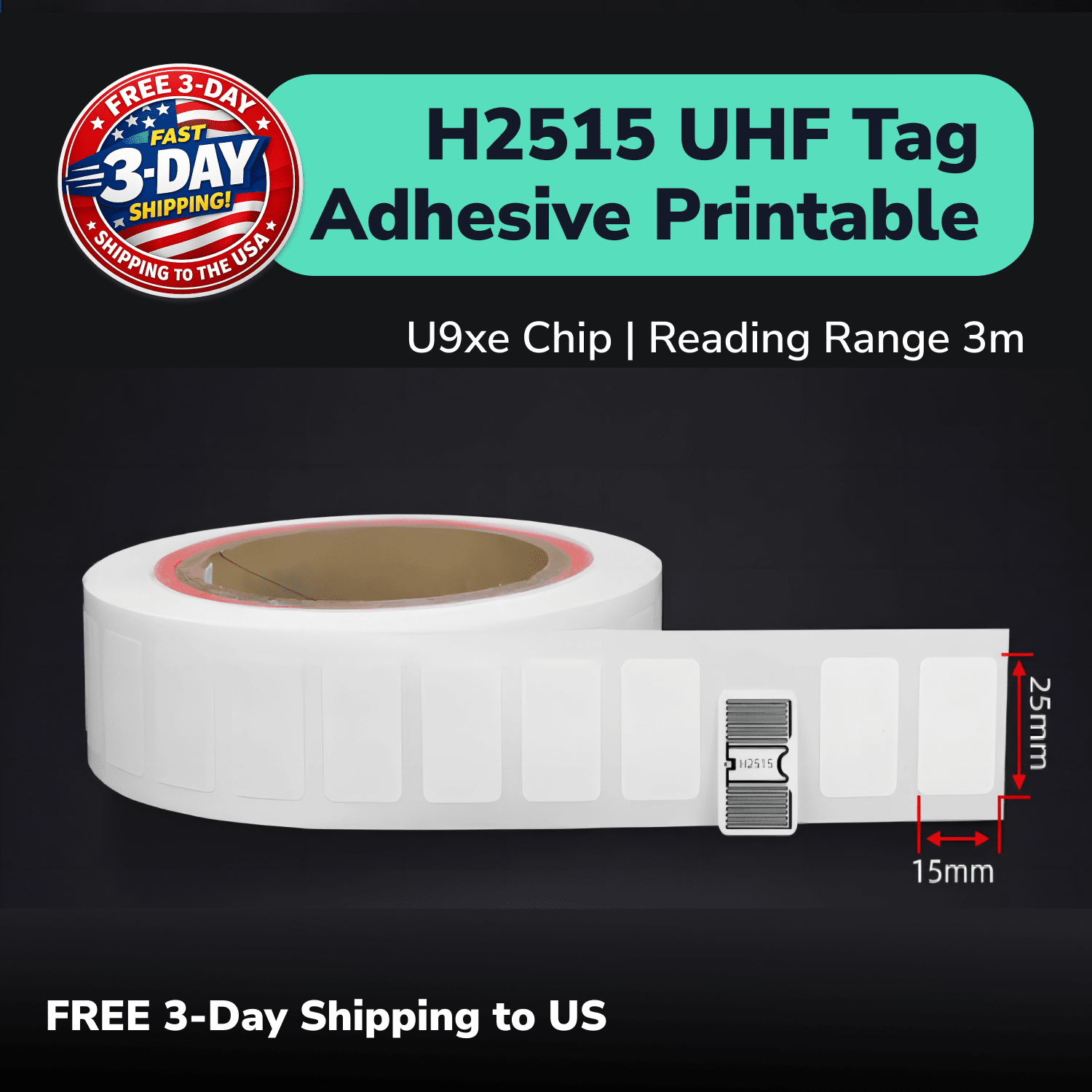
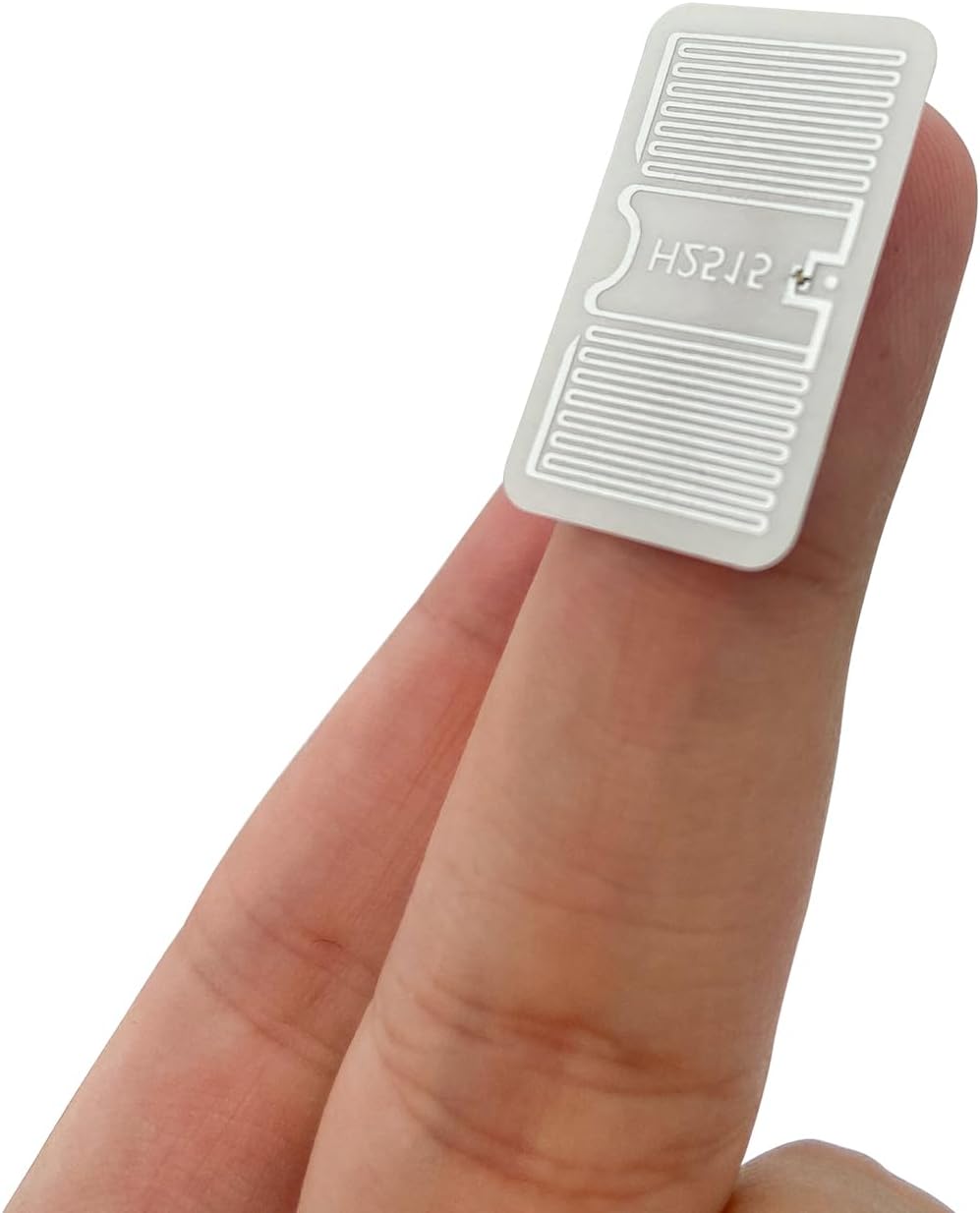
Measure the usable label space first. Our H2515 is 25 × 15 mm, making it a starting point when a larger label will not fit.

Check the surrounding metal and the finished assembly with your reader before settling on the tag position.

Use H2515

Metal Equipment And Reusable Tooling

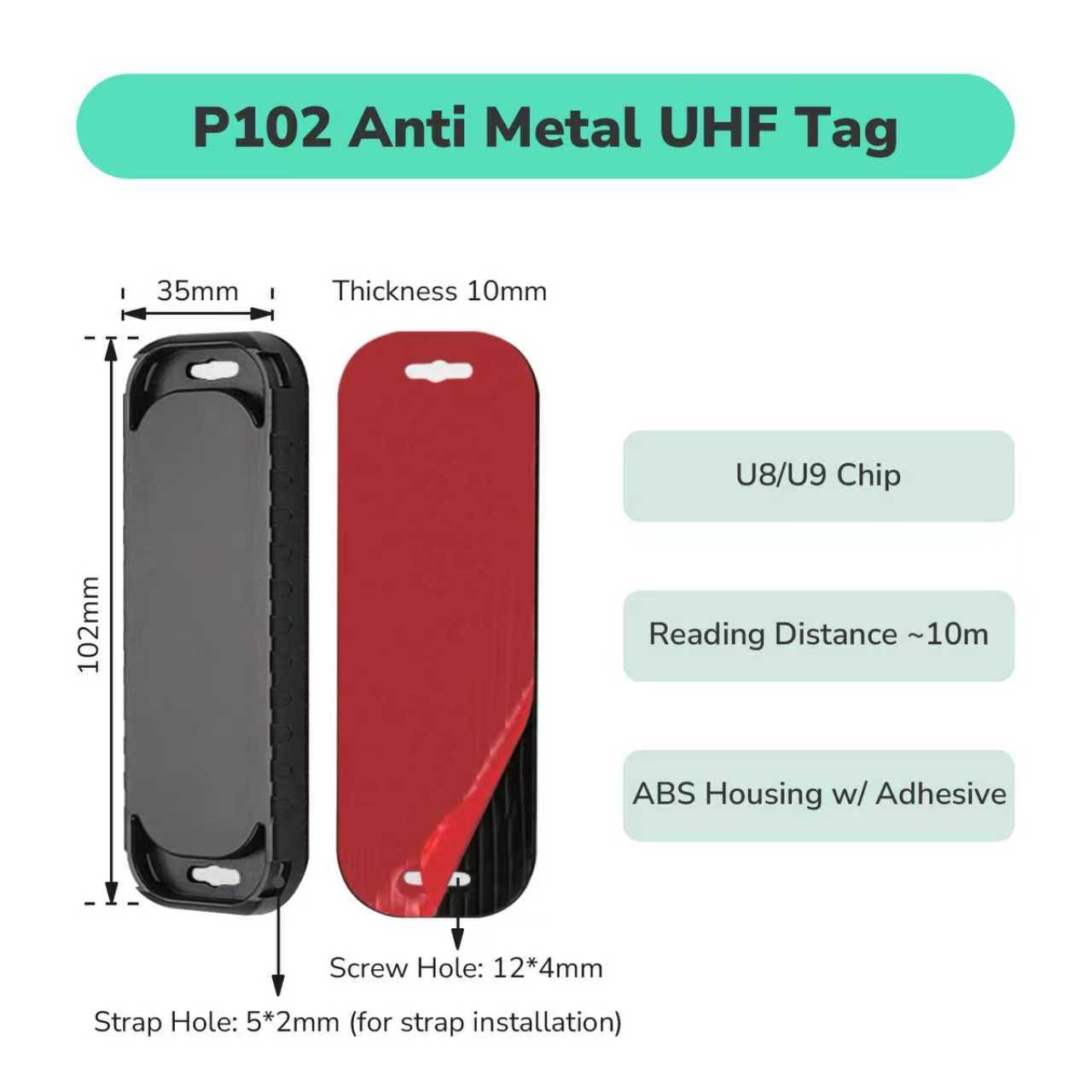
For a label mounted directly on metal, start with our PF6025. Compare it with the P102 when a rigid housing better suits your asset.

Tell us about the available space, heat and cleaning exposure so we can help you narrow the choice.

Use PF6025

Parts Bins And Assembly Inventory

For dry indoor labels, compare our printable 9662 inlay. If the label will get wet, consider the waterproof PET7018 and share the type of exposure with us.

Confirm the bin material and its contents, especially when metal parts sit close to the label.

Use 9662

How Do You Choose a Tag for Your Setup?

Measure the usable space and check the mounting surface first. Choose an on-metal design for direct attachment to a metal housing, and keep the tag clear of moving parts.

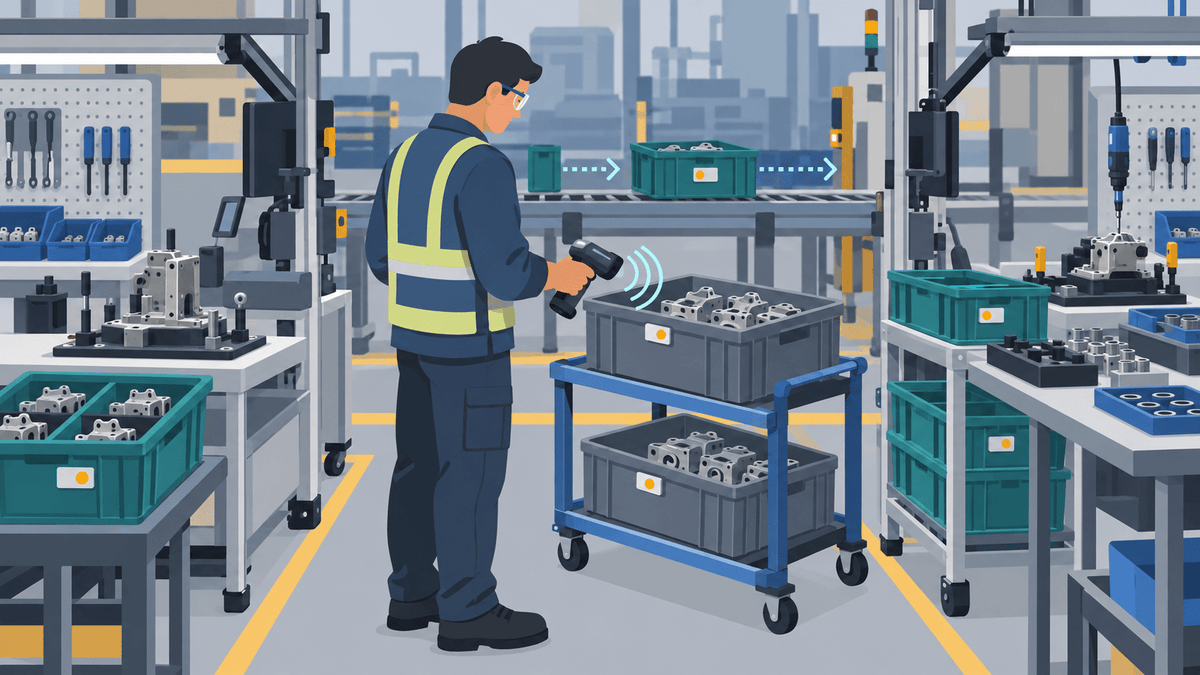
Decide where you need to identify components: a handheld inventory check, an assembly station or a robot-mounted reader scanning nearby inventory. These are different reading tasks, so test the tag in the position it will actually be used.

Link the tag identifier to your component record and agree with your integrator which scans should update location or production status. Confirm reading distance and consistency with your reader, finished assembly and environment.

If you would like to try labels on your own components or equipment, feel free to request a free UHF sample pack. Share the surface, available space and working conditions so we can help you select suitable options.

See How a Tracking Workflow Comes Together

How to Track Work-in-Process Items and Production Containers with UHF RFID - TagtixRFID

How to Track Work-in-Process Items and Production Containers with UHF RFID

UHF RFID helps manufacturing teams track work-in-process items and reusable containers by giving each moving unit a unique identity and recording that identity at defined production events. This gu...
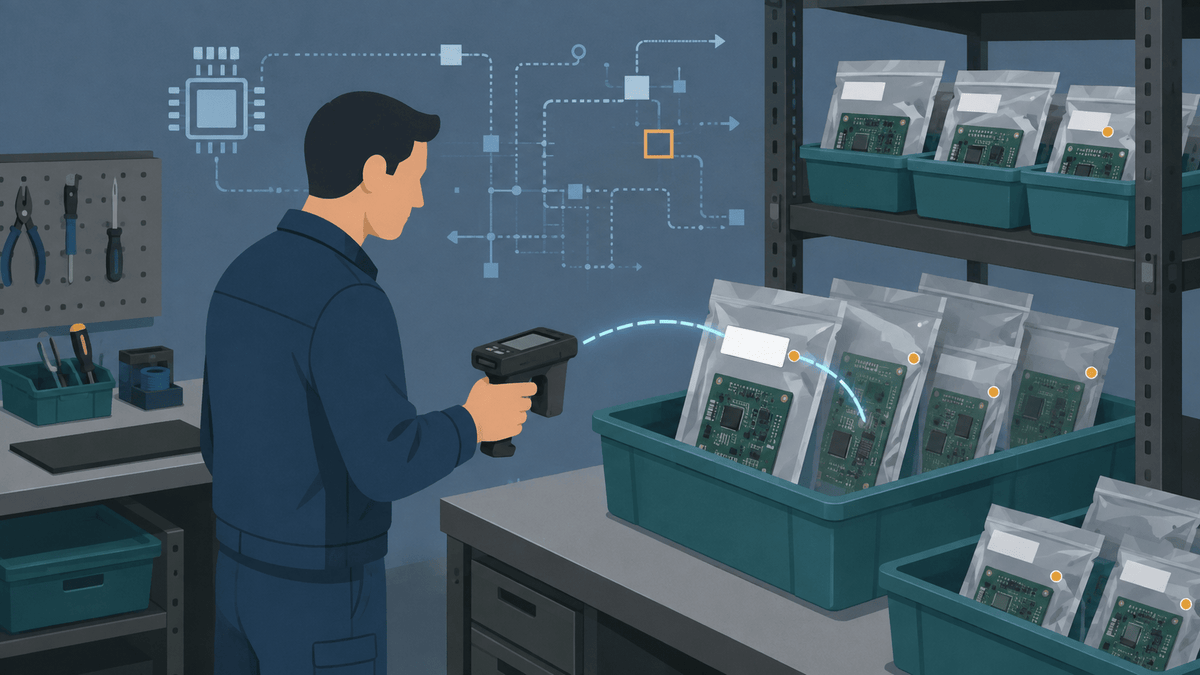
How to Track PCB Inventory in ESD Bags and on Metal Shelves with UHF RFID - TagtixRFID

How to Track PCB Inventory in ESD Bags and on Metal Shelves with UHF RFID

Learn how to test UHF RFID tags for PCB inventory in ESD bags, tubs, and metal shelving using printable, LED, and on-metal tag options.
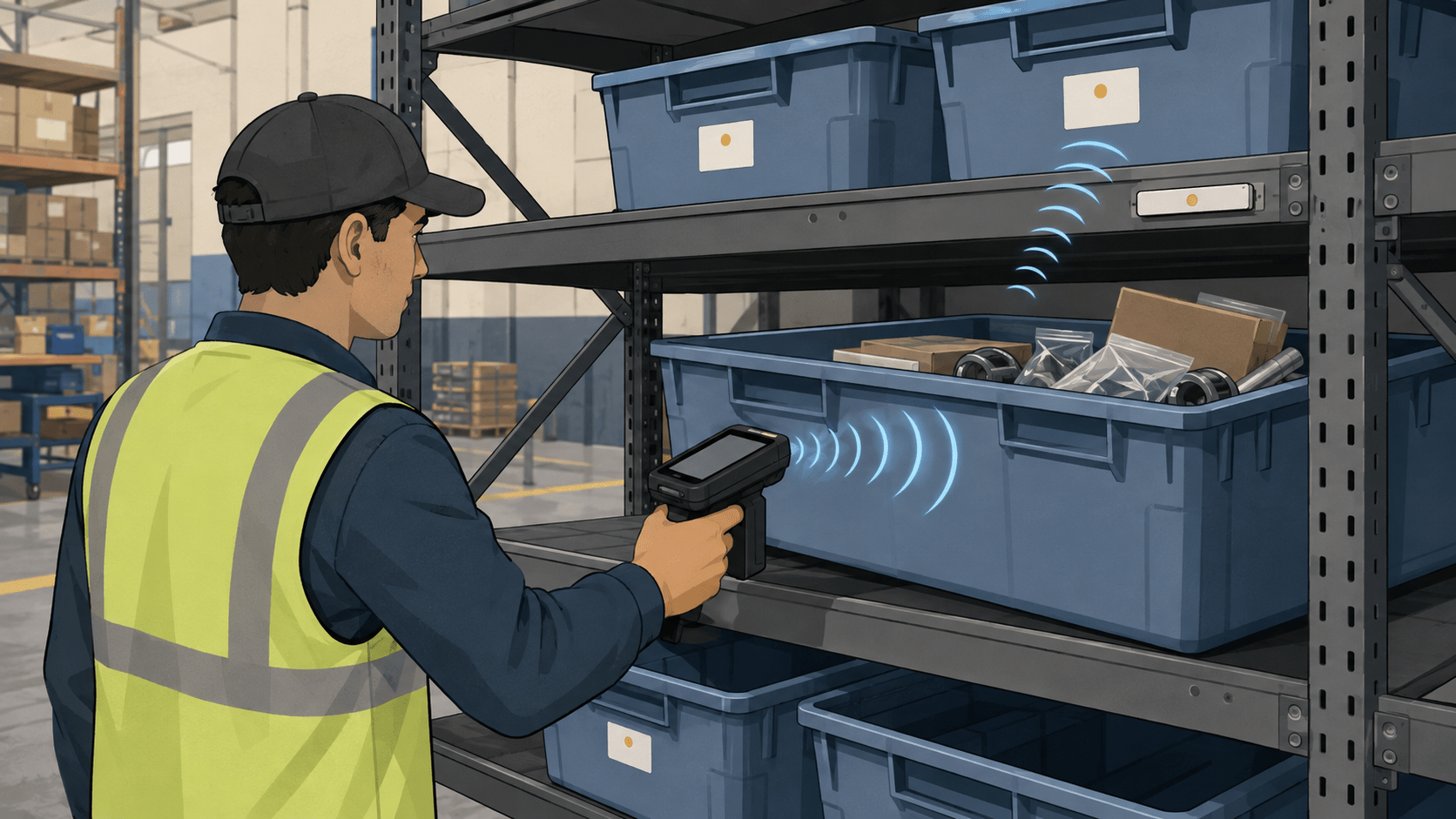
How to Track Inventory in Totes Near Metal Racks with UHF RFID - TagtixRFID

How to Track Inventory in Totes Near Metal Racks with UHF RFID

Learn how to choose, place, encode, and qualify UHF RFID tags for tote inventory, grouped items, metal racks, and an optional heat step.
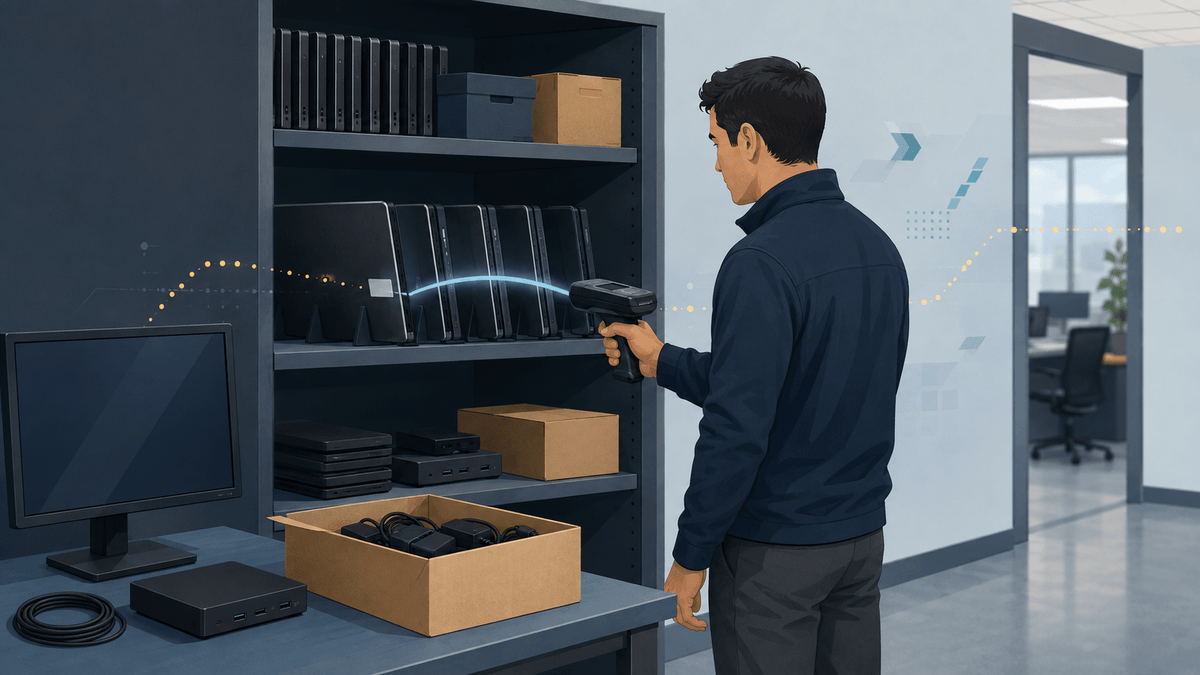
How to Audit Laptops and Office IT Assets with a Handheld UHF RFID Reader - TagtixRFID

How to Audit Laptops and Office IT Assets with a Handheld UHF RFID Reader

UHF RFID helps IT teams audit tagged laptops, monitors, docks, accessories, and boxed spares without scanning every barcode in direct view.