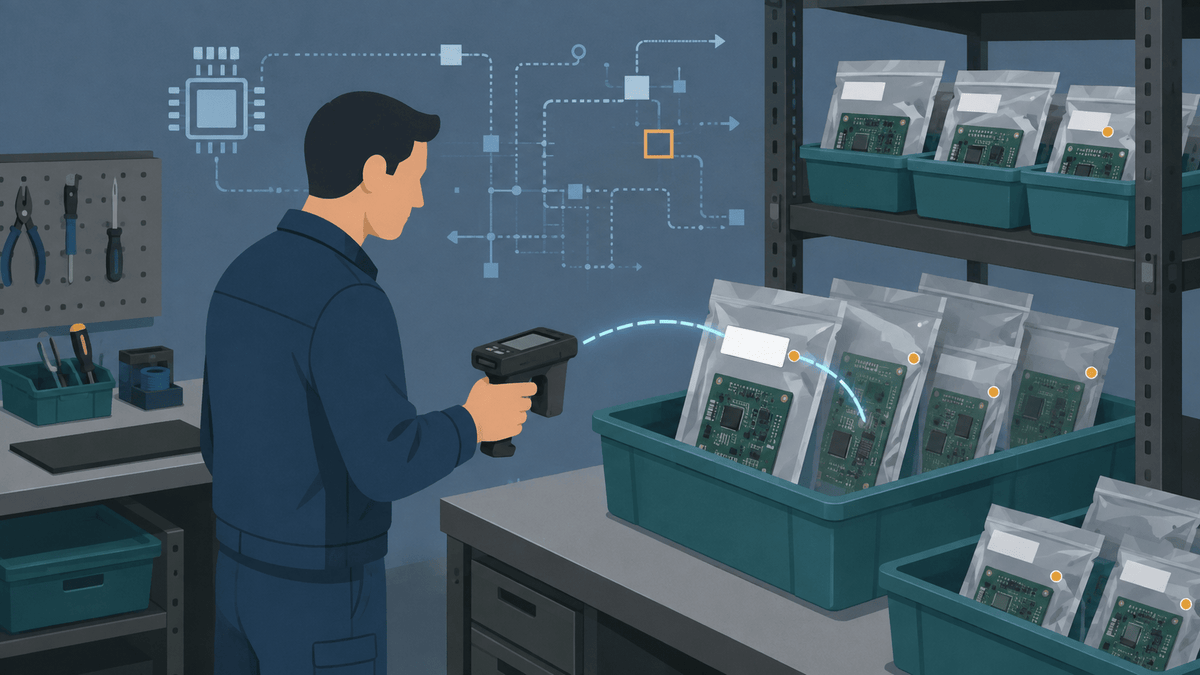
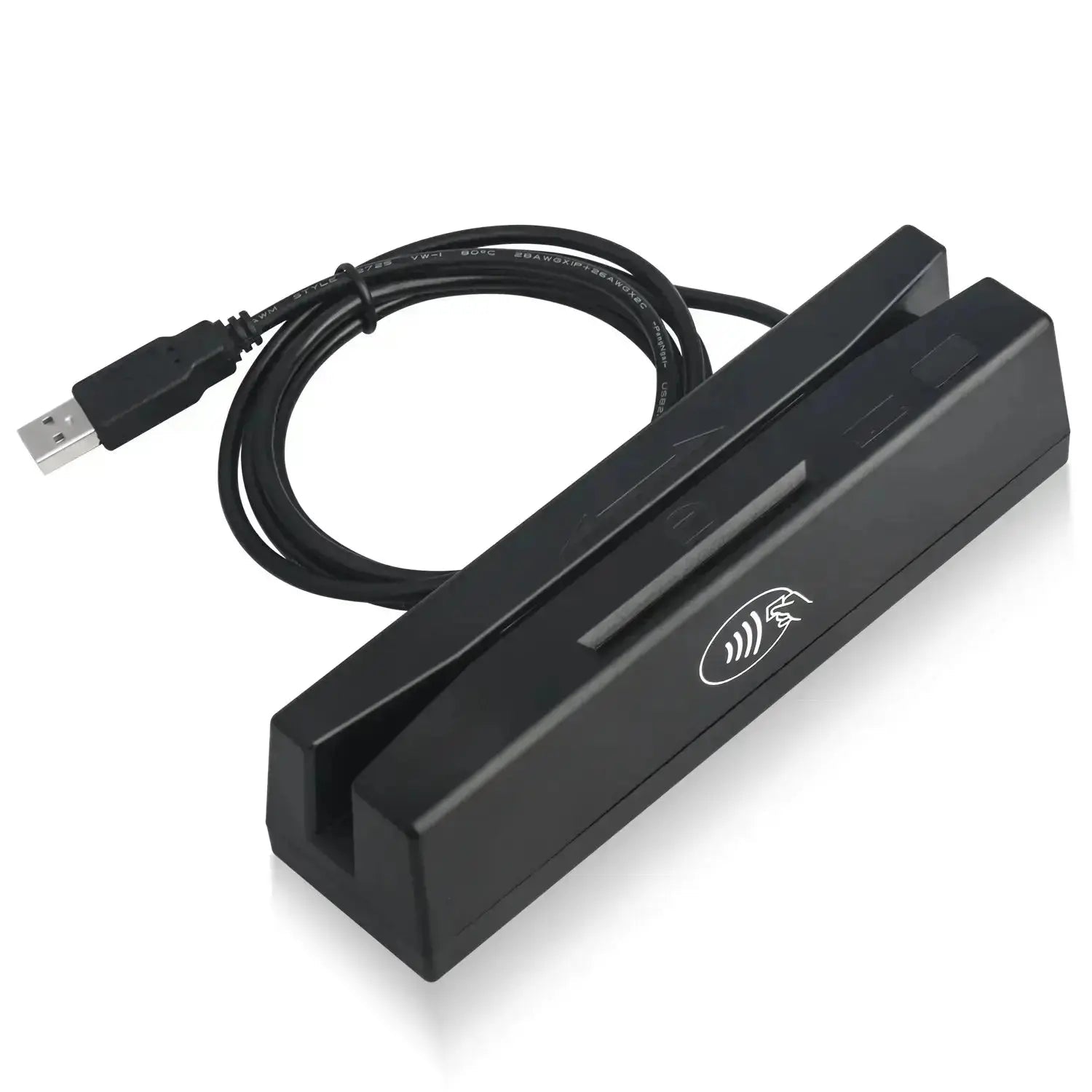

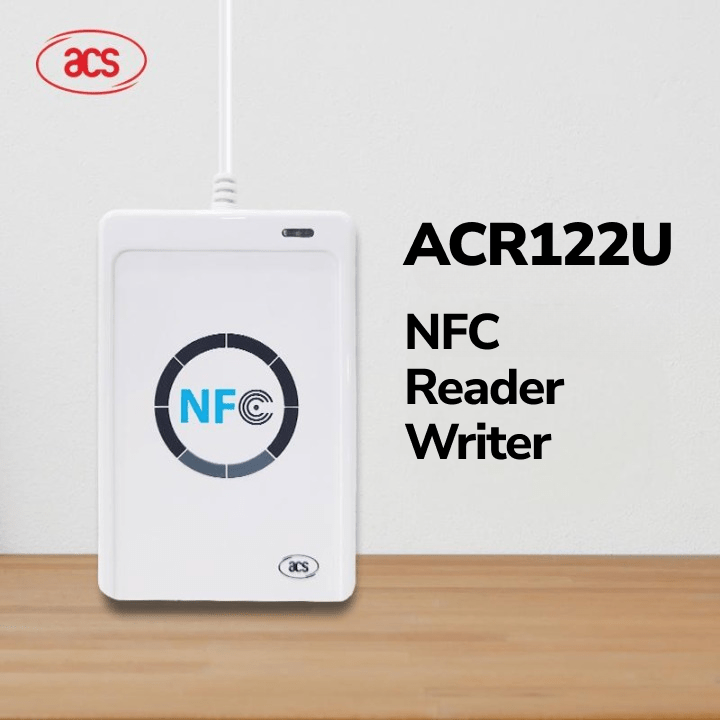
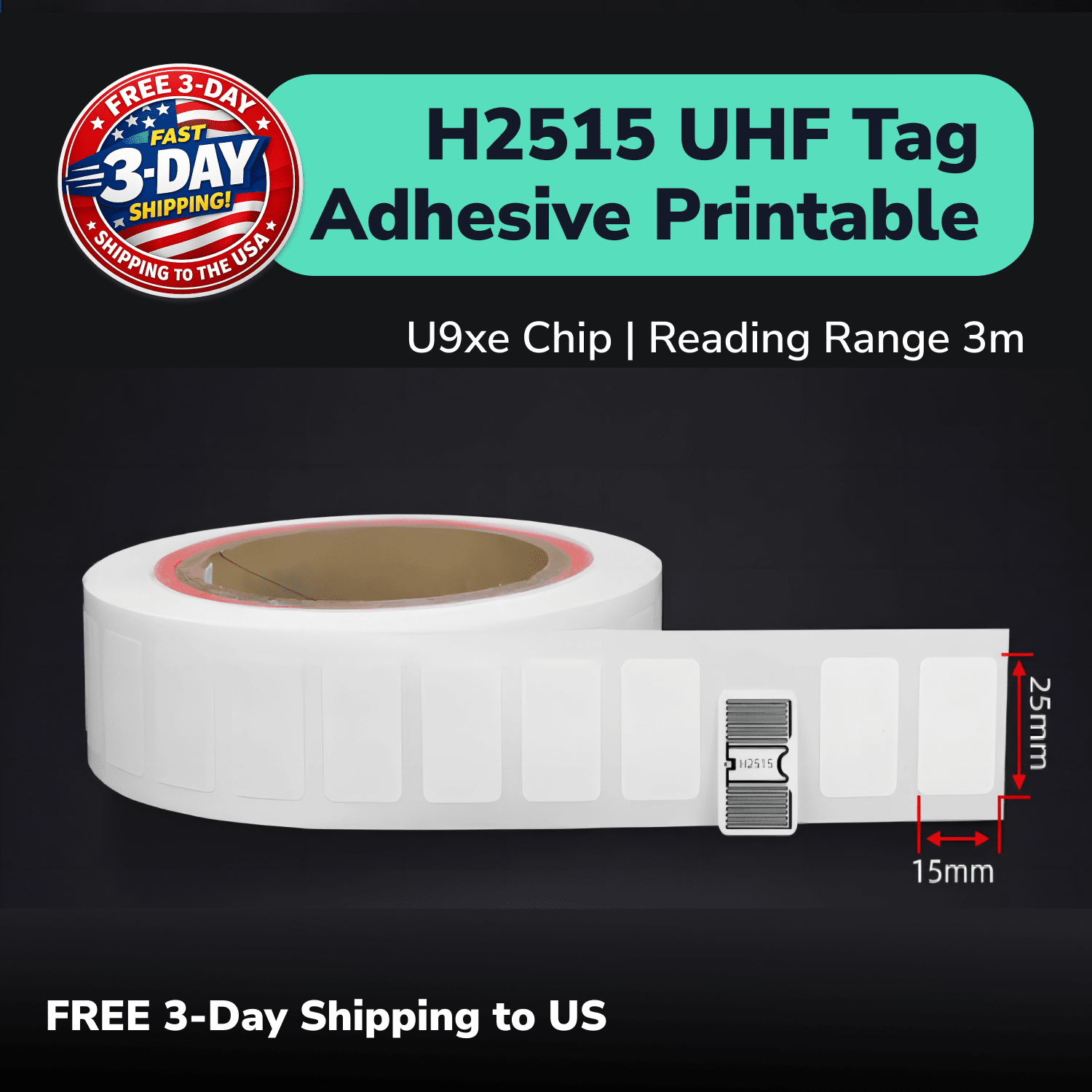


UHF RFID helps IT teams audit tagged laptops, monitors, docks, accessories, and boxed spares without scanning every barcode in direct view. This guide shows you how to choose tags for metal and non-metal assets, run a repeatable handheld audit, connect each read with an IT asset management record, and manage device moves across multiple offices.
The best RFID workflow starts with the device record that your team needs to verify. A handheld reader can help you find forgotten laptops and count tagged equipment, but your IT asset management system still controls ownership, location, status, and history.
Can You Use UHF RFID Tags to Audit Laptops and Office IT Assets?
You can use UHF RFID to identify several tagged laptops and office assets during a planned audit without aiming at every label. A handheld reader can capture suitable tags as the operator follows a defined route through an office, storage room, or service area.
The reader tells you which Electronic Product Codes, or EPCs, responded during the sweep. Your asset register, IT asset management system (ITAM), or configuration management database (CMDB) must connect each EPC with the correct device record.
One RFID sweep does not prove exact room location, ownership, compliance, or database accuracy by itself. Your audit process must compare the reads with the expected asset list and review every missing, unexpected, unknown, or duplicate identity.
Which Office IT Assets Should You Include in the RFID Audit?
Start with the IT assets that create the most audit work, search time, or record risk. Laptops often lead the list because they move between employees, offices, cupboards, repairs, loans, and storage.
| Asset group | Useful RFID task | Main record to verify | Important constraint |
|---|---|---|---|
| Laptops and tablets | Audit, search, issue, return, repair | Device and custody record | Metal, battery, screen, and internal construction can affect placement |
| Monitors and docks | Desk or storeroom inventory | Asset and assigned-location record | Metal backs, stands, ports, and cable access limit tag positions |
| Desktops and network devices | Inventory and controlled service events | Asset, rack, or service record | Metal cases and dense equipment require careful read-zone control |
| Loan equipment | Issue, return, and overdue review | Custody and due-date record | A raw read should not silently assign the device to a person |
| Boxed spares | Storeroom count and search | Stock and package record | A box tag does not prove which device remains inside |
| Accessories and cases | Inventory or kit checks | Item, kit, or package record | Small label space may limit the tag option |
A device tag and a container tag answer different questions. A tagged box identifies the package, while a tagged laptop identifies the device itself.
Your team may use both levels when devices stay boxed for part of their lifecycle. The system should create and remove the device-to-box relationship whenever workers pack, unpack, repair, or reassign the equipment.
Which RFID Tags Work on Laptops and Metal IT Equipment?
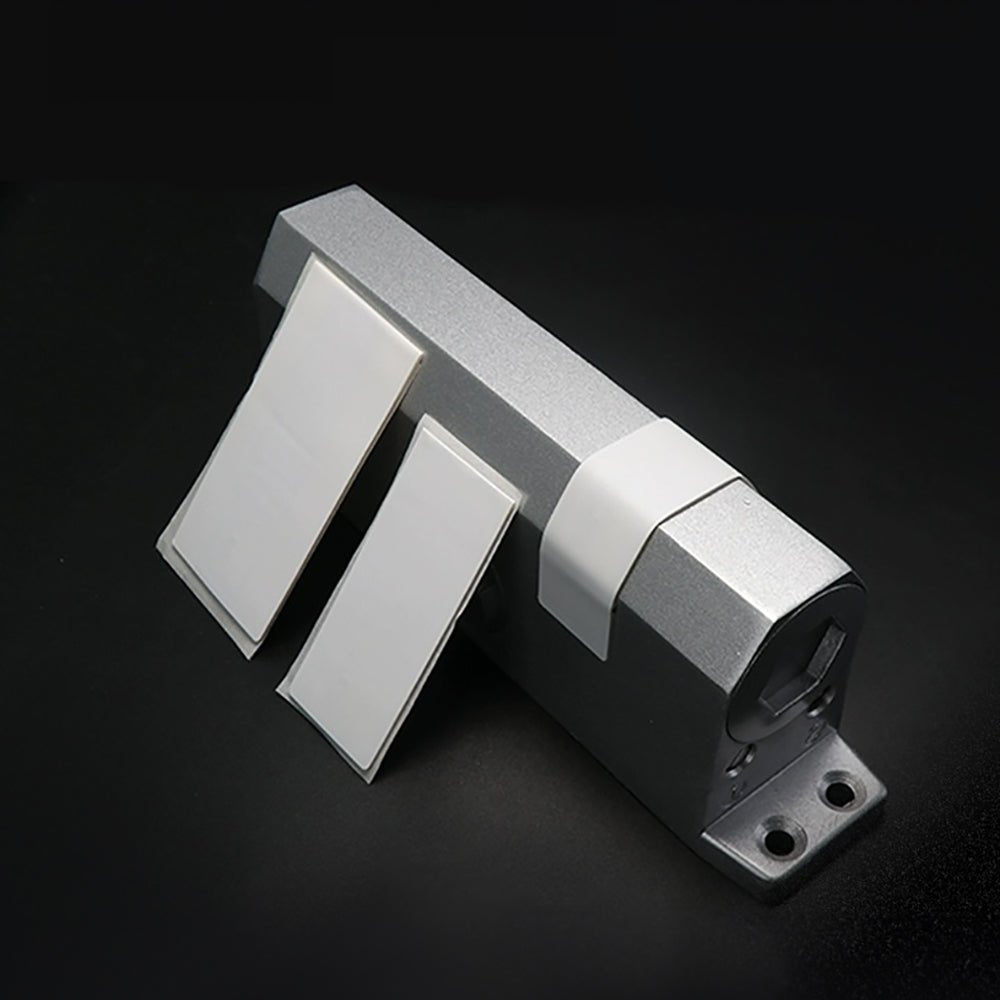
Use an on-metal UHF RFID tag when the tag touches a metal laptop or equipment surface. Use a standard printable inlay only on a suitable non-metal housing, carton, case, or accessory package.
| Tag | Practical starting role | Verified format | What you still need to test |
|---|---|---|---|
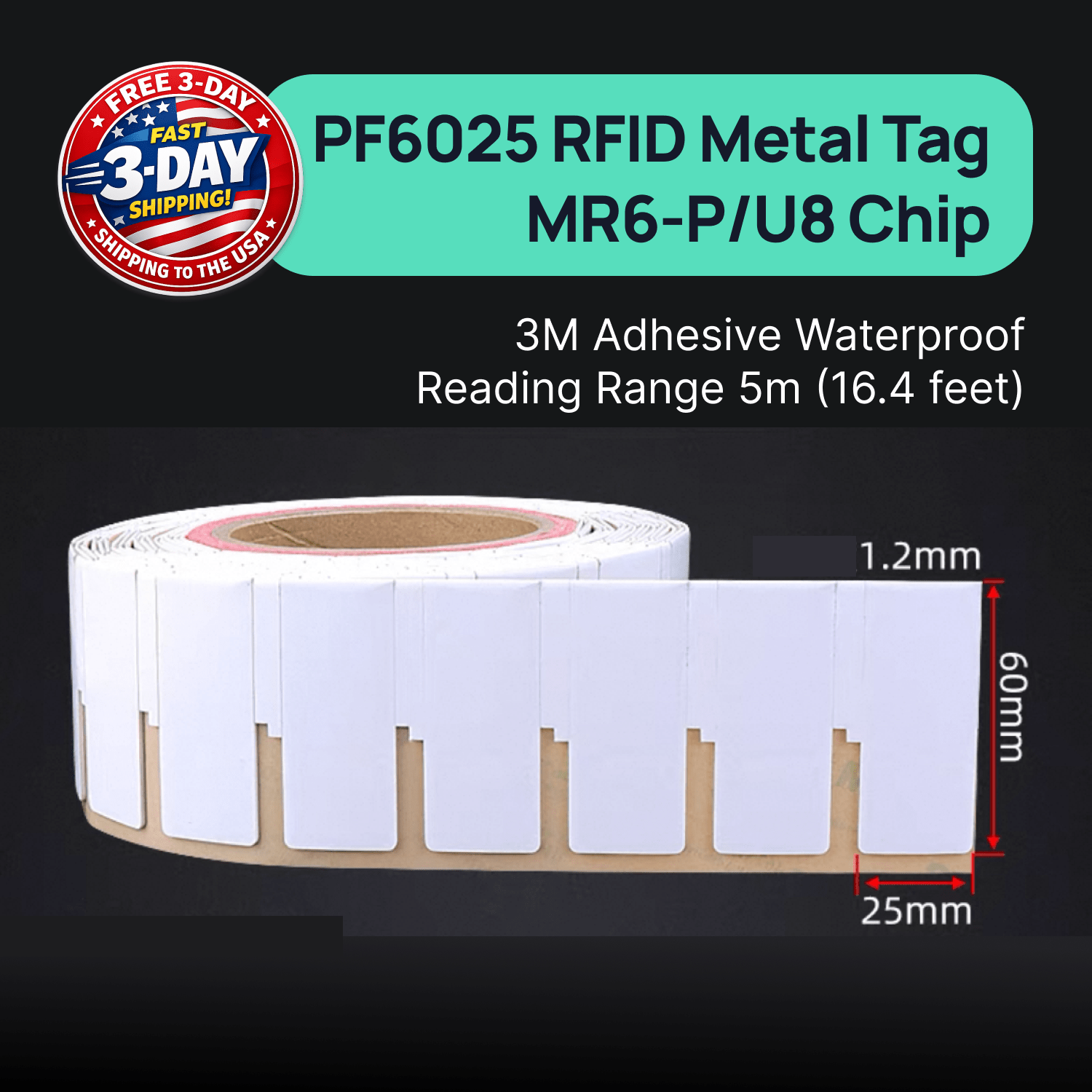
| PF6025 on-metal UHF RFID tag | Use PF6025 as the compact direct-on-metal starting point for suitable laptops and IT equipment. | PF6025 measures 60 mm × 25 mm × 1.2 mm. | Test the exact device, placement, reader, handling, label approval, and nearby equipment. |
| PF7030 on-metal UHF RFID tag | Use PF7030 when the device provides room for a larger direct-on-metal comparison. | PF7030 measures 70 mm × 30 mm × 1.2 mm. | Test whether the larger shape improves the real audit without blocking ports, labels, or service access. |
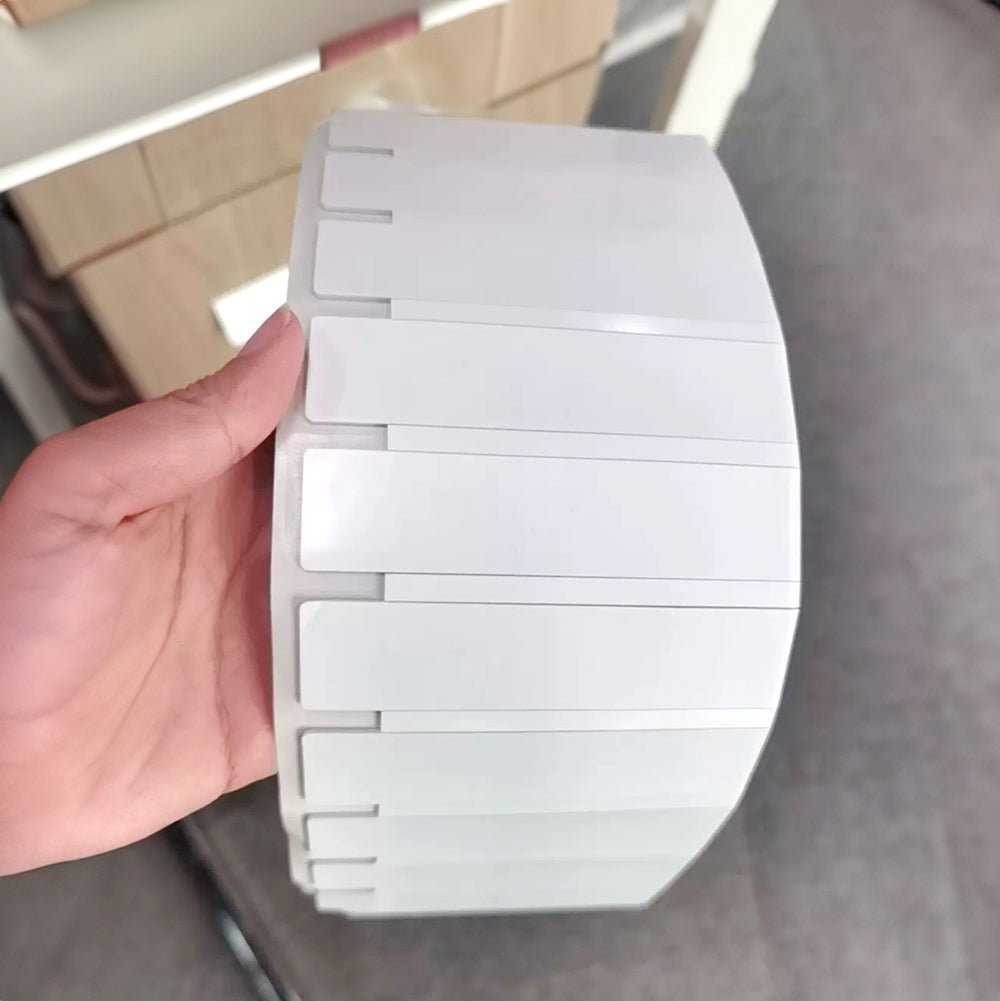
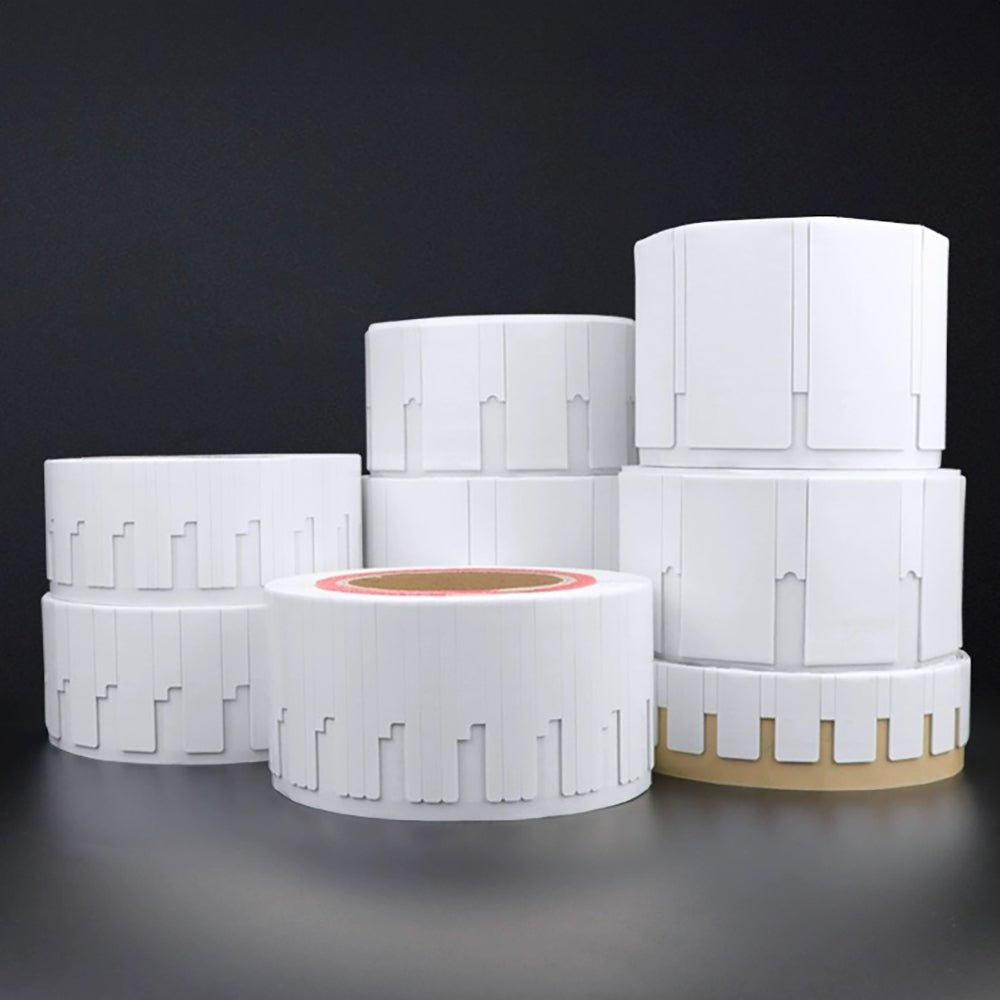
| H47U printable UHF RFID sticker | Use H47U on suitable non-metal housings, cartons, cases, or accessory packaging. | H47U measures 50 mm × 50 mm. | Test the surface, contents, orientation, placement, and reader path. |
Laptop models use different exterior materials and internal layouts. Your team should test the tag on each representative model instead of treating every silver or plastic-looking surface the same way.
A larger tag does not always create a better audit. The device material, available space, tag direction, nearby metal, storage layout, reader power, and operator path can matter more than the label size alone.
Our guide to UHF RFID tags on metal surfaces explains why a standard inlay and an on-metal tag behave differently. Use that distinction before choosing a sample set for laptops or metal office equipment.
Can a Handheld RFID Reader Find Laptops in Cupboards and Boxes?
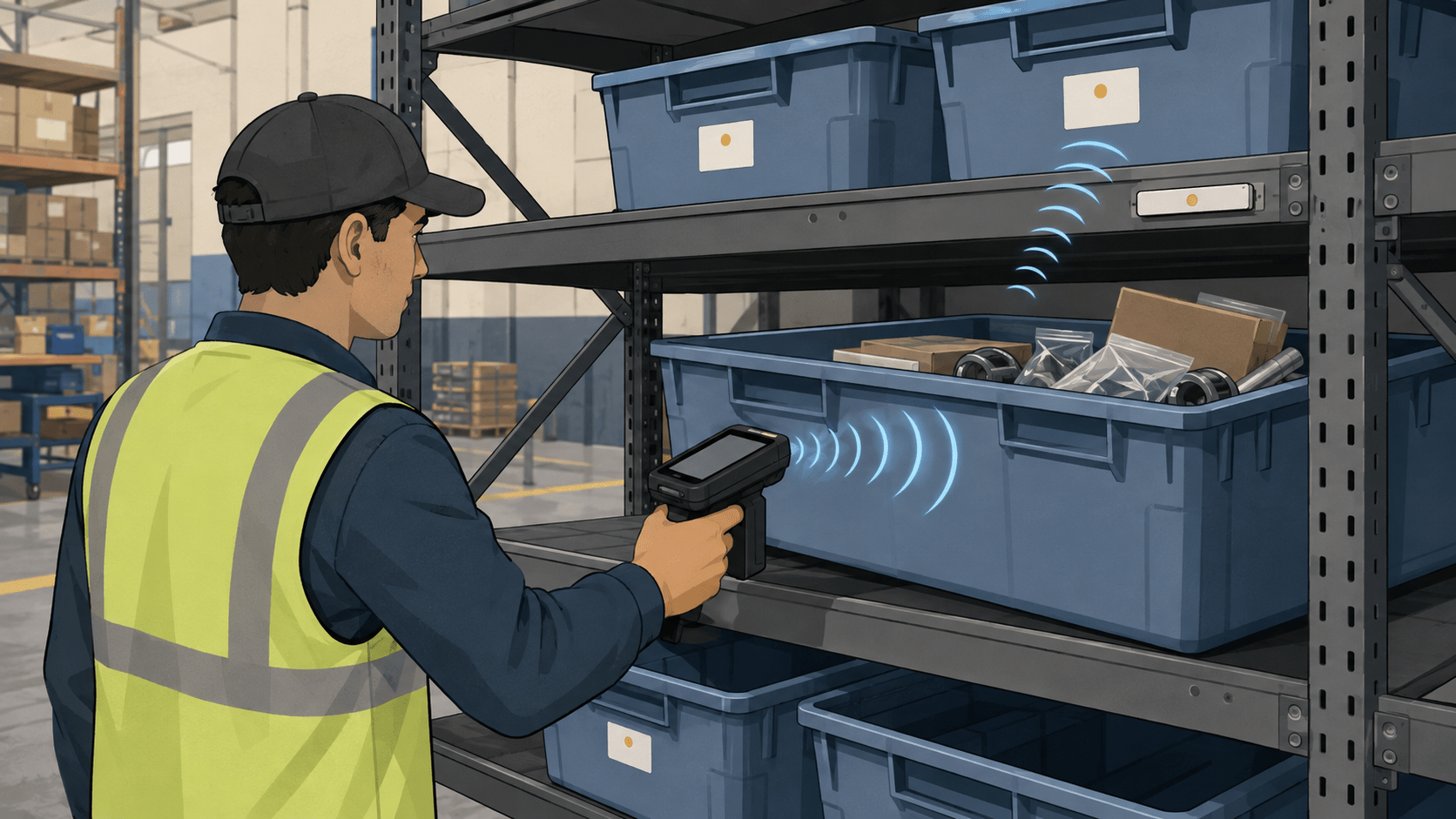
A handheld RFID reader may find tagged laptops without seeing each label, but cupboards, dense stacks, boxes, walls, people, and tag angles can change the result. Metal storage furniture can reflect signals, while tightly packed devices can shield one another.
Your scan route should divide the office into clear zones. The operator can sweep one room or storage area, compare the responses with the expected list, and make a second pass from another position when an asset stays missing.
Your exception process should separate four results:
- Found: The expected EPC responded inside the planned audit zone.
- Missing: The expected EPC did not respond after the defined scan procedure.
- Unexpected: A known asset responded in a zone where the system did not expect it.
- Unknown: The reader found an EPC that the asset system could not match.
A missing read does not prove that a laptop is absent. Your team should check the route, cupboard, box, device stack, tag position, reader settings, and record before changing the asset status.
The RAIN RFID field guide explains how metal, water, people, orientation, nearby tags, and the real environment can affect a read zone. Test the complete handheld workflow in the offices where your team will use it.
Handheld Audits or Fixed Reader Points: Which Fits Your IT Workflow?
Use handheld readers for flexible office audits and searches. Use fixed readers only where devices pass through one controlled event, such as receiving, issue, repair, return, or storeroom entry.
| Reader method | Best fit | Main control needed |
|---|---|---|
| Handheld sweep | Room audits, cupboard checks, searches, and exceptions | Standardize the route, distance, angle, operator steps, and zone boundary |
| Service-desk station | Device issue, return, or repair intake | Keep nearby desks and waiting devices outside the read zone |
| Storeroom checkpoint | Controlled movement into or out of storage | Separate doorway reads from assets sitting beside the door |
| Tabletop station | Encoding, replacement tags, and record verification | Ensure that only the intended tag is inside the station |
A fixed reader should represent one named event. A response at a doorway should not automatically transfer custody, mark a repair complete, or change a compliance status without the required process context.
Continuous location needs a purpose-built locating system and a different site design. A handheld inventory sweep can tell you which tags entered its read zone, but it does not continuously report exact coordinates.
What Information Should Each RFID Tag Link to in Your ITAM or CMDB?
Map one unique EPC to one authorized asset record and keep sensitive device, user, location, and lifecycle details in the protected IT system. The tag can act as a lookup key without carrying personal or security-sensitive information.
The NIST IT Asset Management practice guide explains that physical asset data works best when the organization connects it with the wider device, status, configuration, and security record. UHF RFID can support the physical-inventory layer without replacing the ITAM or CMDB.
A useful mapping can include:
- EPC;
- company asset ID;
- serial number and model;
- assigned person or team;
- expected office or storage zone;
- current lifecycle status;
- last verified event and time;
- audit exception state;
- replacement-tag history.
CSV or Excel can support an early controlled pilot when the team needs a simple export and reconciliation process. The export should use stable column names and preserve EPC values exactly, including leading zeros when the identity format needs them.
Automated ITAM or CMDB updates need verified APIs, field mappings, permissions, duplicate handling, and error rules. Do not assume that a handheld reader works with a specific platform until the project confirms the reader software and the system's supported import or integration path.
How Do You Track Device Moves, Loans, Repairs, and Retirement?
Give every device lifecycle event an owner, reader action, expected record change, and exception rule. A clear event model prevents one raw RFID read from silently changing custody or compliance status.
| Lifecycle event | What RFID can capture | What the system should review |
|---|---|---|
| Device received | The EPC at a receiving or commissioning point | Asset creation, serial number, model, and approved tag mapping |
| Employee or team assignment | The device at a controlled issue station | Authorized recipient, issue date, and custody approval |
| Office move | The device during a move or destination audit | Previous location, expected destination, and move approval |
| Short-term loan | The device at issue and return | Borrower, due date, return condition, and overdue exception |
| Repair | The device at service intake and release | Repair ticket, status, technician action, and release approval |
| Storage | The device during storeroom receipt or audit | Expected zone, box or shelf relationship, and availability |
| Loss review | The missing or unexpected audit result | Repeat scan, record check, owner contact, and investigation status |
| Retirement | The device at controlled disposition | Data-handling approval, status change, tag removal, and retained history |
A replacement tag needs its own controlled event. Your team should retire the old EPC, verify the new EPC, update the asset mapping, and check for duplicate identities before returning the device to service.
What Security and Privacy Controls Does an RFID IT Asset Program Need?
Use the RFID tag as a lookup identifier and protect employee, device, location, and security-sensitive information inside the authorized system. A standard EPC tag should not become a public label for private asset data.
Your IT team should define role-based access, administrator approval, audit logs, secure exports, duplicate checks, tag-loss steps, and replacement controls. The organization should also approve which labels can appear on each device and which users may change the linked record.
A standard EPC tag does not automatically provide encryption, anti-cloning, or cybersecurity protection. Your security team should review the complete tag, reader, application, network, identity, and access design when stronger controls matter.
How Much RFID Read Range Do You Need for an Office Asset Audit?
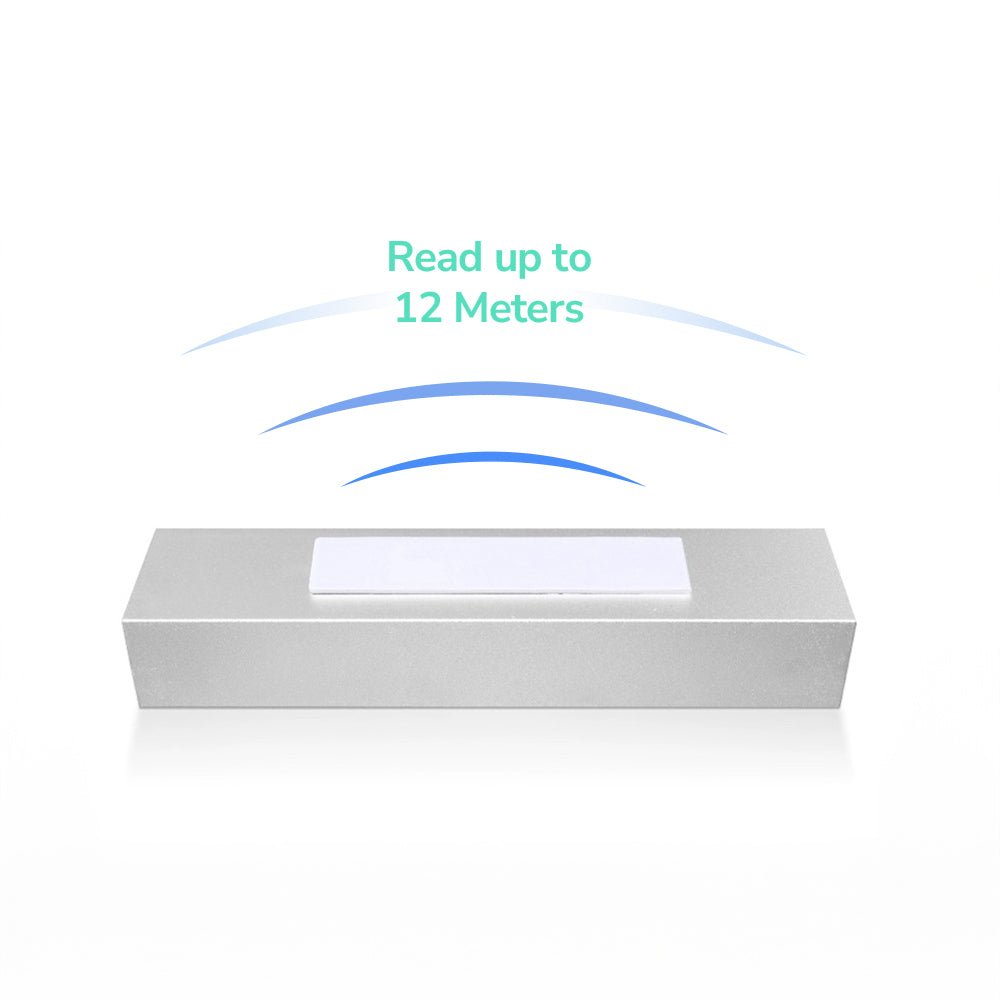
Use enough read range to cover the planned audit path without pulling in devices from neighboring rooms or storage areas. Controlled repeatability matters more than achieving the longest possible distance.
Reader power, antenna type, device construction, tag position, tag direction, cupboards, people, walls, and nearby tagged equipment can all change the usable range. Your pilot should record those conditions beside every result.
Longer range can create a new problem when the handheld finds assets through the wrong doorway or from the next room. Your scan procedure should make the audit zone clear enough that the operator can explain where each result came from.
How Do You Standardize UHF RFID Audits Across Multiple Offices?
Standardize tag position, EPC rules, asset fields, scan routes, exception labels, exports, and reporting before expanding to more offices. A common playbook makes results easier to compare across people and sites.
Each office still needs its own qualification record. Room layout, metal furniture, storage density, frequency region, network access, device mix, and operator training can change the workflow.
Your multi-office playbook should define:
- approved tag positions for each device group;
- EPC format and duplicate controls;
- required ITAM or CMDB fields;
- room and storage-zone naming;
- handheld route and second-pass rules;
- missing, unexpected, unknown, and duplicate labels;
- export and reconciliation steps;
- audit ownership and reporting.
A site-specific record should document any local change to the common playbook. This method keeps the program consistent without assuming that every office has the same walls, cupboards, or storage conditions.
Is a Handheld RFID Audit Worth It for Your IT Team?
Compare the current audit burden with measured results from one controlled pilot before deciding whether the hardware and workflow are worth the cost. The business case should use your real asset mix, audit frequency, and exception workload.
Measure the current process before starting the pilot:
- number and type of assets in scope;
- audit frequency;
- current scanning and reconciliation time;
- number of hidden, missing, or unexpected assets;
- cost of reader hardware, software, tags, setup, and training;
- time needed to investigate unresolved exceptions.
Measure the same items during the pilot and record where the RFID workflow saves time or creates extra work. The result may support expansion, a narrower use case, or a decision to keep the current process.
A Practical UHF RFID Pilot for Laptops and Office IT Assets
Pilot representative devices in one office and one audit workflow before adding fixed readers or more locations. A focused pilot makes tag, reader, data, and process problems easier to separate.
- Choose the laptop, monitor, dock, accessory, and boxed-spare groups in scope.
- Confirm approved tag positions and device-service restrictions.
- Compare PF6025, PF7030, and H47U only on suitable surfaces.
- Encode and verify one unique EPC for every sample asset.
- Link each EPC with the correct ITAM, CMDB, or asset-register record.
- Establish an open-area reading baseline.
- Add cupboards, boxes, device stacks, people, and normal office layouts.
- Follow one documented handheld route for each audit zone.
- Export the results and reconcile found, missing, unexpected, and unknown identities.
- Repeat the audit with another operator.
- Compare time, exceptions, and record quality with the current process.
Your pass criteria should cover intended reads, controlled neighboring reads, correct record mapping, repeatability, acceptable label condition, usable exports, and a clear exception path. One successful sweep does not prove that every office or storage layout will behave the same way.
Apply for UHF RFID Samples for Your Laptop and IT Asset Audit
TagtixRFID can prepare a focused sample mix when you tell us which devices you need to audit, which surfaces the tags will touch, how assets are stored, and how the reader data should reach your asset system. Testing your real laptops, cupboards, boxes, and audit route helps you compare the right tag paths before you order in volume.
Apply for Free UHF IT Asset Tag Samples
We can include compact and larger on-metal candidates for suitable laptops and equipment, plus a printable non-metal option for suitable housings, cartons, or packaging. We can also discuss printed asset numbers, barcodes, logos, and unique EPCs for the sample workflow.
The short application asks for your tracking purpose and project role. We can collect device models, surfaces, storage conditions, reader plans, exports, ITAM or CMDB details, security needs, and expected scale by email after you submit it.
The UHF tag samples are free, and you only cover shipping.