

Can UHF RFID Tags Track Small PCBs in ESD Bags?
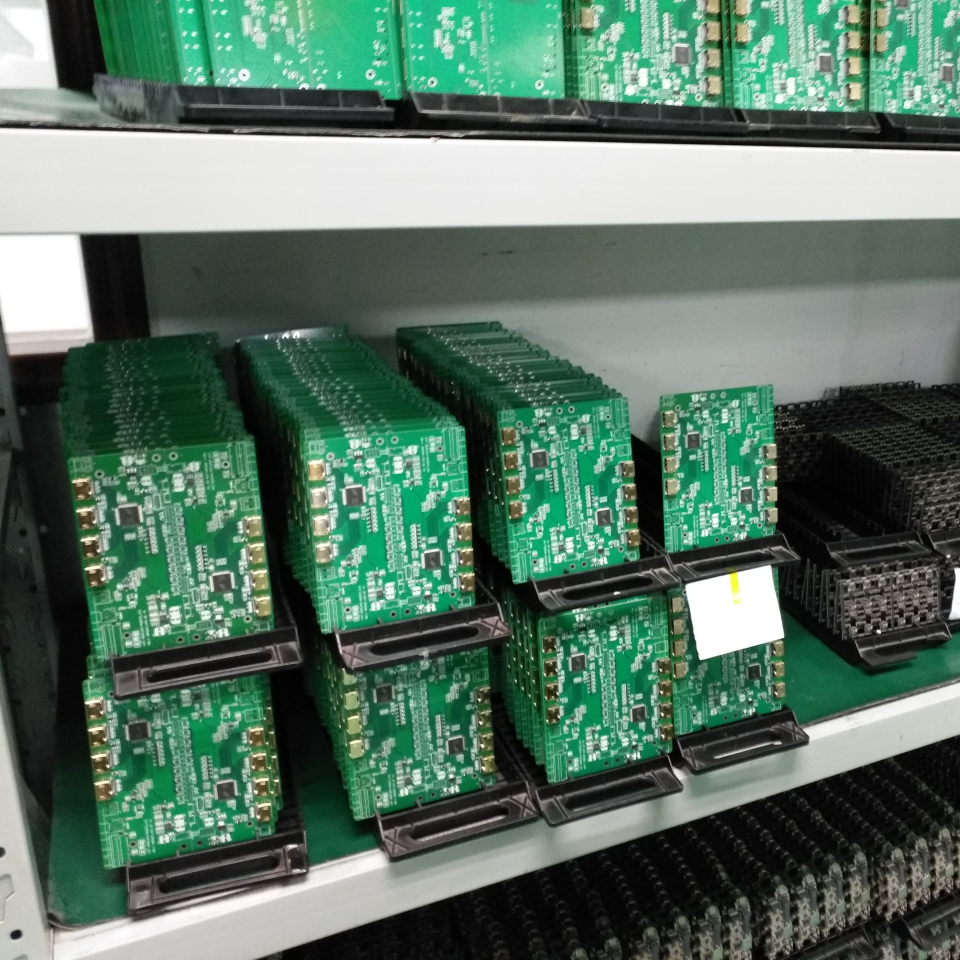
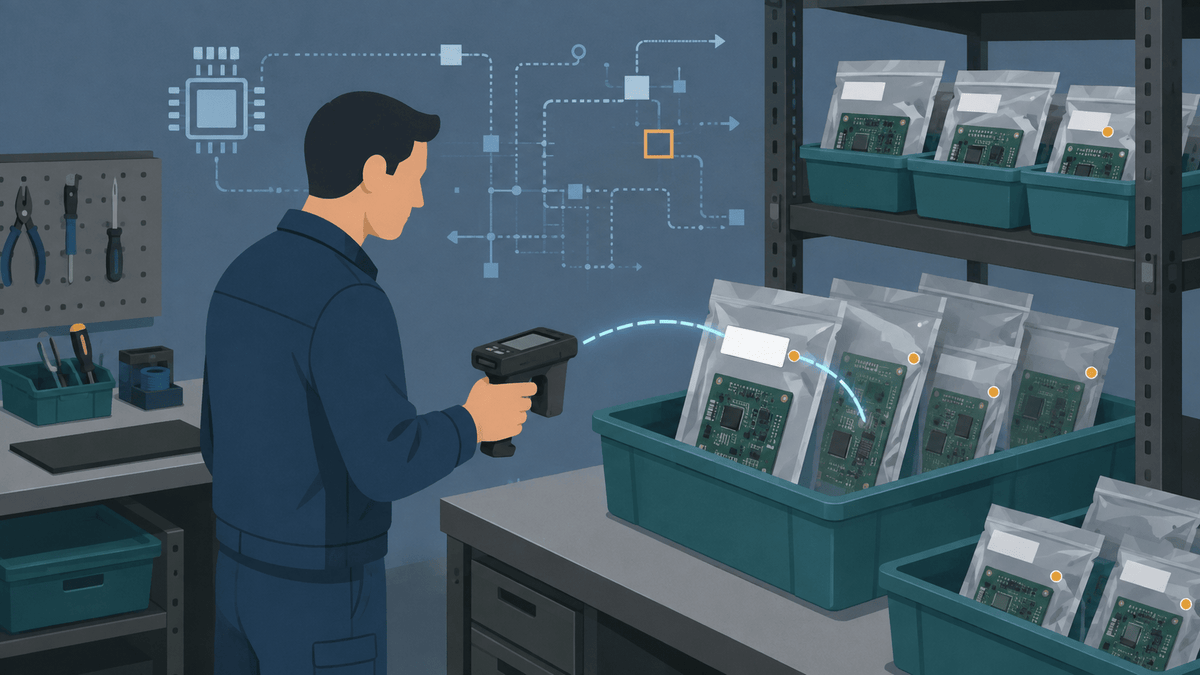
Yes, you can use UHF RFID tags to track small PCBs stored in ESD bags, especially when each bag needs its own inventory record. Test the complete storage setup instead of judging a loose tag on a desk.
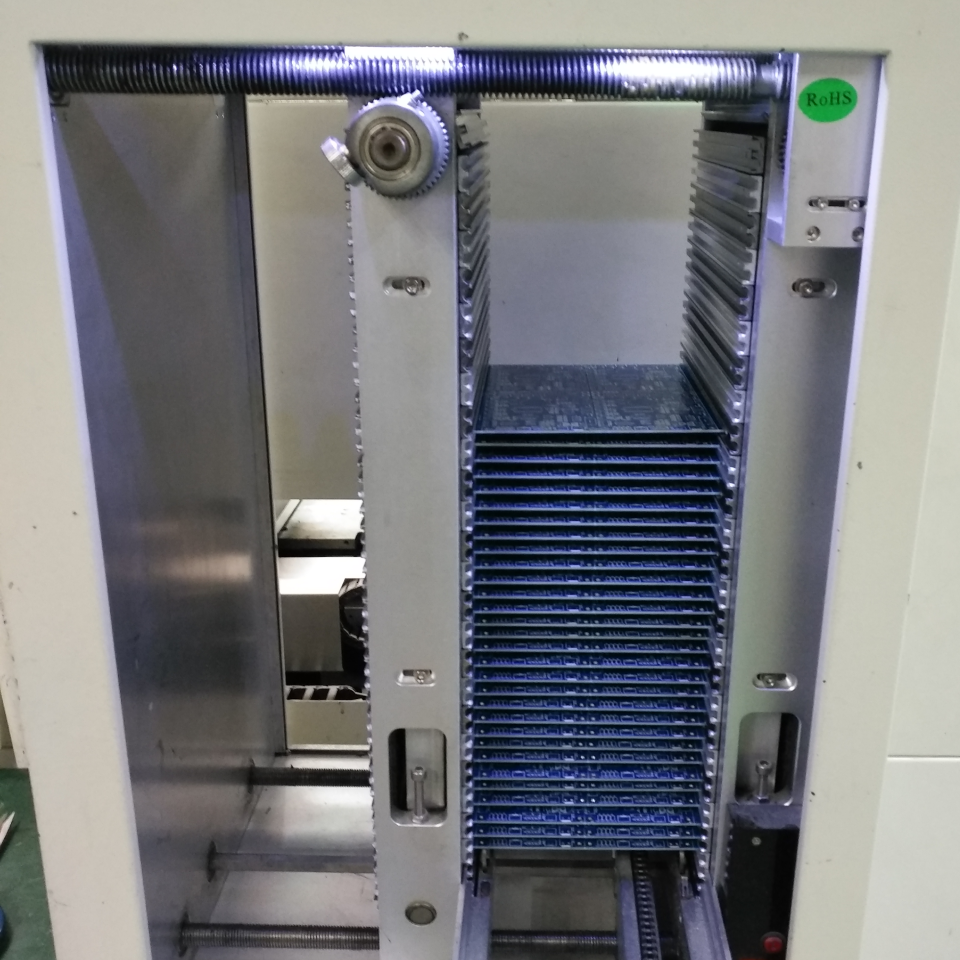
You may store full ESD bags inside tubs, cardboard boxes, workstations, or metal inventory shelves. A tag may read differently after you fill the bag or pack it closely with other tagged items.
First decide what one RFID tag should represent: one PCB, one ESD bag, one production lot, or one tub. That choice affects how many tags you need and how each tag connects to your inventory system.
If something is not where it should be, the RFID record should help you narrow the search without opening every container. A compatible UHF reader can also check multiple tagged items during receiving, storage, picking, or an inventory count.
Do ESD Bags Affect UHF RFID Read Performance?
Yes, ESD bags can change how UHF RFID tags read. The bag's construction and the PCB inside can both affect the result.
ESD means electrostatic discharge protection. It does not tell you how every bag will behave with a UHF signal.
The ANSI/ESD S541 packaging standard defines the packaging properties used to protect ESD-sensitive items during production, transport, and storage.
Test the tag on both an empty bag and a bag that holds the actual PCB. Then repeat the test with several bags stacked or grouped the way your team stores them.
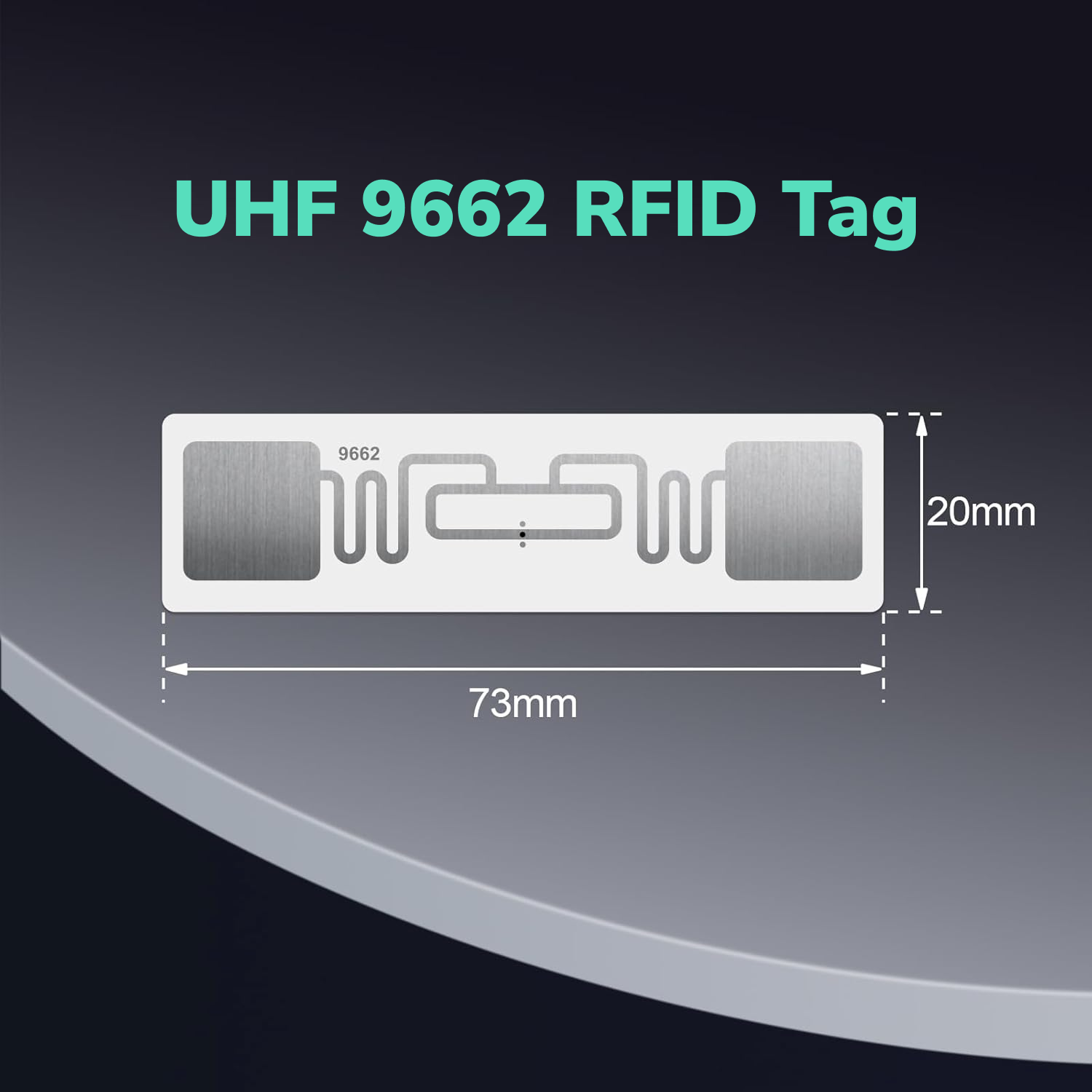
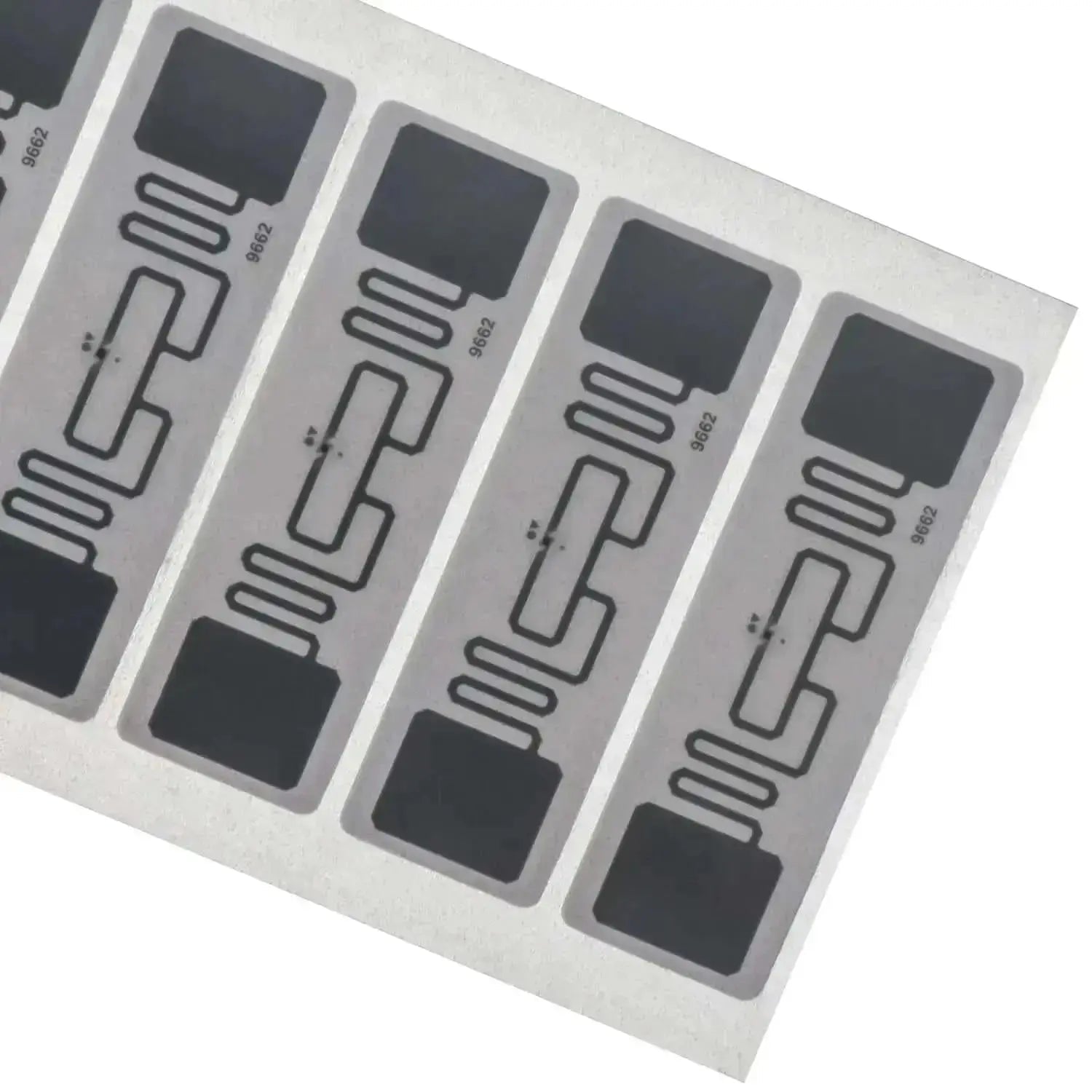
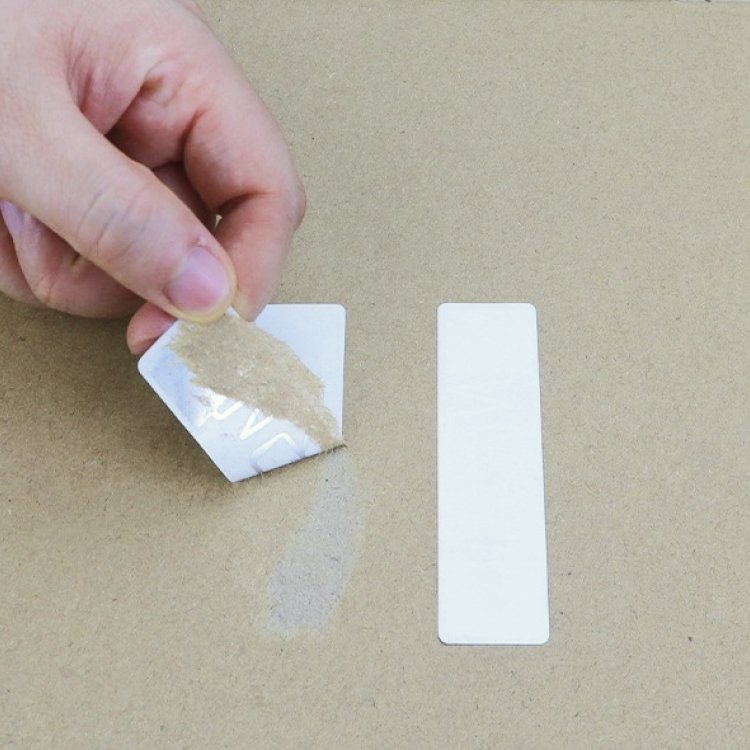
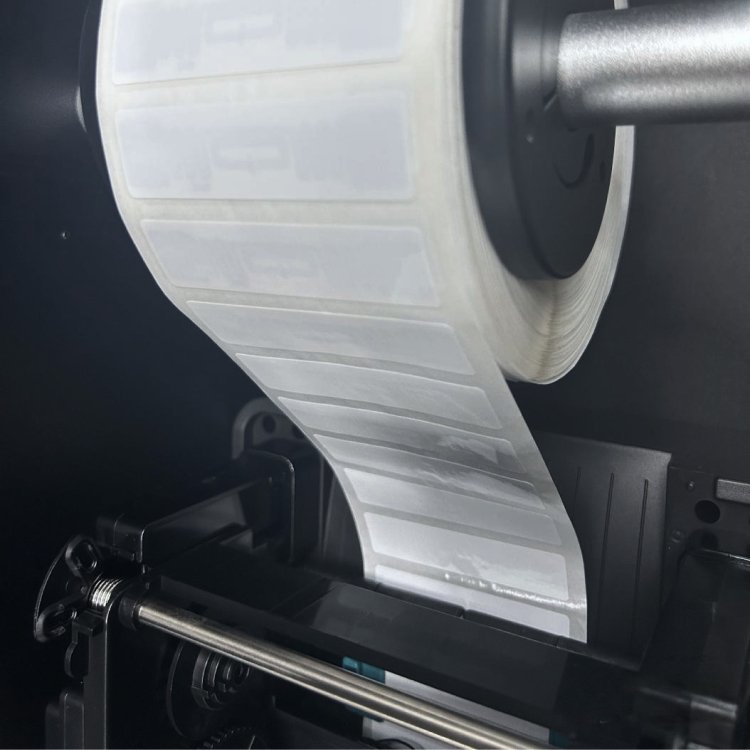
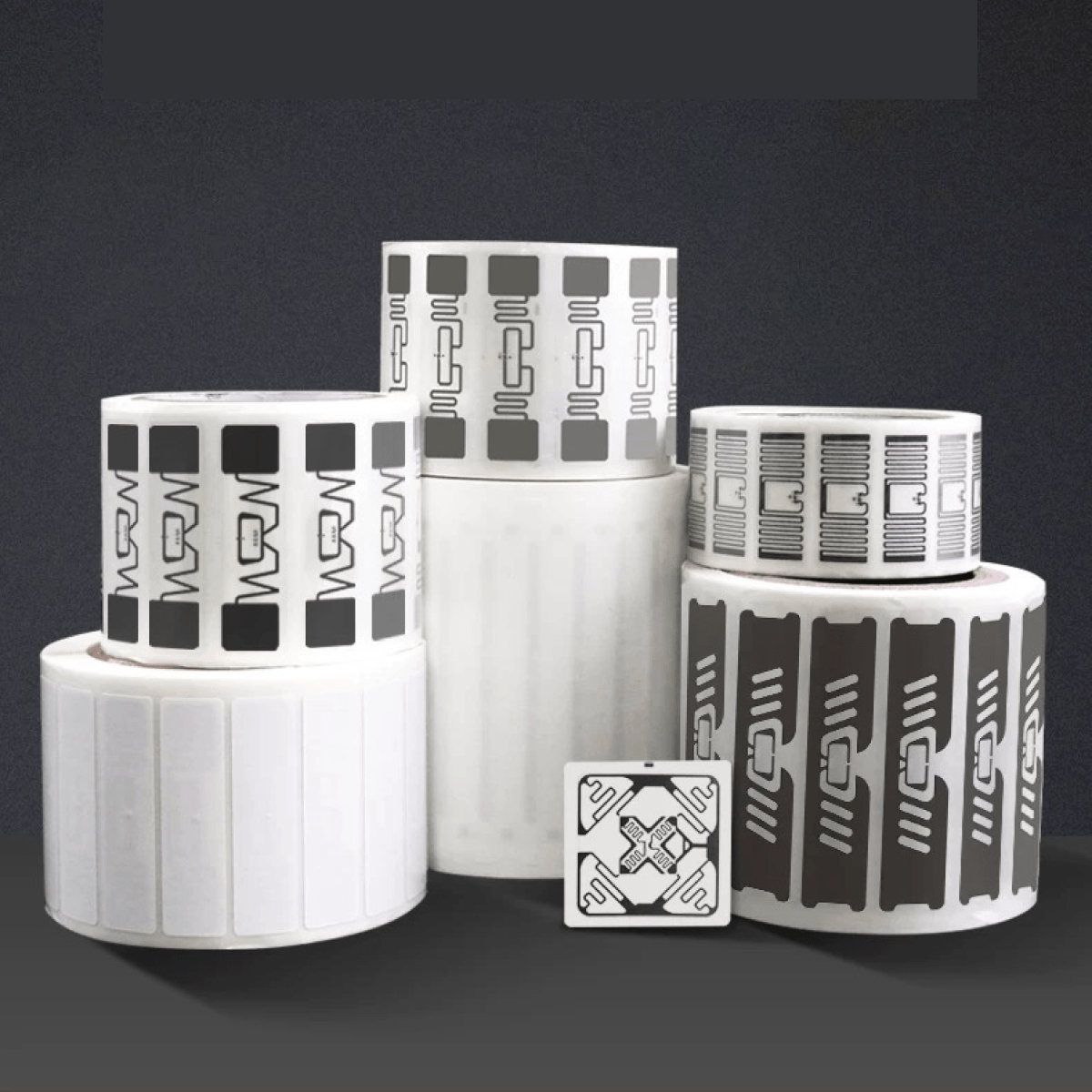
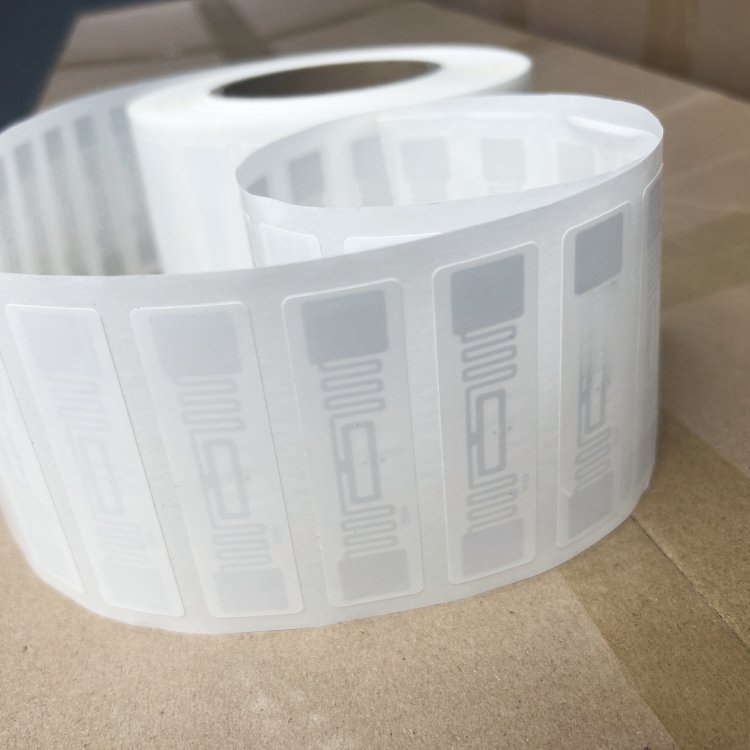
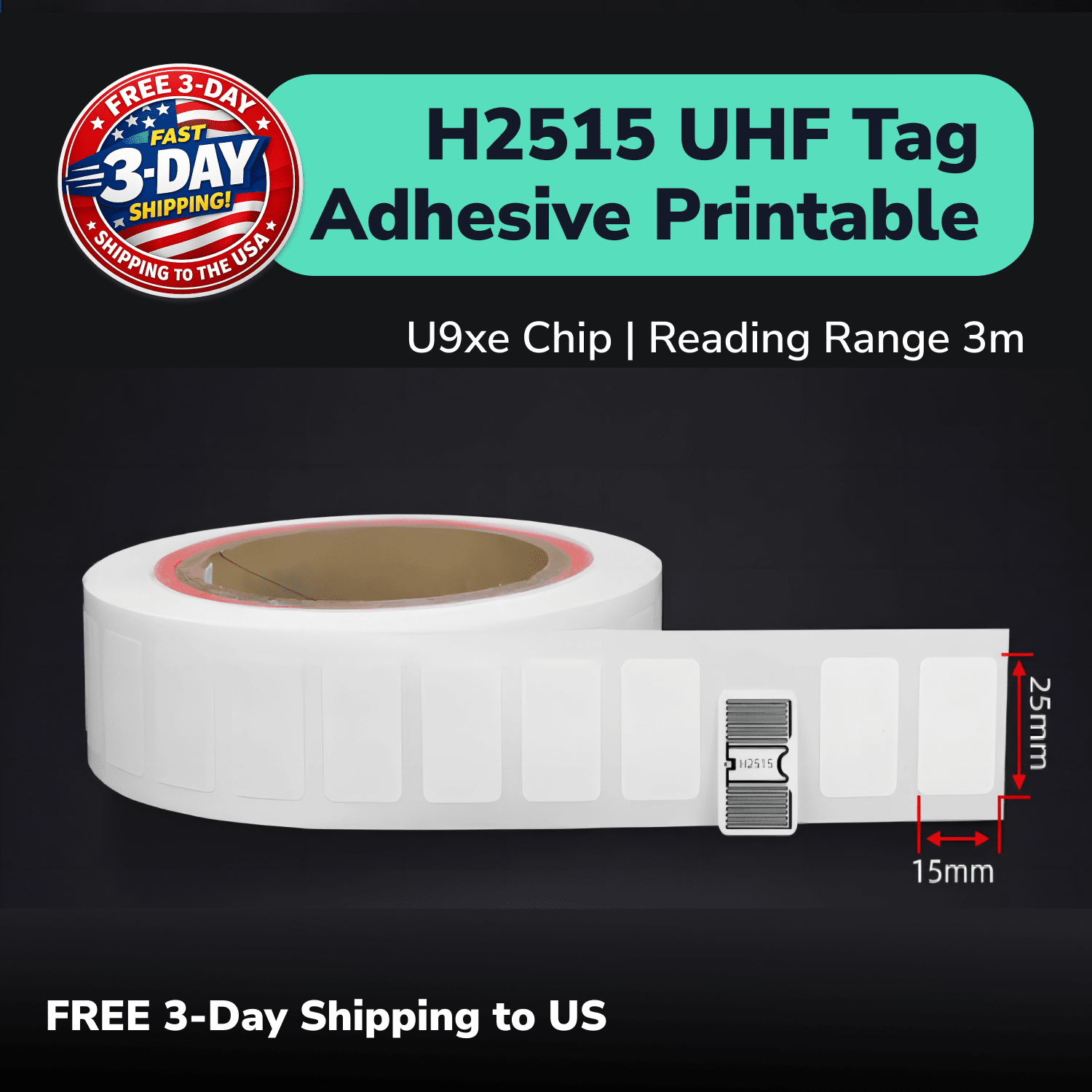
For a printable option, you can place the 9662 UHF RFID label on a paper label or backing attached to the ESD bag. You can also use it on suitable non-metal boxes or plastic tubs.
A paper backing gives you another mounting option, but it does not guarantee the final read result. You still need to test the label position, PCB, bag material, nearby tags, and surrounding metal.
Can You Put a UHF RFID Tag Directly on Metal Shelving?
Yes. Use an on-metal UHF RFID tag when you want to track a metal shelf or mount the tag directly on a metal item. Metal can reduce the performance of a standard inlay such as the 9662.
Use the PF6025 on-metal UHF RFID tag for direct shelf testing. Its on-metal construction and adhesive format suit shelf labels, rack positions, and other metal locations.
A tag on an ESD bag inside a plastic tub is a different setup from a tag stuck directly to the shelf. Even when there is a small gap, test the real distance from the metal and every likely tag orientation.
For a deeper explanation, see our guide to using UHF RFID tags on metal surfaces. The short version is simple: match the tag to the surface, then confirm the result with your own reader.
How Can LED RFID Tags Help Find Misplaced Inventory?
You can use an LED UHF RFID tag to make a selected bag or container easier to spot. Instead of checking several similar labels by hand, your worker can look for the tag that lights up.
Use the PET10010 UHF RFID LED tag for this part of the workflow. You still need a compatible UHF reader and software that can select and trigger the intended tag.
This can be useful when many ESD bags, boxes, or tubs look almost identical. The inventory record tells the system what to find, and the light helps the worker connect that record to the physical item.
Do not treat the PET10010 as a stand-alone locator. Test how your reader and software trigger it when you group tags, store them inside tubs, or place them near metal shelving.
Which UHF RFID Tags Should You Test for PCB Inventory?
Give each tag one clear job in your sample plan. You do not need a specialized tag in every position if a general printable label works for most non-metal inventory.
| UHF RFID tag | Where to test it | Why it belongs in the sample set |
|---|---|---|
| 9662 Printable UHF RFID Sticker | Paper labels, suitable ESD-bag label constructions, boxes, and non-metal tubs | A printable general-purpose option for higher-volume labeling when you do not mount the tag directly on metal |
| PET10010 UHF RFID LED Tag | Bags, items, or containers that workers may need to find quickly | The selected tag can light up when the reader and software support its LED function |
| PF6025 On-Metal UHF RFID Tag | Directly on metal shelves, racks, or metal location markers | An on-metal option for surfaces that can reduce the performance of a standard inlay |
This mix lets you compare an economical everyday label with two specialized options. Use the PET10010 only where the light adds real value, and use PF6025 only where you need direct metal mounting.
How Much RFID Read Range Do You Need for PCB Inventory?
You need enough read range to complete the intended task consistently, not simply the longest number on a product page. A receiving station, a shelf check, and a wider search for misplaced inventory can each need a different reading zone.
For a controlled workflow, a smaller reading zone can make it easier to see which items your team scanned at the station. For a search workflow, more range may help you narrow the area, but it can also bring nearby tubs or shelves into the read zone.
Actual range depends on the tag, reader, antenna, power setting, bag, PCB, mounting position, and nearby metal. Tag direction and the number of tags your reader scans at once can also change the result.
GS1's RFID read-range guidance explains why reader power, interference, antenna design, polarization, and tag orientation can change the usable read zone.
Treat published distances as reference values. Confirm the useful range in your real workspace.
How Should You Test RFID Tags on ESD Bags Before Ordering in Volume?
Build the sample test around the way your team stores and moves PCB inventory. A simple test with loose tags does not show how well the full workflow will work.
- Decide whether the RFID record follows one PCB, one bag, one lot, one tub, or one shelf location.
- Prepare empty bags and full bags containing the PCBs or realistic test pieces.
- Compare placement directly on the bag, on a paper label or backing, and on the outside of the box or tub.
- Test one item by itself, then repeat with the normal number of bags grouped closely together.
- Test every position near metal shelving, including the closest expected distance and common tag orientations.
- Compare 9662 for suitable non-metal labels, PET10010 for items that need to light up, and PF6025 for direct metal mounting.
- Confirm that the reader and software can read the tag data, select the intended item, and trigger the PET10010 light when needed.
- Repeat the test from the distances and directions workers will actually use, then record missed reads and unwanted nearby reads.
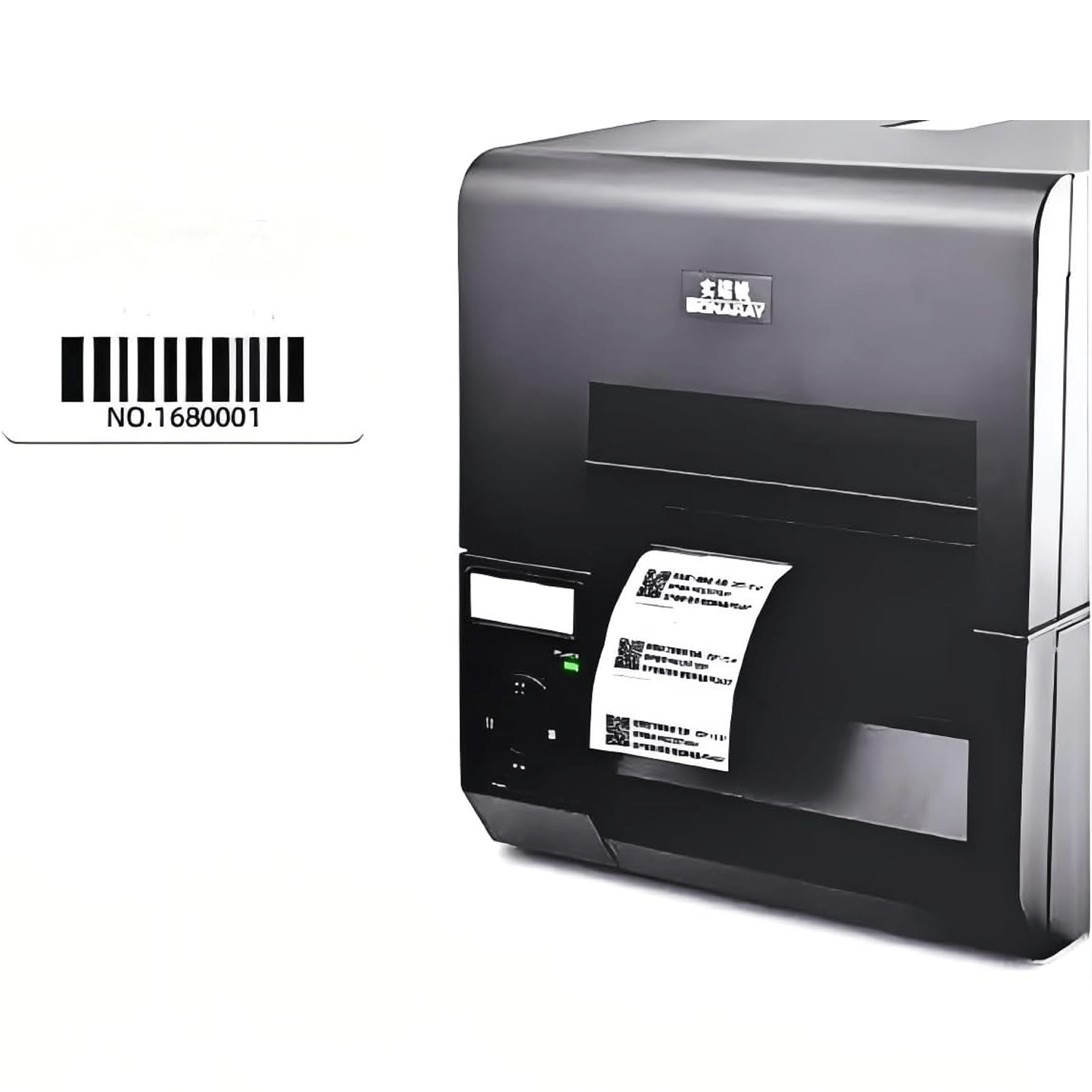
If you plan to print a part number, barcode, UPC, or logo, include that step in the sample. Also test the encoded EPC—the electronic product code stored in the tag—against the exact inventory record it should open.
A useful pass result is not just one successful read. Look for repeatable performance across several runs with the real bag, PCB, storage position, and daily reader workflow.
What Would a Practical RFID Workflow for PCB Inventory Look Like?
Choose the tracking unit before you print or encode the label. For example, one EPC may identify one PCB bag, while another project may use one tag for a production lot or tub.
GS1's RFID standards explain how EPC identifiers and RFID tag data can connect physical items with business records.
- Create the item, lot, bag, or container record in the inventory system.
- Encode the EPC and print any human-readable part number, barcode, or other approved information.
- Apply the correct tag for the surface: 9662 for a suitable non-metal label, PET10010 where the selected item should light up, or PF6025 for direct metal placement.
- Link the EPC to the part number, lot, quantity, status, and expected storage location.
- Read the tag during receiving, storage, picking, work-in-process movement, or inventory checks.
- If an item is missing, search for its EPC and use the PET10010 light when that function is part of the setup.
- Reconcile the latest read with the inventory record and investigate any item that still does not match its expected location.
Keep the first workflow small enough to watch closely. Once you understand the tag placement, read zone, software steps, and exceptions, you can decide whether to use the same setup for more products, shelves, or work areas.
Not Sure Which RFID Tag Will Work with Your ESD Bags? Test the Right Mix First.
You do not need to guess between a printable UHF label, an LED tag, and an on-metal tag. Tell us what you want to track, how you pack the ESD bags, where metal appears, and which reader and software you plan to use.
We will help you build a focused sample mix around your real workflow. You can compare 9662, PET10010, and PF6025 using your own PCBs, bags, tubs, boxes, and shelves before choosing a larger quantity.
If you want us to prepare a part number, UPC, barcode, logo, or EPC for the test, include it in your request. Testing the complete label helps you judge the setup you would actually use.
The tag samples are free; you only cover shipping.