

What is the difference between H10301, H10302, and H10304?
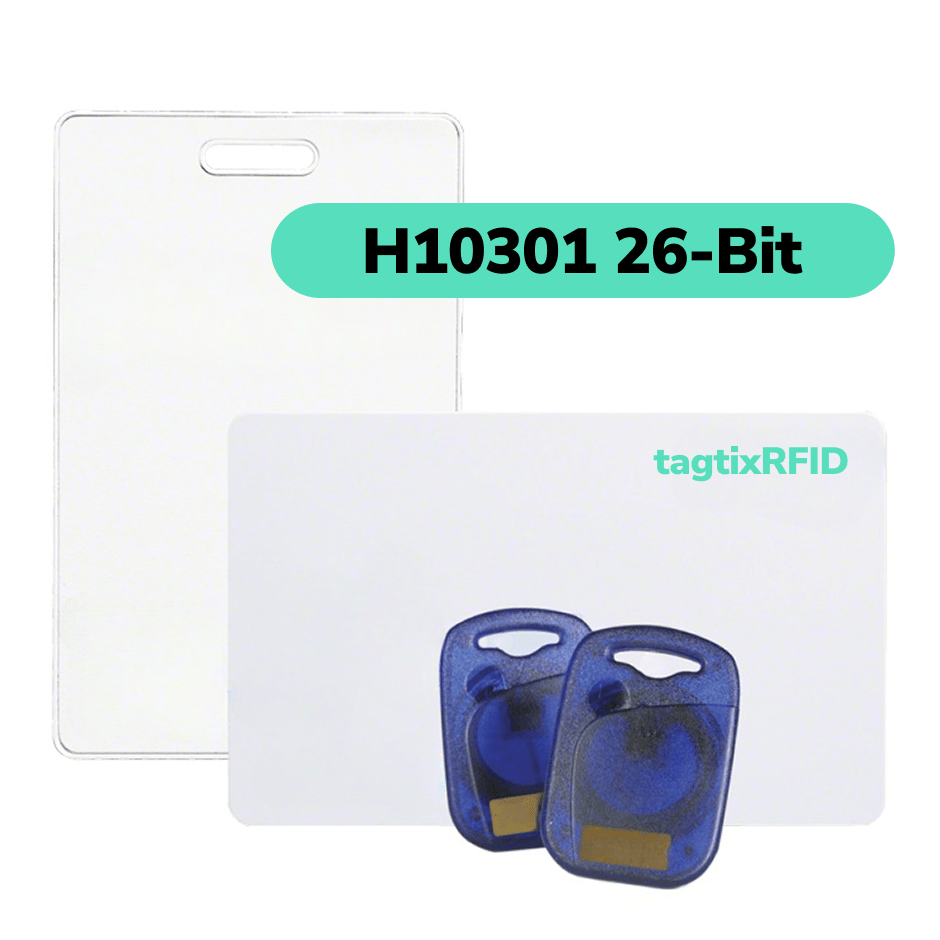
H10301, H10302, and H10304 arrange access-card identification data differently. H10301 is a 26-bit format with a facility code and card number. H10302 is a 37-bit format with one large card number and no facility code. H10304 is a 37-bit format with a larger facility code and card number.
H10302 and H10304 are not interchangeable even though both contain 37 bits. The access-control panel must be configured for the credential’s exact format.
When replacing credentials, match the format already used by the system. Matching only the bit length can result in credentials that the panel cannot interpret.
What is an HID card format?
An HID card format defines the position and length of each field in the credential data. These fields can include a facility code, card number, and parity bits used for error checking.
The format does not identify the card’s radio frequency, chip technology, memory, encryption, or physical model. It also cannot be confirmed from a printed card number alone.
Two credentials can display the same facility code and card number but contain different binary data. H10301 and H10304 allocate different numbers of bits to those fields.
H10301 vs H10302 vs H10304 at a glance
| Format | Total bits | Facility-code field | Card-number field | Main distinction |
|---|---|---|---|---|
| H10301 | 26 | 8 bits: 0-255 mathematically | 16 bits: 0-65,535 mathematically | Common open format with a facility code and moderate numbering capacity |
| H10302 | 37 | None | 35 bits: 0-34,359,738,367 mathematically | One large card number; no facility code is programmed |
| H10304 | 37 | 16 bits: 0-65,535 mathematically | 19 bits: 0-524,287 mathematically | Larger facility-code and card-number ranges than H10301 |
Each format also contains two parity bits. These bits help the panel detect transmission errors but do not identify the cardholder.
The binary fields can represent zero. Suppliers and access-control databases may use operational ranges beginning at one, so confirm accepted values before ordering.
What are facility codes and card numbers?
Facility code
A facility code, sometimes called a site code, groups credentials within formats such as H10301 and H10304. It may represent a site, building, organization, or credential group.
The facility code does not determine door permissions. The access-control system assigns access rights to each credential record.
H10302 has no facility-code field. Its 35 data bits form one card number.
Card number
The card number identifies an individual credential within its format. In H10301 and H10304, the panel normally reads the facility code and card number as one combination.
Facility code 10/card number 500 and facility code 20/card number 500 are different credential records.
Review the enrolled numbers before ordering additional credentials. Reusing an existing combination can create duplicate records or enrollment conflicts.
H10301: standard 26-bit format
H10301 is the standard open 26-bit Wiegand credential format.
P | FFFFFFFF | NNNNNNNNNNNNNNNN | P
    8-bit FC     16-bit card number
Its 26 bits contain:
- One leading parity bit
- An 8-bit facility code
- A 16-bit card number
- One trailing parity bit
The facility-code field can mathematically represent 0-255, and the card-number field can represent 0-65,535. HID ordering is commonly described as facility codes 1-255 and card numbers 1-65,535.
H10301 is widely supported and suitable when its numbering ranges meet the system requirements.
H10301 does not guarantee global uniqueness. Two organizations can use the same facility-code-and-card-number combination. Prevent duplicates within the access-control database by checking existing numbers before ordering.
For a detailed explanation of its binary layout and parity, see Understanding 26-Bit Wiegand Format.
H10302: 37-bit format without a facility code
H10302 contains two parity bits and one 35-bit card-number field.
P | NNNNNNNNNNNNNNNNNNNNNNNNNNNNNNNNNNN | P
               35-bit card number
H10302 can mathematically represent card numbers from 0 to 34,359,738,367. It does not contain a facility code.
The access-control panel must be configured specifically for H10302. A generic 37-bit setting may use a different field or parity layout.
Do not provide a facility code when ordering H10302 credentials. Confirm whether the supplier accepts a requested starting number or assigns the number sequence. Also confirm how duplicate-number prevention is managed, especially for compatible credentials.
H10304: 37-bit format with a facility code
H10304 contains a 16-bit facility code, a 19-bit card number, and two parity bits.
P | FFFFFFFFFFFFFFFF | NNNNNNNNNNNNNNNNNNN | P
      16-bit FC             19-bit card number
Its 37 bits contain:
- One leading parity bit
- A 16-bit facility code
- A 19-bit card number
- One trailing parity bit
The facility-code field can mathematically represent 0-65,535, and the card-number field can represent 0-524,287.
H10304 supports more facility codes and more card numbers per facility code than H10301. It can support larger or multi-site credential programs that organize credentials by facility code.
The panel must support the exact H10304 layout. Support for another 37-bit format does not establish H10304 compatibility.
H10302 vs H10304
Both formats contain 37 bits, including two parity bits. They use the remaining 35 bits differently:
- H10302 uses all 35 data bits for one card number.
- H10304 uses 16 bits for a facility code and 19 bits for a card number.
The difference determines which values are programmed and how the panel decodes them. H10302 requires a card number only. H10304 requires both a facility code and card number.
A system configured for H10302 will not correctly interpret H10304 data, and a system configured for H10304 will not correctly interpret H10302 data.
Which HID card format should I use?
Replacing existing credentials
Use the exact format already configured in the system. Check the previous box label, original order, access-control configuration, cardholder export, or system report for H10301, H10302, or H10304.
Do not select a format based only on the printed number, physical card model, or bit length.
Setting up a new system
Confirm the formats supported by the panel and software before ordering credentials.
- Use H10301 when the system supports standard 26-bit Wiegand and its facility-code and card-number ranges are sufficient.
- Use H10302 when the system expects a 37-bit card number without a facility code.
- Use H10304 when the system expects H10304 and requires larger facility-code and card-number ranges.
The system configuration determines the required credential format.
Managing multiple sites
H10304 can assign different facility codes to sites or credential groups. Verify that every affected panel supports H10304 and that the planned ranges do not overlap existing credentials.
H10302 can also support a large credential population, but it uses one card-number field instead of separate facility-code and card-number fields.
What information is required when ordering programmed cards?
Identify the exact format, number sequence, quantity, credential technology, physical model, and printing requirements.
H10301 26-bit programming information
Provide:
- Format: H10301
- Facility code
- Starting card number
- Quantity
- Sequential or approved custom-numbering requirement
- Existing facility codes and card-number ranges
- Printed-number format, if required
- Credential technology and card or key-fob model
Example:
Format: H10301 26-bit
Facility code: 120
Card numbers: 01001-01100
Quantity: 100
H10302 37-bit programming information
Provide:
- Format: H10302
- Quantity
- Requested starting number, if the supplier accepts customer-selected numbering
- Approval for a supplier-assigned sequence when applicable
- Existing card-number ranges or previous order information
- Printed-number format, if required
- Credential technology and card or key-fob model
H10302 does not use a facility code. Confirm how the supplier assigns, continues, and tracks its number range.
H10304 37-bit programming information
Provide:
- Format: H10304
- Facility code
- Starting card number
- Quantity
- Sequential or approved custom-numbering requirement
- Existing facility codes and card-number ranges
- Printed-number format, if required
- Credential technology and card or key-fob model
Example:
Format: H10304 37-bit
Facility code: 1200
Card numbers: 010001-010100
Quantity: 100
Card format is not card technology
H10301, H10302, and H10304 define the credential’s data layout. They do not define its frequency, chip family, encryption, or physical construction.
HID 1326, for example, identifies the ProxCard II card model. It does not identify one fixed programming format. The model can be ordered with different supported formats.
Two credentials can both operate at 125 kHz and still be incompatible because they use different RFID technologies. The credential technology must match the reader, and the data format must match the panel configuration.
Does a higher bit count provide better security?
A higher bit count provides more number combinations but does not automatically add encryption or prevent copying.
Credential technology, reader communication, system configuration, and key management determine security separately from the H10301, H10302, or H10304 numbering format.
Leading zeros and printed numbers
Leading zeros normally change how a number is displayed, not its binary value. For example, 25 and 00025 usually represent the same card number.
An access-control database, import template, card design, or enrollment process may require a fixed number of displayed digits. Confirm this requirement before printing or importing credentials.
A printed value may represent a card number, facility code, sales-order reference, or another identifier. It does not necessarily reveal the complete programmed format.
How can I confirm an existing card format?
Use the previous box label, original order, supplier cross-reference list, or access-control configuration. Ask the access-control provider to confirm the exact format name and programmed fields when those records are unavailable.
A card reader may show raw credential data, but raw data alone may not prove how the panel divides it into fields. The configured format or original programming record provides stronger evidence.
How do HID access credentials work?
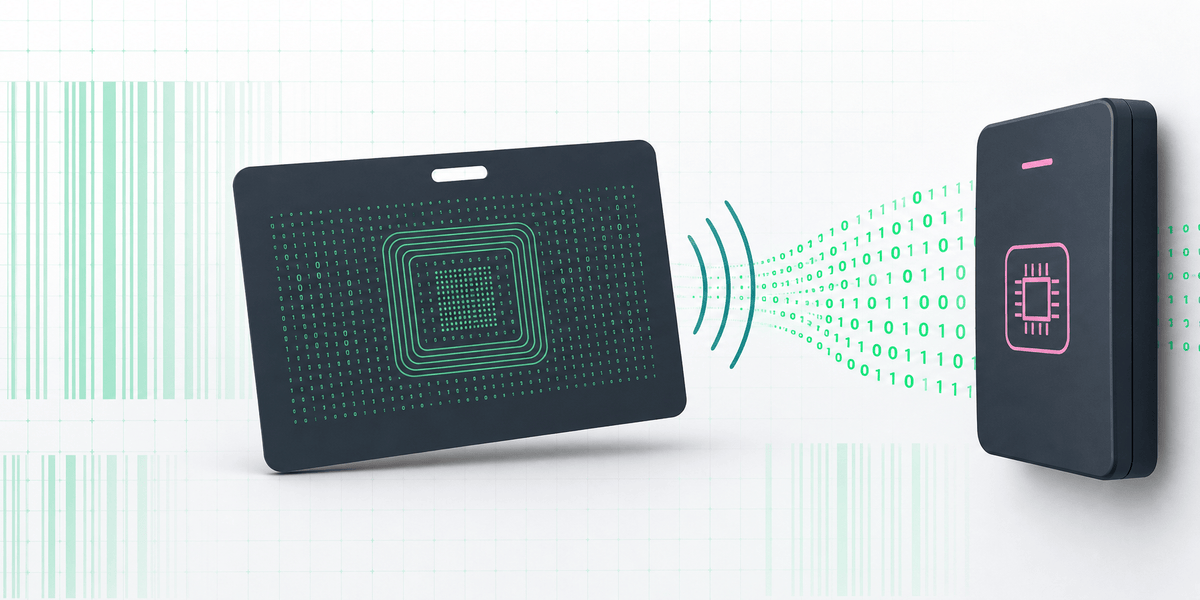
An access-control credential contains identification data that a compatible reader can detect. The system then processes the credential in four stages:
- Card detection: The reader detects a compatible card, key fob, or tag within its operating range.
- Data transmission: The credential sends its encoded identification data to the reader.
- Panel communication: The reader passes the credential data to the access-control panel through its configured interface.
- Access decision: The panel interprets the configured data format, finds the enrolled credential record, and applies its access permissions.
The reader technology and panel format perform different jobs. The reader must communicate with the credential, while the panel must correctly decode H10301, H10302, H10304, or another configured format.
Other common HID and access-control formats
HID and other access-control manufacturers support many formats beyond H10301, H10302, and H10304. Formats with the same bit length can assign different positions and lengths to facility codes, card numbers, issue levels, and parity checks.
The following overview groups common format names by bit length. It is not a complete compatibility list.
| Bit length | Examples | What to confirm |
|---|---|---|
| 12-13 bits | CASI F/2F magnetic-stripe formats, MIDAS | Legacy system and reader support |
| 15-27 bits | TECOM, H10301 standard 26-bit, Indala 26-bit, proprietary 27-bit formats | Exact format name, field layout, and parity |
| 28-32 bits | 28-bit Wiegand formats, 32-bit HID, Indala, Kantech, and other manufacturer formats | Manufacturer-specific field positions |
| 33-36 bits | HID D10202 33-bit, 35-bit Corporate 1000 variants, proprietary 34-bit and 36-bit formats | Enrollment rules and any controlled-format requirements |
| 37-40 bits | H10302, H10304, other 37-bit formats, and 40-bit Honeywell formats | Exact 37-bit layout; “37-bit” alone is insufficient |
| 42-56 bits | Inner Range and government or manufacturer-specific formats | Panel limits, field mapping, and output configuration |
| 64 bits and above | Some TWIC, CAC, PIV, and FASC-N-derived credential structures | Whether the system reads the complete structure or a mapped output number |
Do not select a format from its bit length alone. Confirm the exact format name and panel configuration before ordering programmed credentials.
What is HID iCLASS?
HID iCLASS is a 13.56 MHz contactless smart-card technology. It is not one Wiegand data format.
An iCLASS credential may carry access-control identification data in a format supported by the reader and panel. The logical data format can still use fields such as a facility code and card number, while iCLASS defines how the smart credential communicates with a compatible reader.
Legacy HID Prox credentials generally operate at 125 kHz, while iCLASS credentials operate at 13.56 MHz. A Prox-only reader cannot read iCLASS simply because both credentials use H10301 or another familiar data format.
iCLASS credentials can support smart-card functions and security features not available on basic legacy Prox credentials. Exact capabilities depend on the iCLASS generation, credential configuration, reader, and access-control system.
When replacing an iCLASS card, confirm:
- iCLASS credential type and generation
- Reader compatibility
- Programmed access-control format
- Facility code and card-number fields when applicable
- Memory or application configuration when used by the system
Card styles do not determine the programmed format
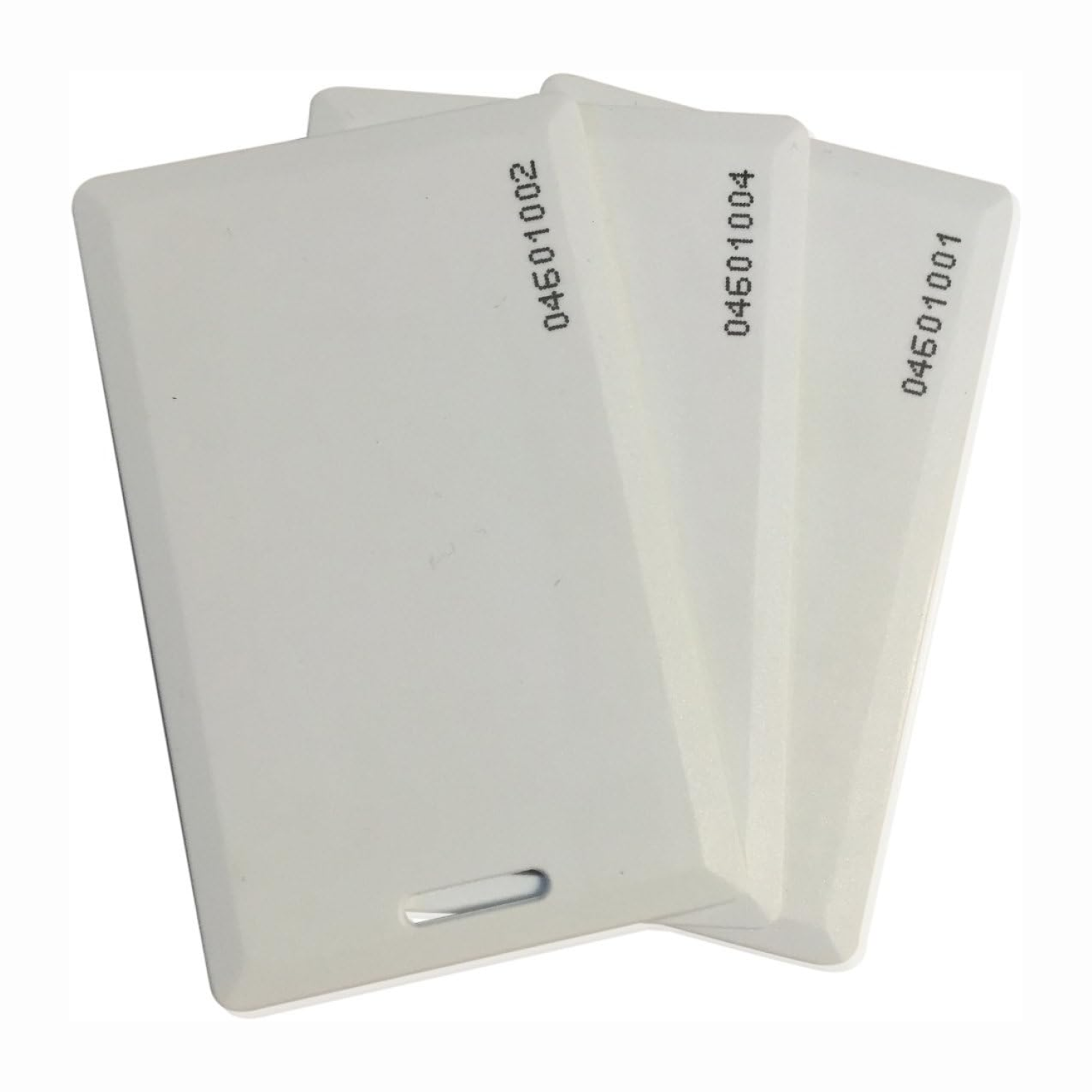
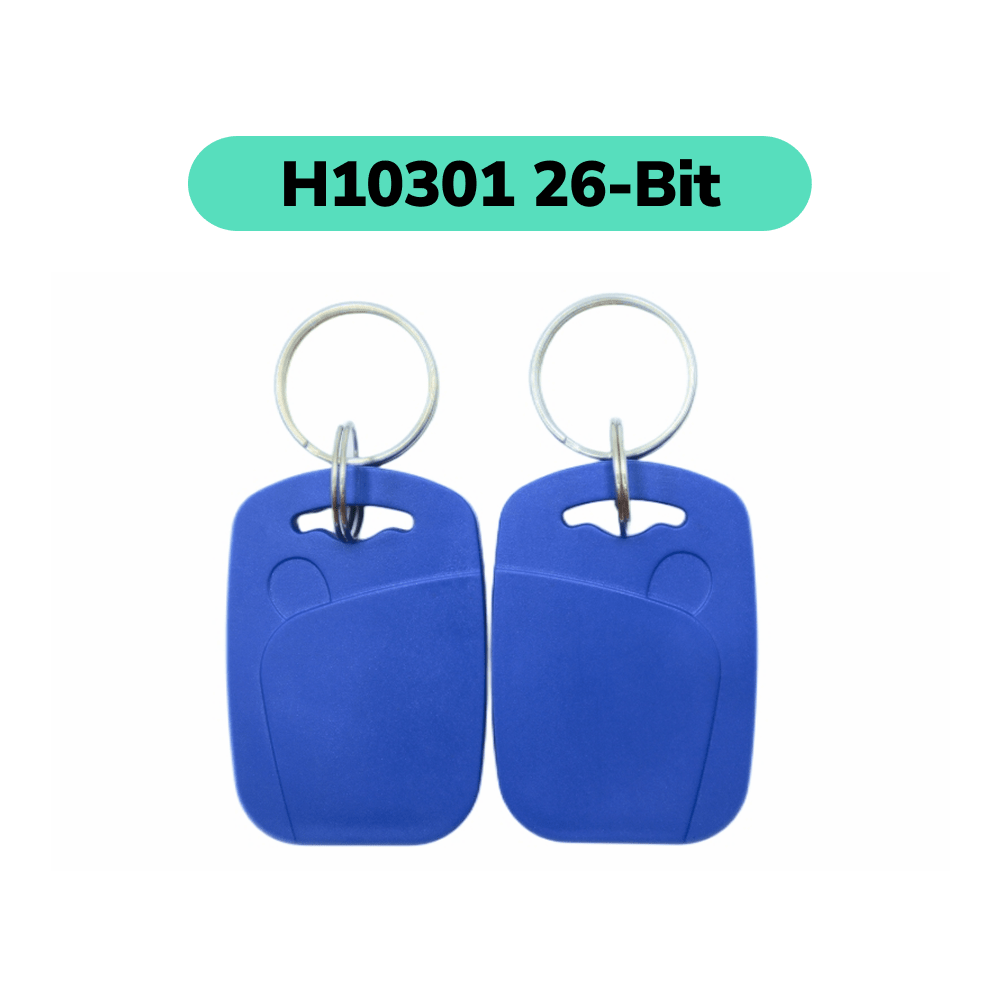
The same data format may be available in different physical credential styles, including printable ISO cards, composite cards, clamshell cards, key fobs, and adhesive tags.
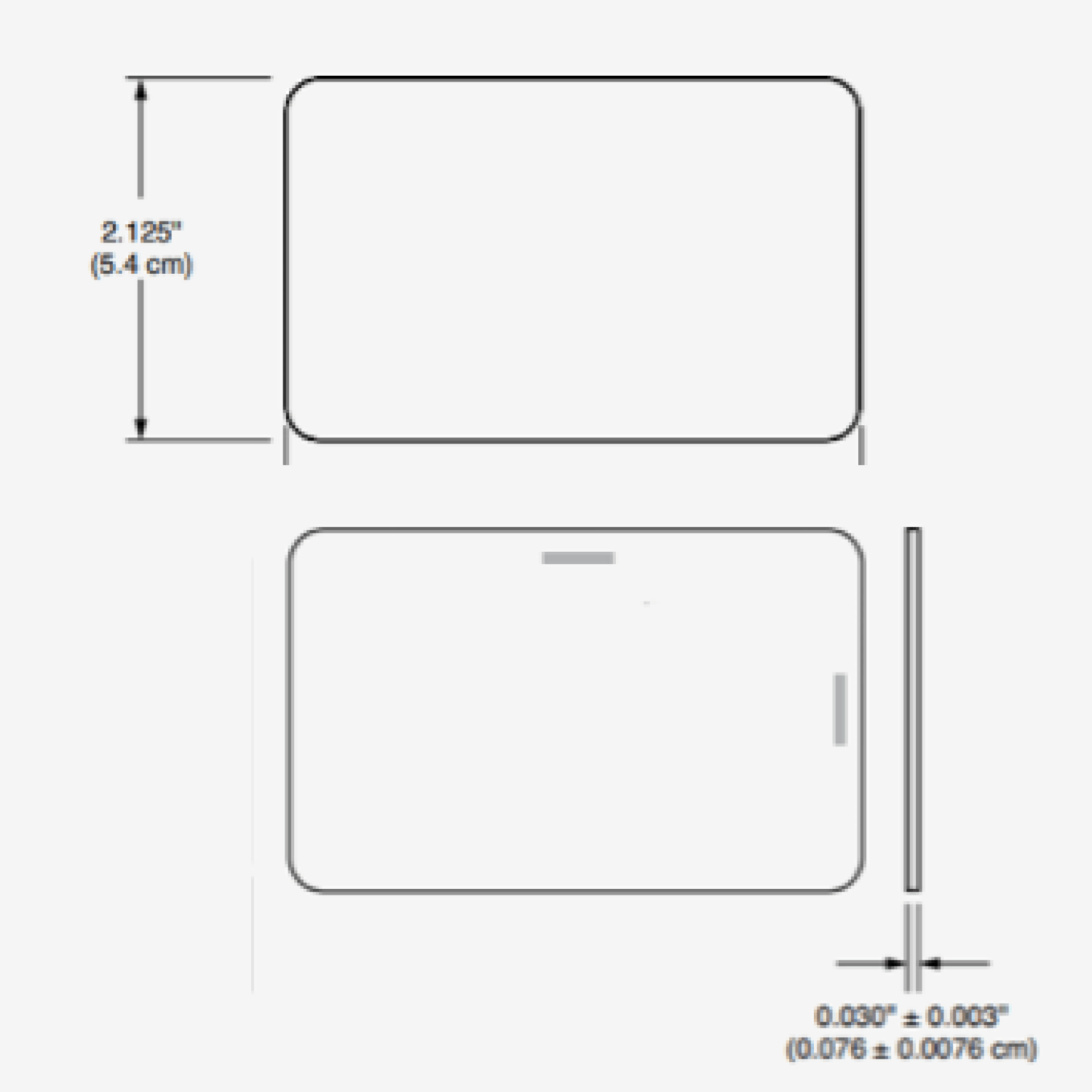
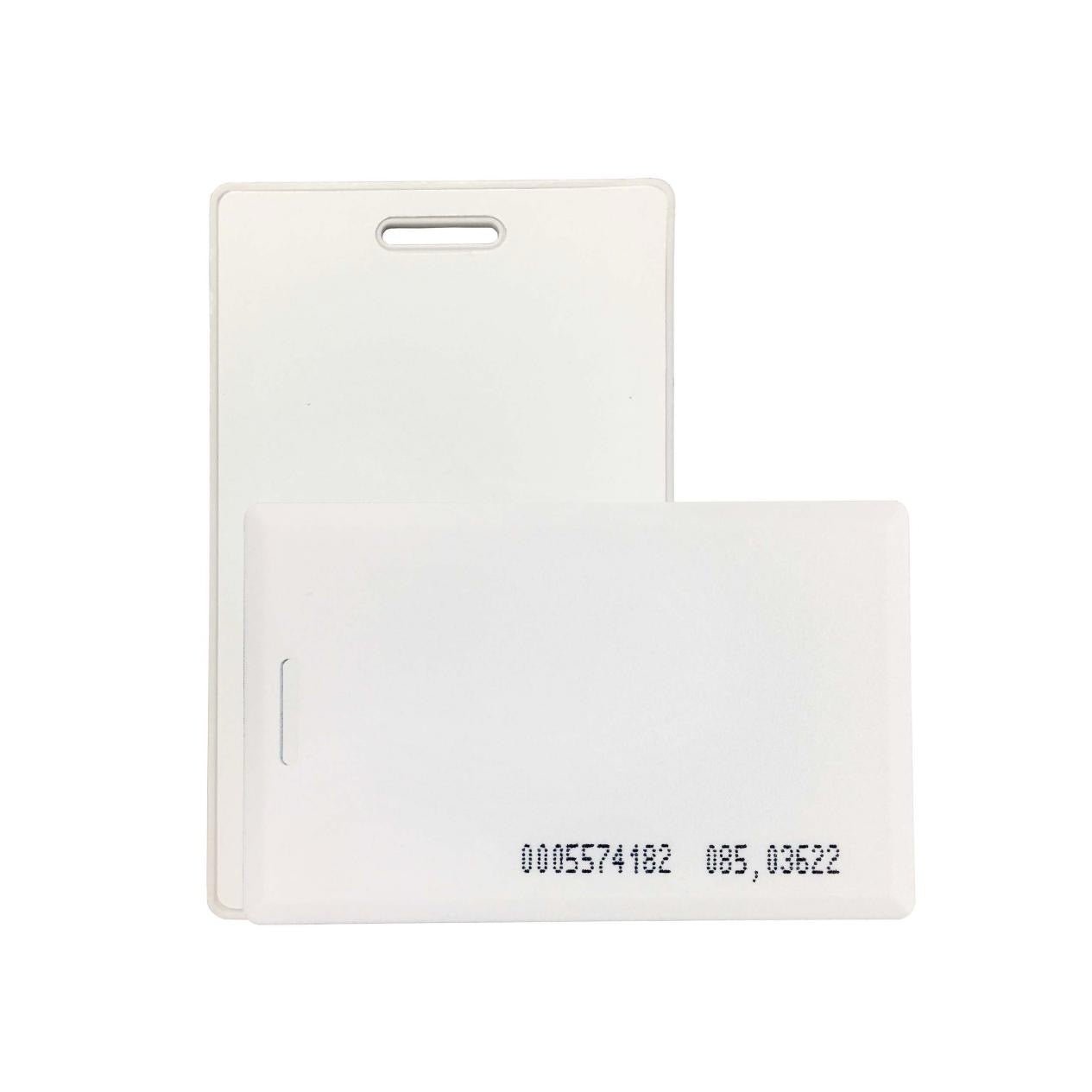
A printable ISO card has a flat surface designed for card printers. A clamshell card has a thicker protective shell and is normally used when durability matters more than direct printing.
The physical style does not establish H10301, H10302, H10304, or another format. Confirm the credential model, technology, and programmed format separately.