

¿Cómo puede ayudar el RFID UHF con el inventario del almacén?
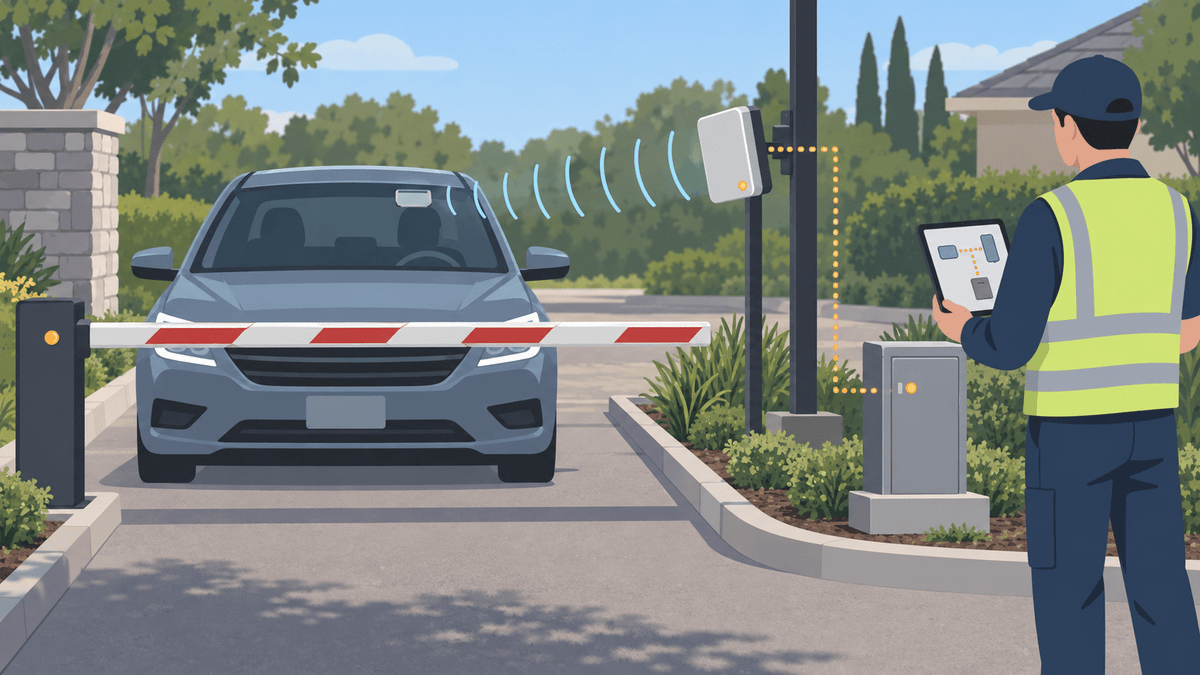
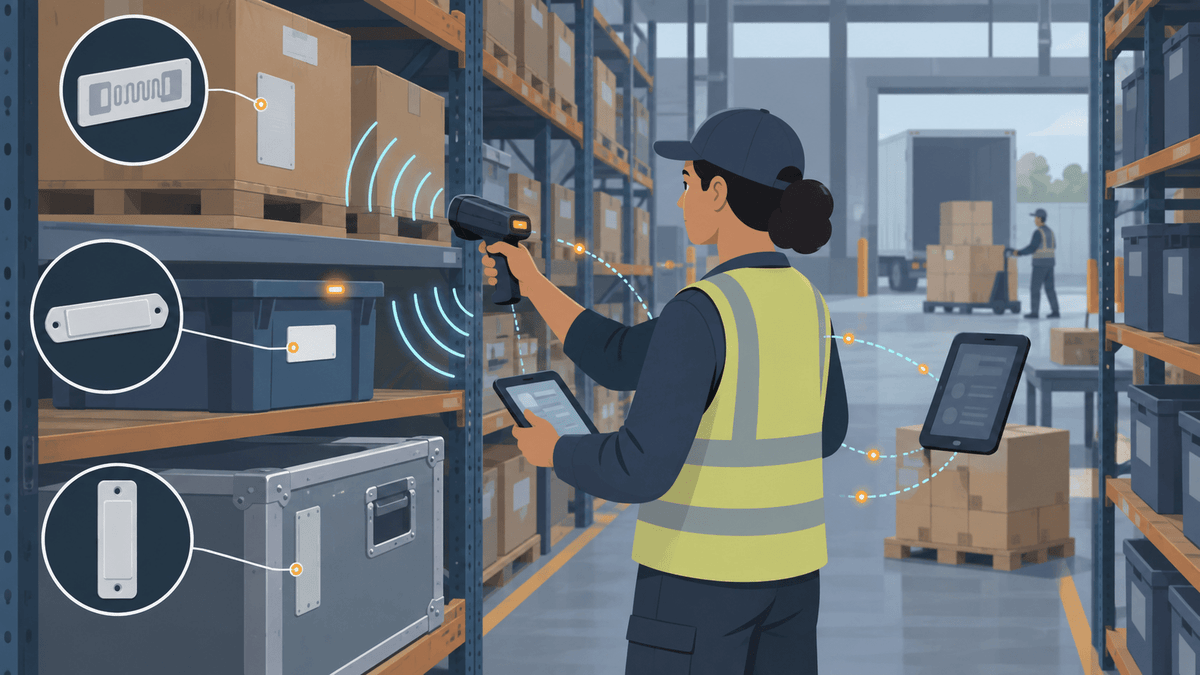
El RFID UHF puede identificar varios artículos etiquetados sin escanear cada código de barras a la vista directa. Luego, el software de almacén decide qué significa cada Código Electrónico de Producto, o EPC, y cómo debe afectar la lectura a un registro de inventario.
Puedes integrar RFID UHF en recepción, ubicación, conteos cíclicos, búsqueda de artículos, preparación, envío y verificaciones de excepciones. Cada flujo de trabajo necesita una zona de lectura clara y una acción de negocio definida.
La RFID todavía requiere una configuración cuidadosa. La lectura de una etiqueta demuestra que la etiqueta respondió dentro de la zona del lector; no prueba automáticamente la ubicación exacta del artículo, la cantidad dentro de una caja sin etiqueta ni la exactitud de la base de datos.
Cuando los clientes nos piden “escanear todas las etiquetas” y “comparar con nuestra base de datos”, dividimos la solicitud en cuatro decisiones:
- ¿Qué unidad física necesita una identidad?
- ¿Qué construcción de etiqueta se adapta a su superficie y entorno?
- ¿Dónde y cómo debe capturarla el lector?
- ¿Qué debe hacer el software con la lectura?
Esta estructura te ayuda a probar un evento de almacén útil en lugar de comprar una etiqueta y esperar que se adapte a cada artículo.
¿Qué debe etiquetar—artículos, cajas, contenedores, recipientes o palés?
Etiquete el nivel que su registro de inventario y acción de almacén necesitan identificar. Una etiqueta de palé no puede confirmar cada caja dentro de él a menos que el software ya conozca y mantenga esa relación.
| Unidad rastreada | Evento de almacén útil | Registro que el sistema necesita | Limitación principal |
|---|---|---|---|
| Artículo individual | Conteo, localización, servicio o recogida de artículos | Un EPC para cada artículo | Mayor volumen de etiquetas y lecturas más densas |
| Caja de cartón o caja | Recibir, preparar o enviar una caja | Un EPC para la caja de cartón | No prueba cada artículo en su interior |
| Contenedor | Rastrear contenedor reutilizable o contenido agrupado | EPC del contenedor y enlaces opcionales a artículos | El contenido puede cambiar sin que cambie la identidad del contenedor |
| Contenedor | Identificar una ubicación de almacenamiento | EPC del contenedor vinculado a pasillo, estantería y ranura | No prueba por sí solo la cantidad en existencias |
| Palé | Mover o enviar una unidad logística | EPC del palé y registros secundarios opcionales | Las relaciones de grupo deben mantenerse actualizadas en el software |
Use etiquetas a nivel de artículo cuando el negocio necesite identidades separadas. Use etiquetas de contenedor o de ubicación cuando el flujo de trabajo solo necesite identificar la caja apilable, el contenedor, la caja de cartón o el palé.
Algunos almacenes usan ambos. El software puede vincular varios EPC de artículos a un registro de caja apilable o de palé, y luego eliminar esos vínculos cuando los trabajadores desembalan o reasignan el contenido.
¿Qué etiqueta RFID UHF se adapta a cada superficie del almacén?
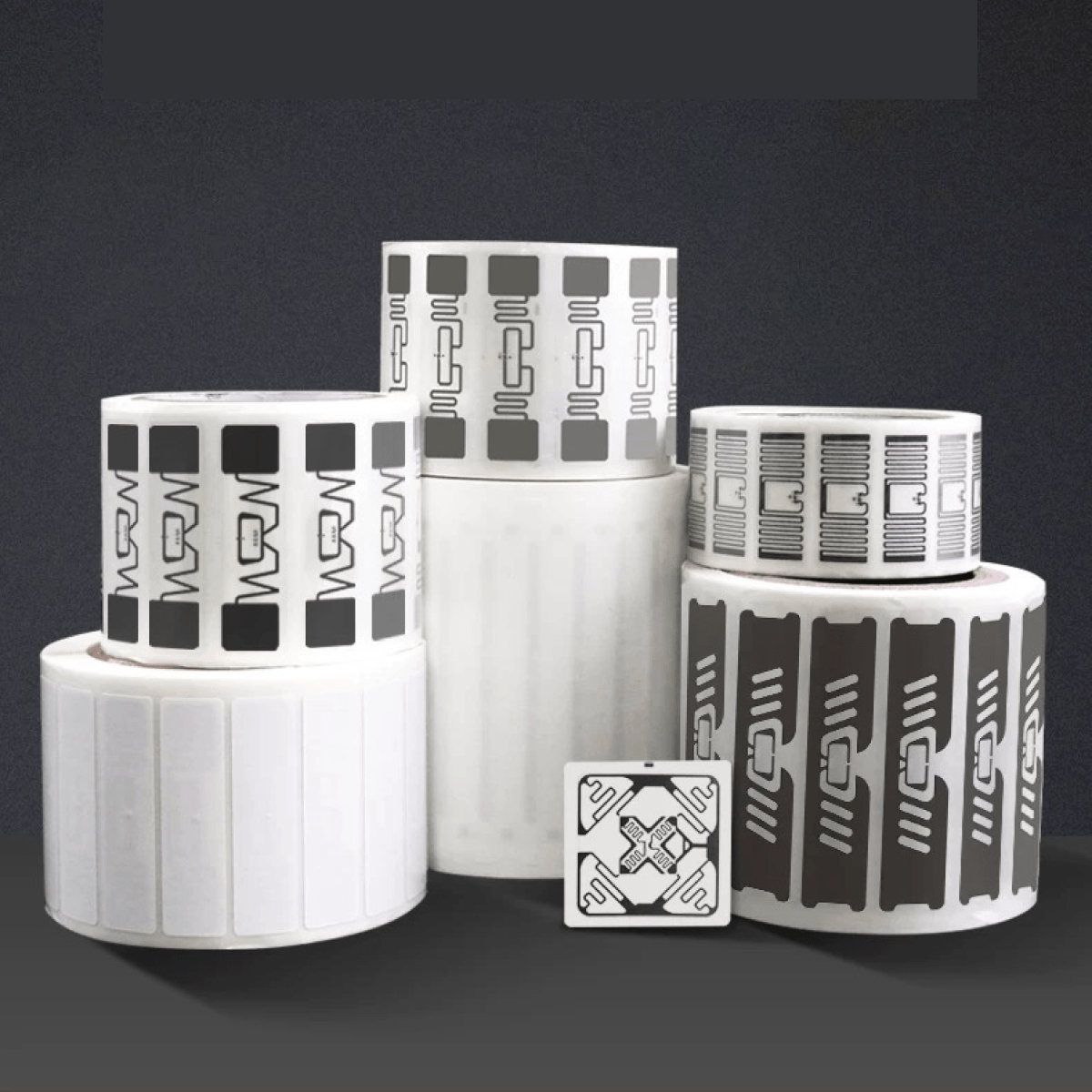
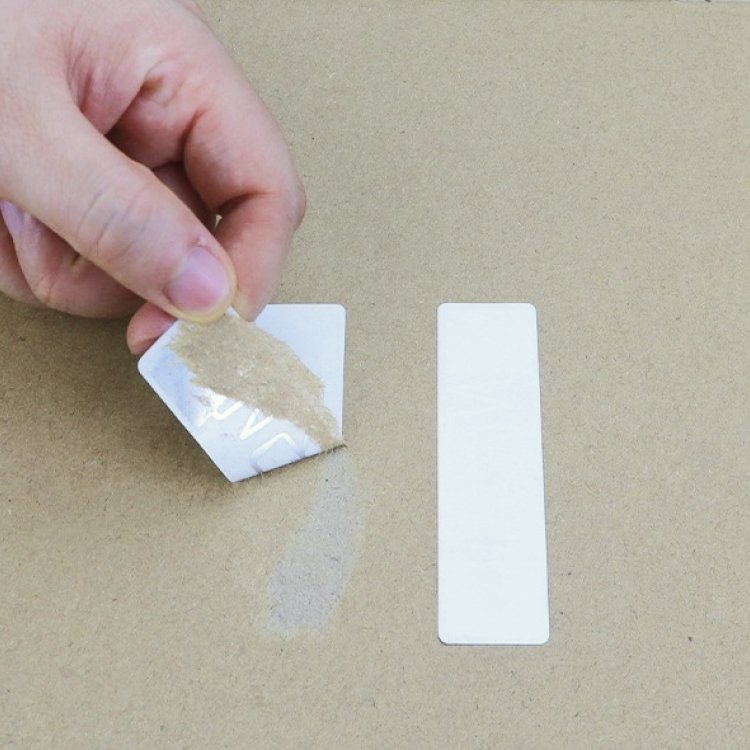
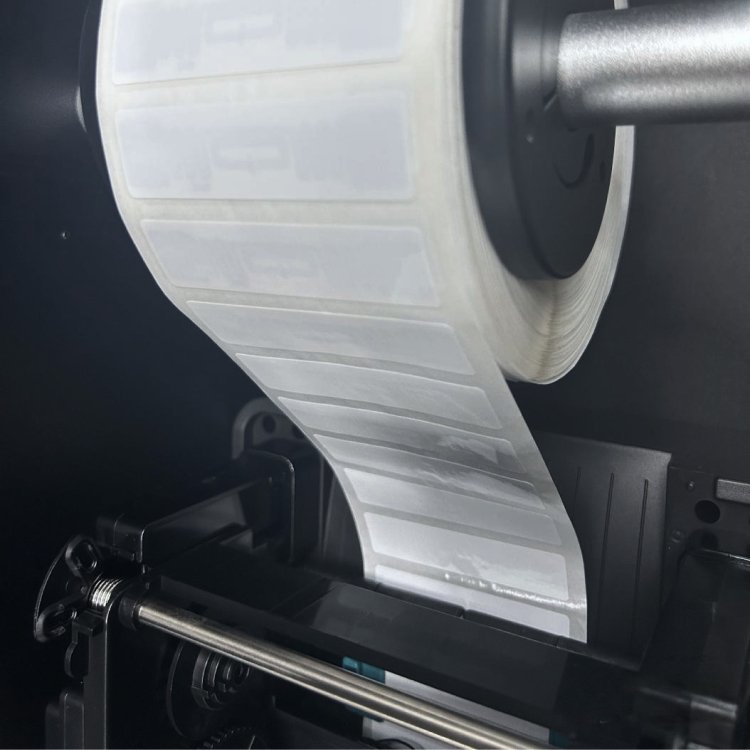
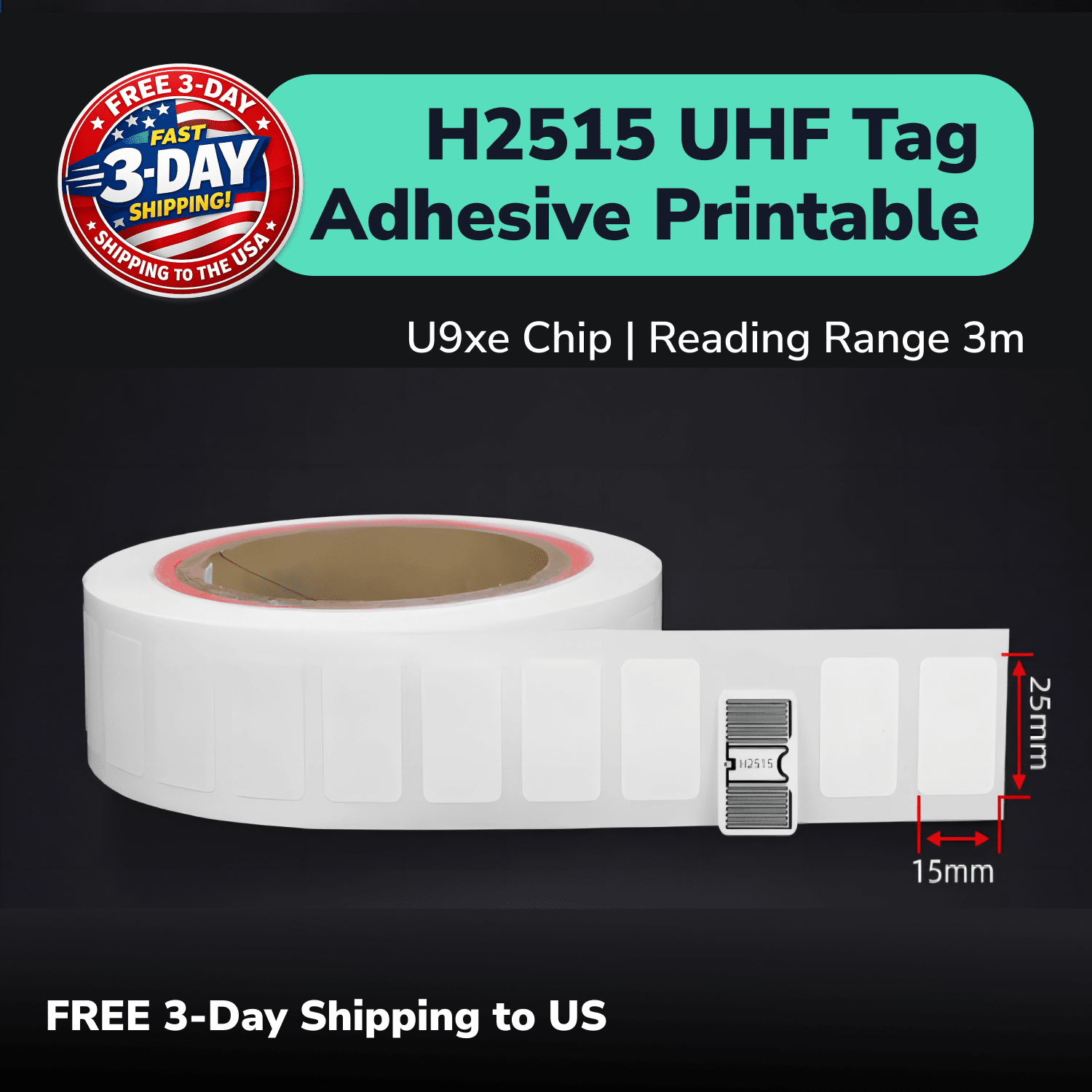
Use inlays imprimibles en objetos no metálicos adecuados, etiquetas específicas para metal sobre metal, etiquetas PET impermeables donde el entorno requiera esa construcción y etiquetas LED cuando los trabajadores necesiten una señal visual de localización. Una única “etiqueta RFID de almacén” rara vez se adapta a todas las superficies.
| Etiqueta | Función inicial práctica | Lo que aún debe comprobar |
|---|---|---|
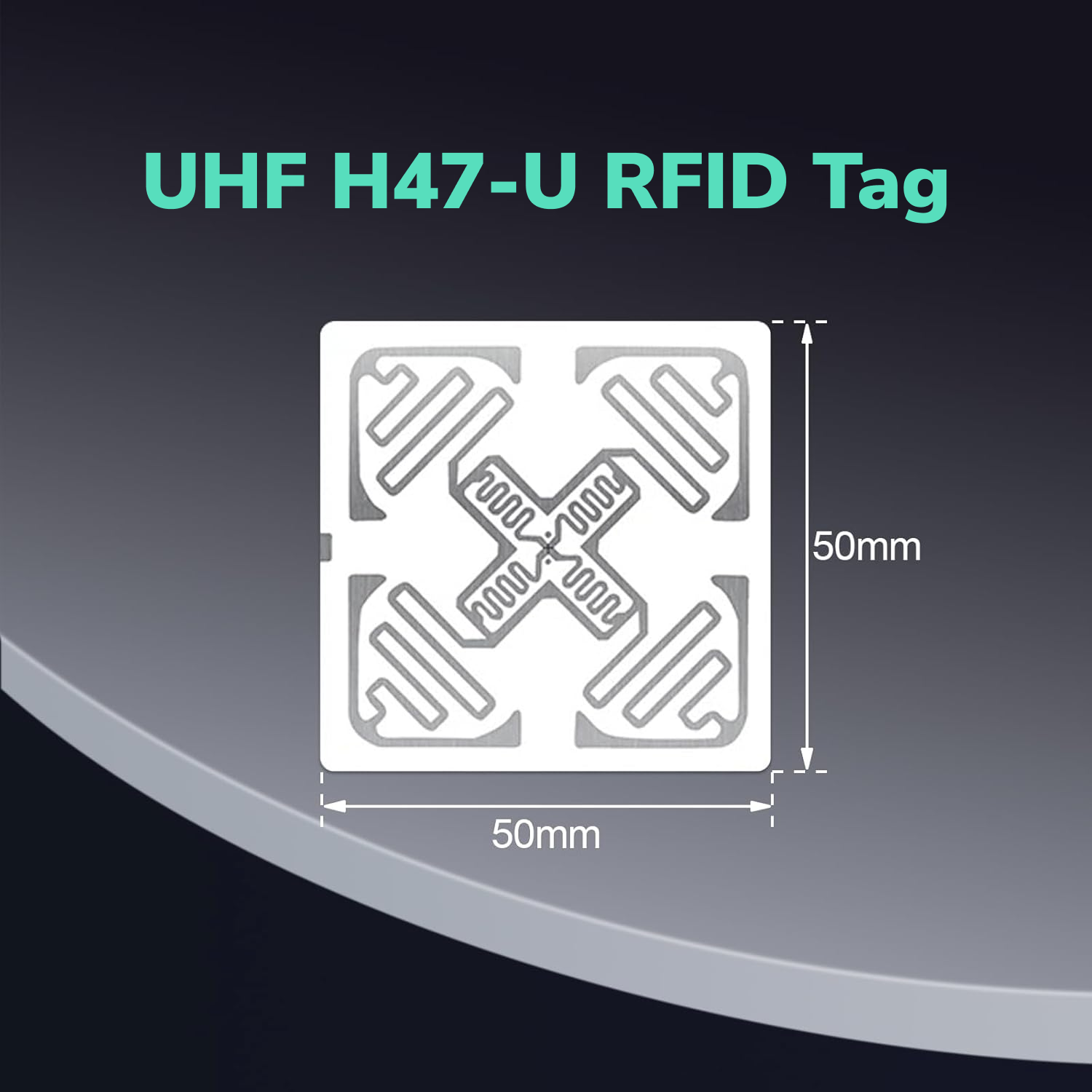
| H47U | Base imprimible no metálica de 50 mm × 50 mm para cajas de cartón, cajas apilables y contenedores adecuados | Contenido, colocación, protección de la etiqueta, orientación, lector y entorno |
| 5030F | Opción imprimible no metálica de 54 mm × 34 mm donde su forma se adapte mejor | Superficie, material del producto, densidad, impresión y zona de lectura |
| PF6025 | Etiqueta imprimible de 60 mm × 25 mm × 1.2 mm para colocación directa sobre metal | Espacio disponible, curvatura, fijación, impacto y ángulo del lector |
| PF7030 | Opción para metal de 70 mm × 30 mm × 1.2 mm cuando un formato más grande sea adecuado | Las mismas comprobaciones de metal y fijación, además de lecturas no deseadas de activos cercanos |
| PET7018 | Etiqueta PET imprimible resistente al agua de 73 mm × 21 mm para artículos no metálicos expuestos adecuados | Humedad, productos químicos, limpieza, curvatura, energía superficial y abrasión |
| PET10010 | Señal de localización LED para un contenedor o artículo no metálico adecuado | Compatibilidad LED con lector y software, visibilidad, estanterías metálicas y lecturas cruzadas |
Nuestros rangos de lectura publicados dependen del lector y del entorno. Compare los candidatos sobre el objeto real en su posición habitual de almacén antes de elegir una cantidad mayor.
Mantenga cada producto en su función prevista. Un inlay estándar no debe convertirse en la etiqueta predeterminada para aplicación directa sobre metal, y una etiqueta resistente al agua no demuestra automáticamente resistencia a productos químicos ni a lavados.
¿Dónde se deben colocar las etiquetas RFID en los artículos del almacén?
Coloque cada etiqueta en una posición repetible que mire hacia la ruta habitual del lector y se mantenga alejada de materiales que la bloqueen o desintonizen. La mejor etiqueta también puede fallar en una mala posición.
El metal, los líquidos, los productos densos, los materiales ricos en carbono, las personas y el inventario apilado pueden alterar la ruta de radio. El borde de una estantería metálica también puede bloquear o reflejar una etiqueta adherida a un contenedor plástico.
Compruebe la etiqueta en el objeto cuando esté vacío y lleno, solo y apilado, y al frente y al fondo de la estantería. Repita la manipulación normal para ver si la etiqueta se raya, se levanta, se dobla o se mueve.
Use una única regla de colocación que los trabajadores puedan repetir. Si cada operador elige un lado o un ángulo diferente, el almacén producirá lecturas inconsistentes aunque todas las etiquetas usen el mismo modelo.
Nuestra guía sobre etiquetas RFID UHF en superficies metálicas explica por qué la colocación directa sobre metal requiere una etiqueta diseñada específicamente. Nuestra guía de inventario con contenedores aborda con más detalle las etiquetas agrupadas y los contenedores de plástico cerca de estanterías metálicas.
La guía práctica de RFID RAIN también recomienda probar el sistema completo en su entorno previsto. Abarca metal, agua, personas, orientación de las etiquetas, frecuencia regional y diseño de la zona de lectura.
Barridos con RFID portátil o puntos de lectura fijos: ¿cuál se adapta al flujo de trabajo?
Use lectores portátiles para auditorías y búsquedas flexibles. Use lectores fijos para eventos repetibles en puertas, mesas, carriles, transportadores o portales.
| Trayecto del lector | Encaje ideal | Pregunta clave de configuración |
|---|---|---|
| Lector portátil | Recuentos cíclicos, barridos de salas o pasillos, búsquedas de excepciones, auditorías móviles | ¿Pueden los operarios seguir una sola ruta y controlar las lecturas de zonas cercanas? |
| Estación de sobremesa o puesto fijo | Puesta en marcha, verificación, embalaje, recepción o devoluciones | ¿Captura la estación solo los artículos colocados en el área de trabajo? |
| Portal fijo o puerta de muelle | Eventos de recepción, preparación o envío | ¿Pueden las antenas separar el carril previsto del stock y las puertas cercanas? |
| Lector para transportador | Flujo repetido de producción o distribución | ¿Favorecen la velocidad, el espaciado, la orientación y el blindaje al evento objetivo? |
Elija el evento de negocio antes de elegir el hardware. Un lector portátil que ayuda a un trabajador a encontrar una excepción resuelve un problema distinto al de un portal de muelle que registra cada caja etiquetada que entra en un carril.
No use la potencia máxima de forma predeterminada. Una zona de lectura más amplia puede recopilar etiquetas del siguiente estante, puerta o área de preparación.
Confirme la región, los modelos de lector y antena, el sistema operativo, el método de exportación o API, la velocidad de los artículos, la población de etiquetas y la zona física antes de fijar el plan de hardware.
¿Cómo se conectan las etiquetas RFID con una base de datos de almacén o un WMS?
Asigne cada EPC único a un registro de inventario, luego deje que el middleware o el sistema de gestión de almacenes filtre las lecturas y aplique las reglas de negocio. Mantenga los nombres de productos, cantidades, ubicaciones, estado e historial en la base de datos en lugar de intentar almacenar todo el registro en la etiqueta.
Una comparación periódica simple puede usar este flujo:
- Congele la lista de inventario esperada para una zona y un momento determinados.
- Ejecute el barrido RFID planificado o el evento de lectura.
- Agrupe las lecturas repetidas por EPC y sesión de escaneo.
- Compare cada EPC único con la lista esperada.
- Muestre las identidades encontradas, faltantes, inesperadas y desconocidas.
- Revise las excepciones antes de cambiar los registros principales del inventario.
Las lecturas repetidas no significan artículos repetidos. El middleware debe deduplicarlas para el recuento mientras conserva suficientes detalles para investigar la calidad de la señal y el comportamiento de la zona.
Una exportación CSV puede respaldar un piloto inicial. Una API puede conectar un flujo de trabajo de producción controlado, mientras que EPCIS puede respaldar eventos de visibilidad estructurados entre sistemas cuando el proyecto necesita ese nivel de intercambio de datos.
El GS1 EPC Tag Data Standard define estructuras EPC estandarizadas. El estándar GS1 EPCIS proporciona un modelo opcional para compartir qué sucedió, cuándo, dónde y por qué.
No necesitas EPCIS para cada almacén de circuito cerrado. Elígelo solo cuando el proceso de negocio y la arquitectura del sistema necesiten eventos de visibilidad compartida.
¿Cómo encaja la RFID UHF en la recepción, el almacenaje, el recuento, la preparación de pedidos y el envío?
Asigna a cada tarea de RFID un evento de almacén claro y una acción de base de datos definida. La misma etiqueta puede admitir varios eventos, pero el proceso determina qué significa cada lectura.
| Paso del almacén | Evento de RFID | Acción útil del sistema |
|---|---|---|
| Recepción | Leer el cartón, artículo, contenedor o palé entrante | Comparar con el recibo esperado y marcar las diferencias |
| Almacenaje | Leer el artículo y su zona o ubicación de destino | Confirmar o proponer la asignación de ubicación |
| Recuento cíclico | Recorrer un pasillo o bahía de estantería definidos | Comparar los EPC capturados con la lista esperada congelada |
| Preparación de pedidos | Leer el artículo, el contenedor o la ubicación durante la tarea | Confirmar la identidad y marcar la selección incorrecta |
| Localización de artículos | Apuntar a una etiqueta EPC o LED | Guiar al trabajador hacia una zona probable o una señal de etiqueta visible |
| Preparación | Leer el inventario que entra en un carril controlado | Confirmar que pertenece al envío o trabajo planificado |
| Envío | Leer el inventario al salir por un portal controlado | Crear un evento de envío tras las verificaciones de excepciones |
No conviertas cada lectura bruta en un movimiento de stock. Exige suficiente contexto (lector, antena, zona, hora, tarea y estado) para respaldar la acción prevista.
La velocidad de la cinta, la precisión del portal y la confirmación automática de envíos requieren su propia cualificación. Una configuración útil de recuento cíclico no se convierte automáticamente en un sistema fiable para el muelle de carga.
¿Cómo puedes controlar las lecturas omitidas y las lecturas desde la zona equivocada?
Ajusta la zona del lector en torno al evento de negocio y luego prueba la densidad normal de etiquetas, la orientación, el contenido, las personas, el metal y el inventario cercano. Registra tanto las lecturas omitidas como las no deseadas.
Utiliza etiquetas de excepción claras:
- Etiqueta faltante: El EPC esperado no apareció en la sesión de escaneo.
- Etiqueta inesperada: Un EPC válido apareció en la zona o tarea equivocadas.
- EPC desconocido: El lector capturó una identidad que la base de datos no puede asociar.
- Mapeo duplicado: Más de un registro utiliza el mismo EPC.
- Lectura entre zonas: El lector capturó una etiqueta cercana fuera del límite previsto.
Realiza una segunda comprobación específica antes de eliminar, mover o ajustar financieramente un registro de inventario. La primera omisión puede deberse al ángulo de la etiqueta, el apantallamiento, los daños o la trayectoria del lector, y no a un artículo faltante.
Cambia una sola variable a la vez. Ajusta por separado la posición de la antena, la potencia del lector, el apantallamiento de la zona, la colocación de la etiqueta o la sincronización del software para que el equipo sepa qué resolvió el problema.
Ejemplos de RFID UHF en almacenes según el problema de seguimiento
Utilice una guía de aplicación específica cuando un objeto, una superficie o un resultado concreto genere el principal desafío. Estos ejemplos muestran por qué un programa de almacén suele necesitar más de una ruta de etiqueta.
- El inventario en contenedores cerca de estanterías metálicas abarca la identidad a nivel de contenedor frente a la de artículo, las lecturas agrupadas, los estantes metálicos y una ruta térmica independiente.
- El inventario de PCB en bolsas ESD y estanterías metálicas abarca la electrónica pequeña, el embalaje, las etiquetas imprimibles y la colocación sobre metal.
- Etiquetas RFID con LED para contenedores de almacén abarca el flujo de trabajo para seleccionar un EPC y encender el contenedor previsto cuando el lector y el software lo permiten.
- El seguimiento de botellas de PET abarca los envases llenos de líquido, las superficies curvas, la colocación en la tapa y el movimiento de producción a almacén.
- Las auditorías de activos de TI abarcan los barridos con lectores portátiles de portátiles, monitores, bases de conexión y equipos guardados en armarios o salas.
Cada ejemplo cambia la superficie de la etiqueta, la posición, la zona del lector o el evento deseado. Enlace de vuelta a esta página de almacén como guía general de selección y flujo de trabajo una vez que los artículos de apoyo estén publicados.
Un piloto práctico de RFID UHF en almacén
Realice un piloto en una zona representativa y un evento de negocio con inventario real antes de expandirse por todo el almacén. Un piloto enfocado le proporciona evidencia más clara que una prueba grande con demasiadas variables.
- Elija un evento, como la recepción o un recuento cíclico.
- Defina si realiza el seguimiento de artículos, cajas de cartón, cajas apilables, contenedores o palés.
- Agrupe los objetos por superficie, entorno, espacio de etiquetado y manipulación.
- Seleccione el conjunto más pequeño y útil de candidatos de etiquetas.
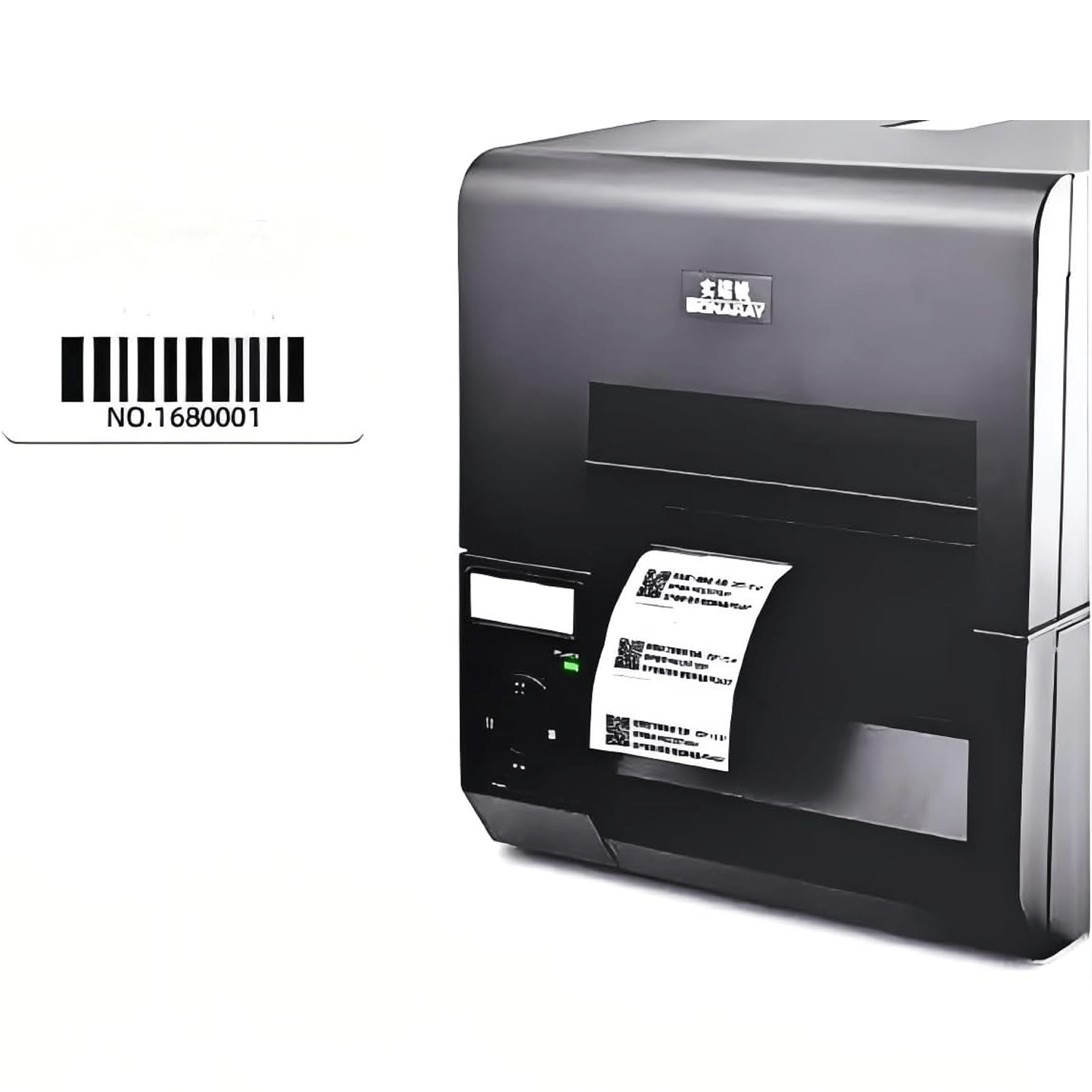
- Codifique y verifique un EPC único para cada muestra.
- Asigne cada EPC al registro de inventario correcto.
- Establezca una línea base simple lejos de estanterías y zonas vecinas.
- Ejecute el flujo de trabajo normal con la densidad completa de artículos.
- Compare los EPC capturados con la lista esperada.
- Investigue identidades no detectadas, no deseadas, desconocidas y duplicadas.
- Repita la tarea con otro operador y condiciones de turno normales.
Mida las lecturas previstas, las lecturas no deseadas, las excepciones sin resolver, el tiempo por tarea, la condición de fijación, las coincidencias con la base de datos y la repetibilidad. Establezca objetivos para el evento empresarial real en lugar de buscar el alcance más largo posible.
Ejecute rutas piloto separadas cuando el metal, los líquidos, la impermeabilización, la activación LED, el calor o los portales fijos introduzcan riesgos diferentes. Una etiqueta de cartón exitosa no debería aprobar toda la lista de etiquetas del almacén.
Elija muestras de RFID UHF para las superficies y el flujo de trabajo de su almacén
Un almacén puede necesitar etiquetas imprimibles para cajas, etiquetas para metal para equipos, etiquetas impermeables para artículos expuestos y etiquetas LED para localización visual. Díganos qué objetos y flujo de trabajo quiere mejorar para que pueda comparar solo las rutas de etiquetas que importan.
Solicite muestras gratuitas de inventario UHF para almacén
Podemos crear un conjunto de muestras específico y preparar impresión visible o EPC únicos para los registros de su piloto. Haremos seguimiento de los detalles de superficies, método de lector, zona de escaneo, base de datos y entorno después de que complete el formulario breve.
Las muestras de etiquetas UHF son gratuitas. Solo cubres el envío.