



Wiegand Calculator for 26-Bit and 37-Bit HID Formats
Utilice esta calculadora Wiegand para crear o decodificar datos de tarjetas H10301, H10302 y H10304. Introduzca un código de instalación y un número de tarjeta, o pegue un valor binario o hexadecimal completo, para ver la distribución de bits y las verificaciones de paridad. Esta calculadora de formato de tarjetas HID muestra los campos de datos Wiegand; no lee ni programa una tarjeta física.
Crear o decodificar datos de tarjetas Wiegand
Seleccione el formato exacto configurado en su sistema de control de acceso. H10301 y H10304 utilizan un código de instalación y un número de tarjeta; H10302 utiliza un número de tarjeta sin campo de código de instalación.
H10302 has no facility-code field. Only the card number is used.
Use decimal digits. Leading zeros do not change the value. Zero is allowed mathematically; your system or supplier may reserve it.
Paste a complete frame. Hex input is left-padded to the selected bit length. Confirm that your reader supplies a full frame. This tool cannot identify data-only values, chip UIDs or reader-specific prefixes automatically.
This calculator processes values in your browser.
Bits run left to right, most significant first. The small numbers show bit positions, starting at 1.
Parity checks and data-only values
A parity pass only checks these bit rules. It does not identify the format, authenticate a card or confirm access rights. Both 37-bit formats use the same parity rules.
Cómo usar la calculadora Wiegand
1
Ingrese un código de instalación y un número de tarjeta
Elija Crear datos para calcular la trama Wiegand completa a partir de valores decimales. La calculadora muestra el rango admitido para cada campo y marca los valores que no encajan.
2
Decodificar un valor binario o hexadecimal
Elija Decodificar datos y pegue una trama completa, incluidos sus bits de paridad. La calculadora separa los campos y verifica la paridad según el formato que haya seleccionado.
Comprar tarjetas para tu formato Wiegand
Entender los resultados de tu calculadora Wiegand
El resultado separa los campos de datos de los bits de paridad. Los valores binarios y hexadecimales describen la misma trama seleccionada en distintos sistemas numéricos.
Código de instalación, número de tarjeta y bits de paridad
El diseño codificado por colores muestra dónde empieza y termina cada campo. Una verificación de paridad correcta significa que la trama cumple las reglas de paridad seleccionadas; no demuestra que una tarjeta sea auténtica, esté registrada o autorizada.
Trama completa frente a valores solo de datos
La trama completa incluye la paridad. Los valores solo de datos excluyen el primer y el último bit de paridad, por lo que sus representaciones binaria, hexadecimal y decimal pueden diferir de los valores de la trama completa.
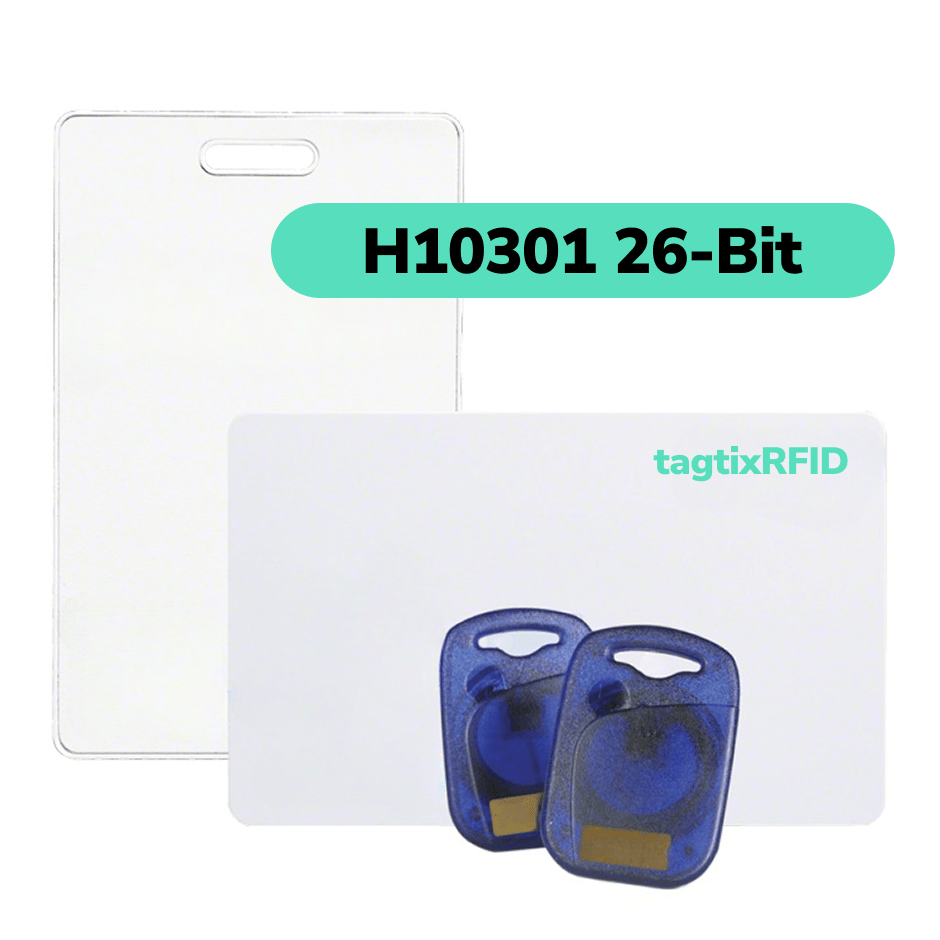
¿Por qué pagar más por tarjetas de acceso H10301?
Sustituya las tarjetas H10301 de marcas premium por menos. Conserve la misma funcionalidad diaria de control de acceso con lectores HID Prox de 125 kHz compatibles. Pruebe una muestra gratis antes de comprar.
Comparar los formatos de tarjeta H10301, H10302 y H10304
H10301 usa 26 bits, mientras que H10302 y H10304 usan 37 bits. Los dos formatos de 37 bits dividen los datos de forma diferente, por lo que la longitud en bits por sí sola no permite identificar el formato.
H10301: formato de tarjeta Wiegand de 26 bits
H10301 contiene un código de instalación de 8 bits, un número de tarjeta de 16 bits y dos bits de paridad. Sus campos pueden representar códigos de instalación de 0 a 255 y números de tarjeta de 0 a 65.535.
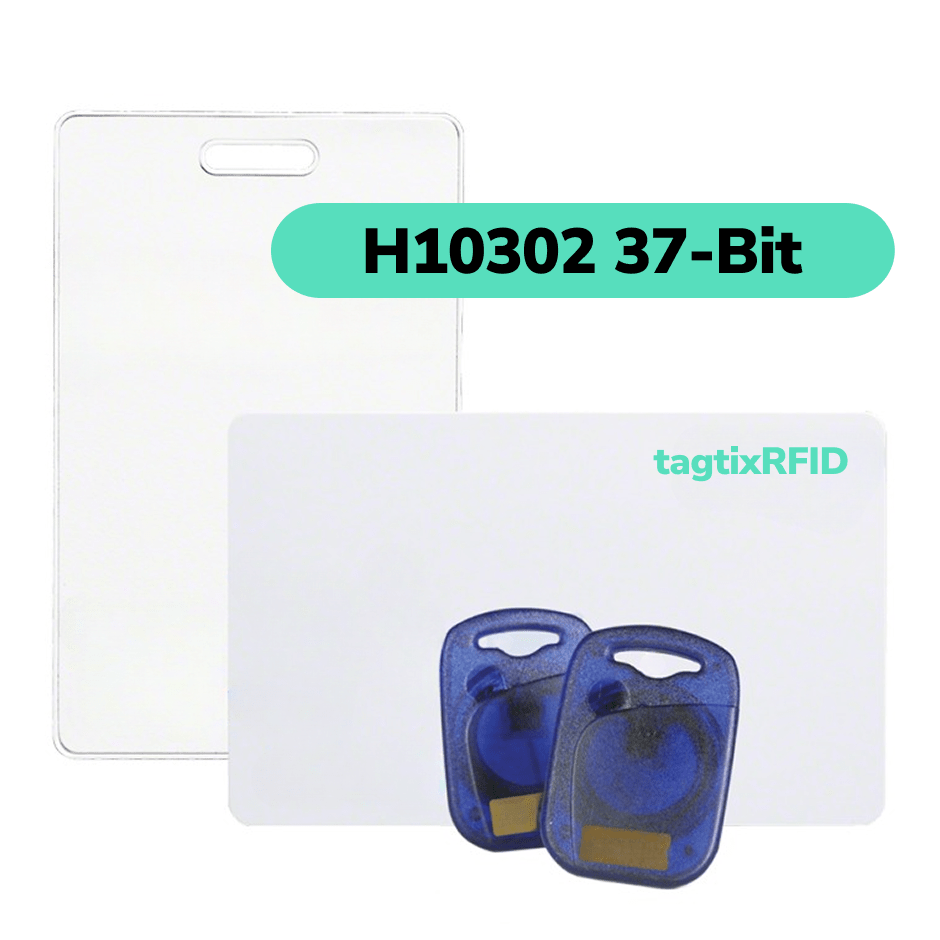
H10302: formato de 37 bits sin código de instalación
H10302 contiene un número de tarjeta de 35 bits y dos bits de paridad. El campo de número de tarjeta puede representar valores de 0 a 34.359.738.367.
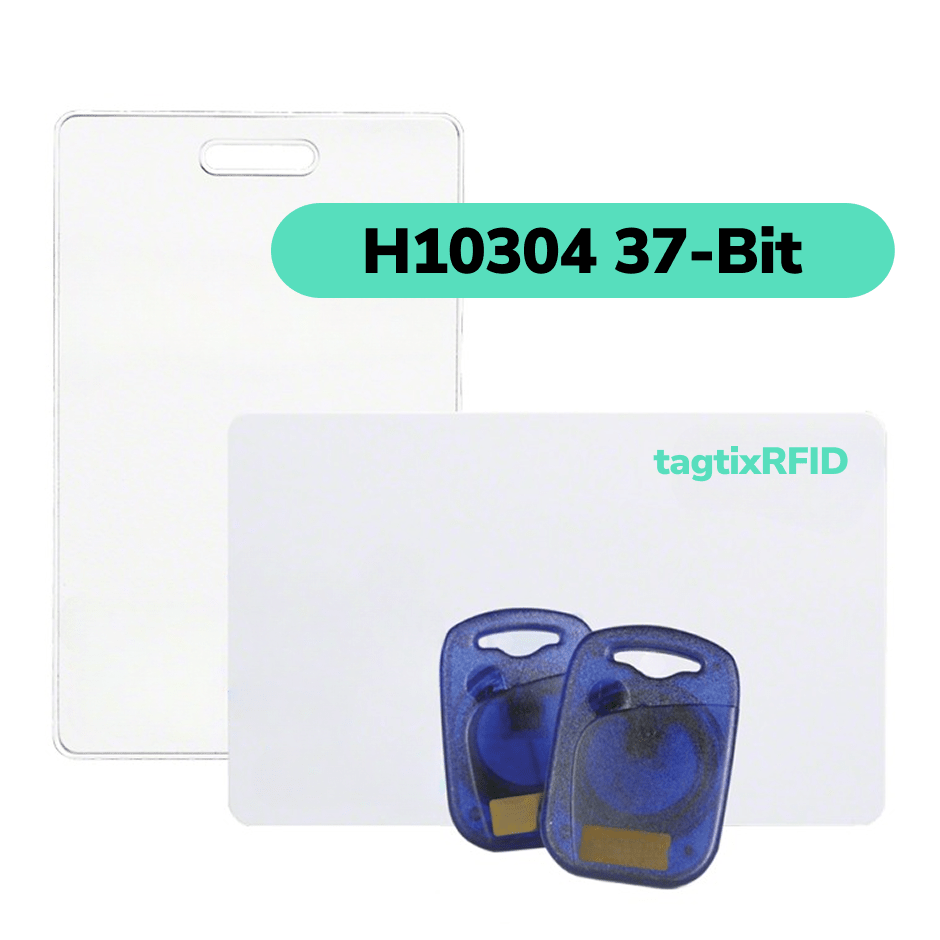
H10304: formato de 37 bits con código de instalación
H10304 contiene un código de instalación de 16 bits, un número de tarjeta de 19 bits y dos bits de paridad. Sus campos pueden representar códigos de instalación de 0 a 65.535 y números de tarjeta de 0 a 524.287.
| Format | Facility code | Card number | Parity |
|---|---|---|---|
| H10301 · 26-bit | 8 bits 0–255 | 16 bits 0–65,535 | 2 bits |
| H10302 · 37-bit | None | 35 bits 0–34,359,738,367 | 2 bits |
| H10304 · 37-bit | 16 bits 0–65,535 | 19 bits 0–524,287 | 2 bits |
These are mathematical ranges. Your supplier or access-control system may reserve zero or apply other numbering rules.
Preguntas frecuentes sobre formatos de tarjeta HID y compatibilidad
¿Por qué mi lector muestra un número de tarjeta diferente?
El software de su lector puede mostrar solo el número de tarjeta, combinarlo con otros campos de datos o añadir su propio formato. Verifique el formato de tarjeta seleccionado y si el valor mostrado incluye bits de paridad o un prefijo específico del lector antes de compararlo con la calculadora.
¿Cómo puedo saber qué formato de tarjeta usa mi sistema?
Revise la caja de una credencial anterior, su pedido original o la configuración del formato de credencial en su software de control de acceso. Busque el nombre exacto: H10301, H10302 o H10304. Un número de tarjeta impreso o el aspecto de la tarjeta no son suficientes para identificar el formato.
Si no puede encontrar el formato, pregunte a su administrador de control de acceso o proveedor de servicios cuál es el formato de credencial configurado antes de realizar el pedido.
¿Funcionará cualquier tarjeta de 26 bits con mi lector de proximidad?
No, que la longitud de bits coincida por sí sola no establece la compatibilidad. Su lector debe ser compatible con la tecnología de la credencial, y su panel o software de control de acceso debe aceptar el formato de datos exacto.
Para nuestras tarjetas H10301, compruebe que haya compatibilidad con HID Prox de 125 kHz y con el formato H10301. Un lector que solo admite EM4100 u otra tecnología de credencial no es equivalente, aunque también use Wiegand de 26 bits.
¿Puede la calculadora distinguir entre H10302 y H10304?
No, la misma trama de 37 bits puede superar las verificaciones de paridad tanto para H10302 como para H10304. H10302 trata los datos como un único número de tarjeta; H10304 los divide en un código de instalación y un número de tarjeta. Seleccione el formato según los registros de su sistema en lugar de basarse en un resultado de paridad correcto.
Para conocer la distribución de los campos y las reglas de paridad, consulte la guía de instalación del Nedap P81, secciones 5.2.4 y 5.2.6.
¿Qué es un código de instalación y dónde puedo encontrarlo?
Un código de instalación es un campo numérico independiente que se usa junto con el número de tarjeta en H10301 y H10304. H10302 no tiene un campo de código de instalación.
Busque el código de instalación en su pedido de credenciales existente o en sus registros de control de acceso. Si dispone de una trama Wiegand completa en binario o hexadecimal y conoce el formato exacto, la calculadora puede separar el código de instalación del número de tarjeta.
¿Que pase la paridad significa que la tarjeta abrirá la puerta?
No, que la paridad sea correcta solo significa que la trama introducida sigue las reglas de paridad del formato seleccionado. No demuestra que la tarjeta física sea compatible, auténtica, esté dada de alta o tenga permiso para abrir una puerta. El lector y el sistema de control de acceso siguen determinando si se permite el acceso.
¿Qué información necesito para pedir tarjetas de acceso?
Ten a mano el formato exacto de tu tarjeta, el modelo del lector, el número de tarjeta inicial y la cantidad. Incluye el código de instalación para H10301 o H10304; H10302 no usa uno.
Comprueba que el rango de números de tarjeta que solicitas no se superponga con las tarjetas ya registradas en tu sistema. Comparte esos detalles con nosotros y podemos ayudarte a elegir el formato y el rango de pedido que coincidan.
¿Puedo reemplazar las tarjetas H10301 de marca premium con tarjetas más económicas?
Sí, nuestras tarjetas H10301 son una opción más económica para sistemas que aceptan credenciales HID Prox de 125 kHz compatibles en el formato H10301 sin una restricción de credenciales propietarias. La tecnología del lector y el formato de tarjeta configurado aún deben coincidir.
Puedes solicitar una muestra gratuita de tarjeta H10301 para probarla con tu sistema antes de hacer un pedido mayor.
Guías más detalladas sobre formatos de datos HID

Comprensión del formato Wiegand de 26 bits: tarjetas de proximidad y control de acceso
Explore el formato Wiegand de 26 bits, un estándar para tarjetas de proximidad en sistemas de control de acceso. Comprenda su codificación, aplicaciones y compatibilidad con los lectores H10301.
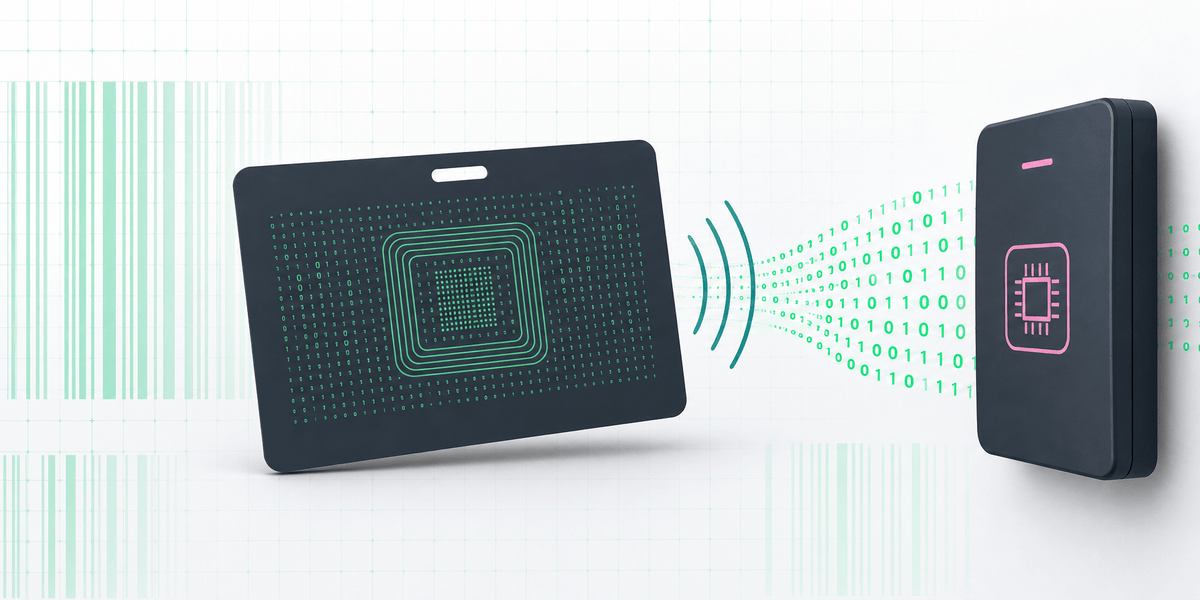
H10301 vs H10302 vs H10304: Formatos de tarjetas HID explicados
Comprenda las diferencias entre H10301, H10302 y H10304, y la información necesaria al pedir credenciales de control de acceso programadas.
Cotización al por mayor con 30% de descuento
¿Eres distribuidor o revendedor? ¿Buscas productos para un proyecto B2B? Disfruta de hasta un 30 % de descuento en pedidos al por mayor. Contáctanos para una cotización personalizada.

No se requiere pedido mínimo
Nuestros ingenieros experimentados pueden desarrollar a medida los módulos RFID para integrarlos en sus sistemas. Configuración de hardware, ajustes en el cableado, puerto USB o serie, etc., adaptados a las necesidades de su solución.
Devolvemos la tarifa de desarrollo
Cuando los pedidos alcanzan cierta cantidad. Comience probando una muestra y despliegue los productos finales con el soporte técnico de nuestros ingenieros. No importa cuántos necesite, estamos aquí para ayudar. Valoramos la confianza de cada cliente.