

Can UHF RFID Track Inventory Inside Plastic Totes Near Metal Racks?
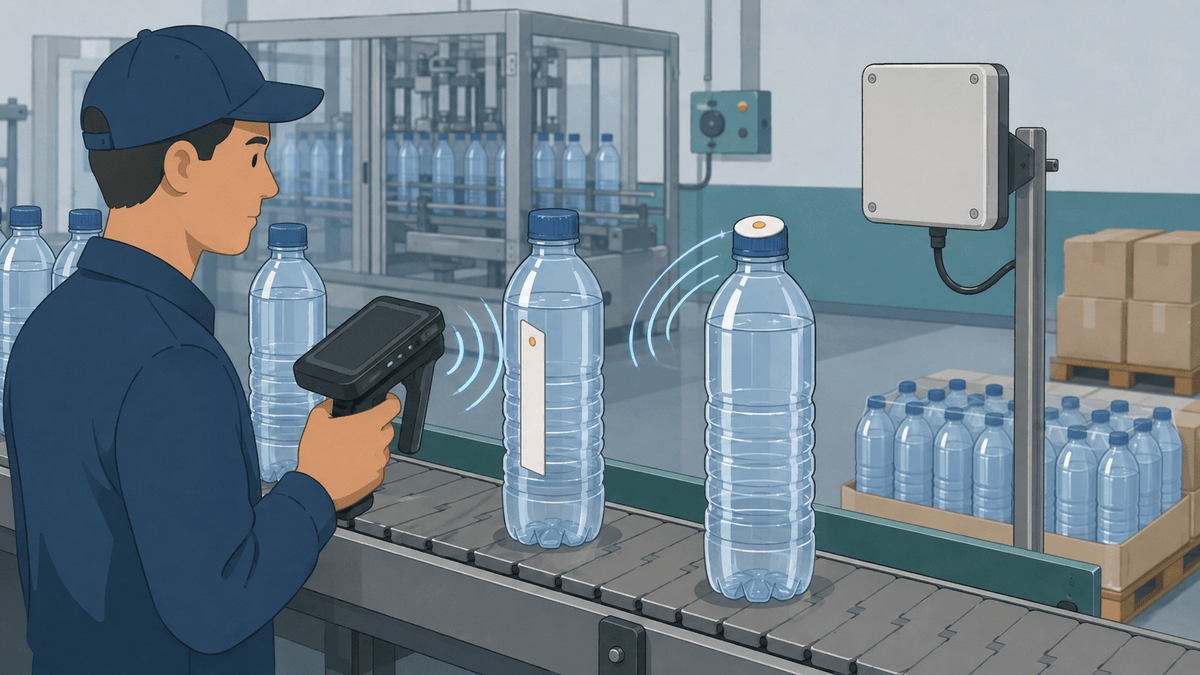
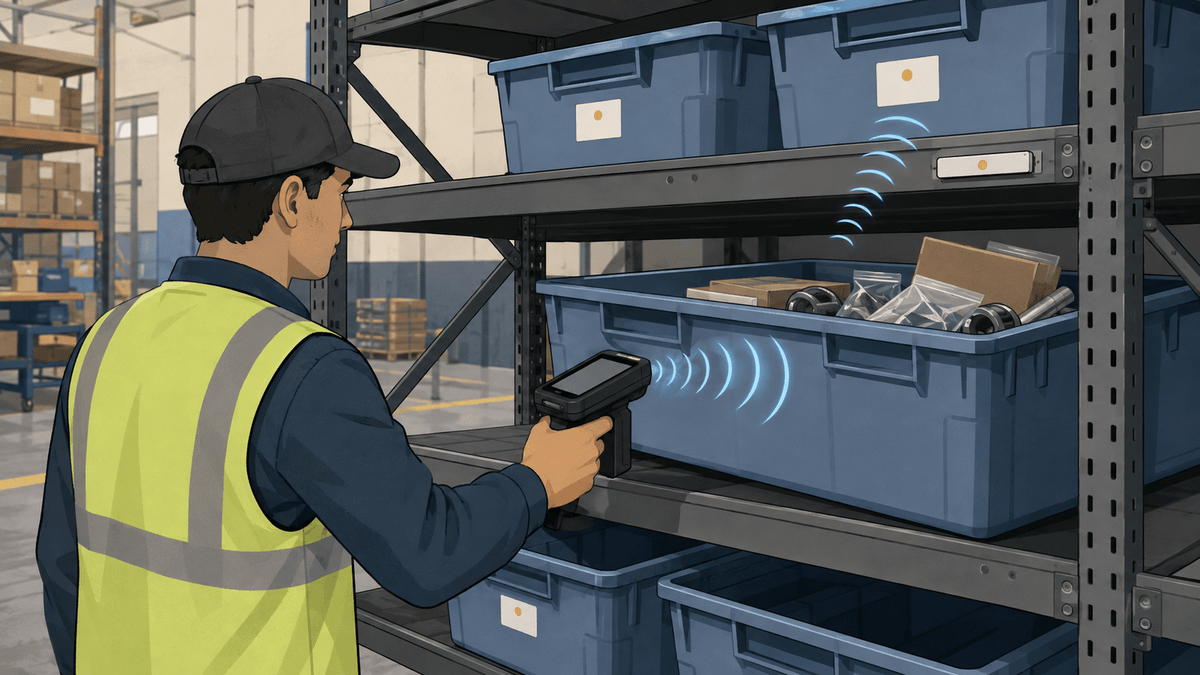
Yes, you can use UHF RFID to track plastic totes and the items inside them. The right setup depends on what each tag represents, where you place it, what sits inside the tote, and how close the tote is to metal.
You may want to track one tote as a single inventory unit. Or you may need to read several tagged items grouped together inside the same tote.
In our customer conversations, we first clarify which of these two workflows the team needs because they require different records and read checks. A tote-level tag confirms that the container reached a location, while item-level tags show which parts or finished goods are inside it.
Metal racks add another variable. Metal reflects UHF signals, so a position that works away from the rack may behave differently after you place the full tote in its normal shelf location.
Should You Tag the Tote or Each Item Inside It?
We recommend tagging the tote when your inventory system follows the container. Tag each item when workers need to count, identify, or locate the individual contents.
You can also use both levels. The tote tag identifies the container, while the item tags create a digital list of what should travel inside it.
| Tracking level | What one tag represents | When it fits |
|---|---|---|
| Tote level | One reusable tote or container | You move and count the tote as one unit |
| Item level | One part, product, or finished item | You need an identity and inventory record for every item |
| Tote and item level | One container plus every tagged item inside | You need to compare the tote with its expected contents |
Choose this structure before you print or encode tags. It decides how many Electronic Product Codes, or EPCs, you need and how your software connects each read with an inventory record.
Which UHF RFID Tags Fit Totes, Metal Racks, and Heat-Exposed Items?
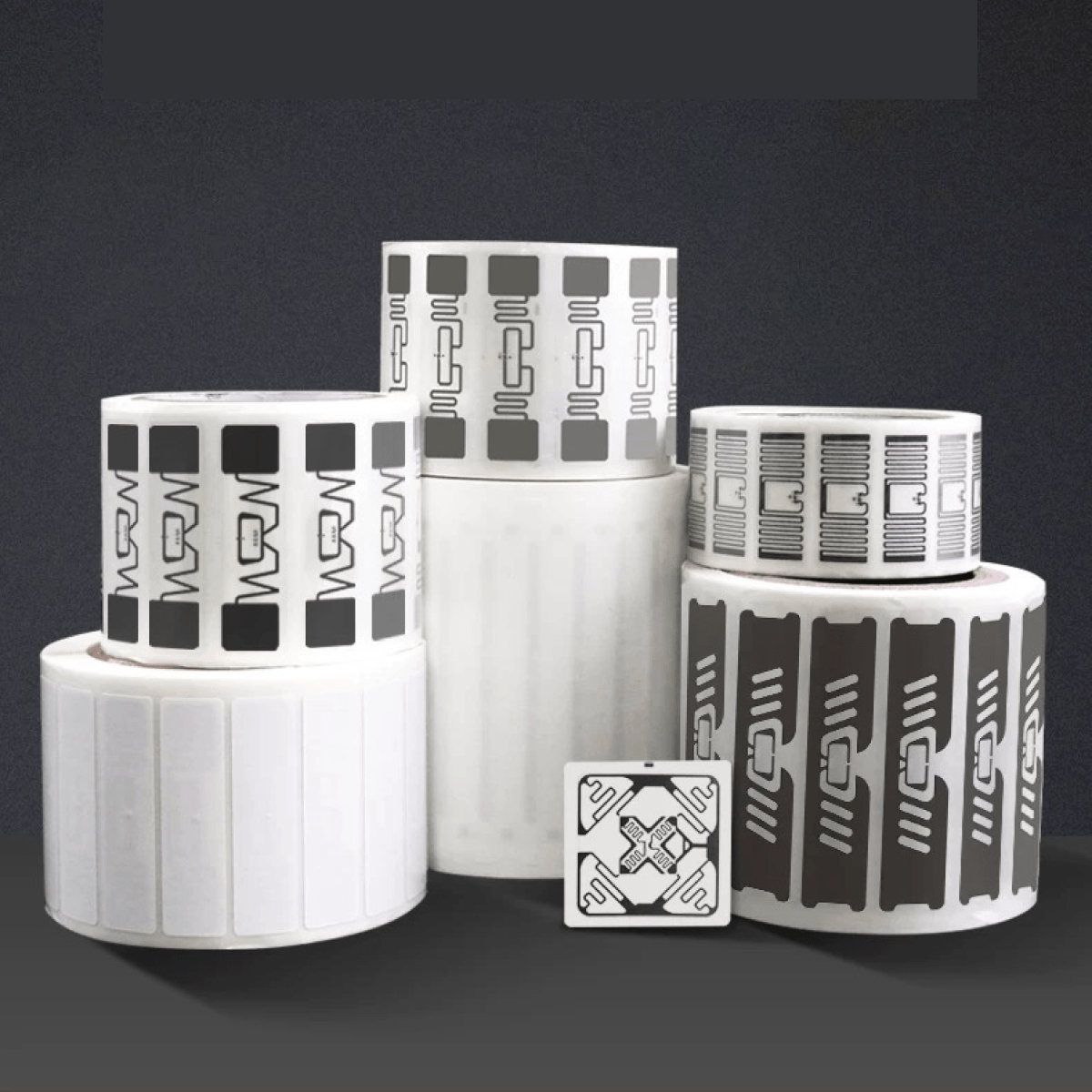
We recommend using one tag type for each surface and process condition. A regular printable inlay, an on-metal tag, and a high-temperature tag do different jobs.
| UHF RFID tag | Where it may fit | Why it belongs in the sample plan |
|---|---|---|
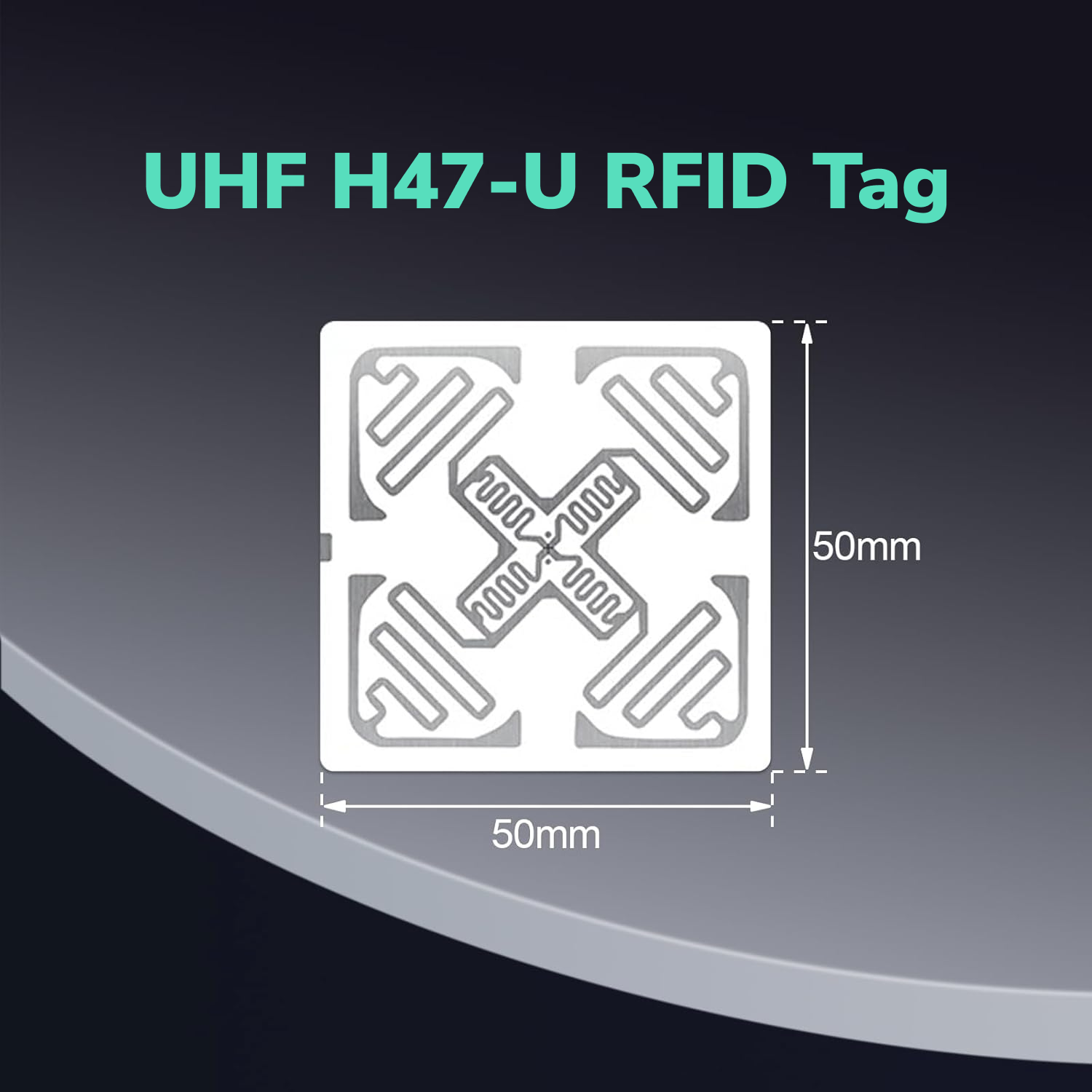
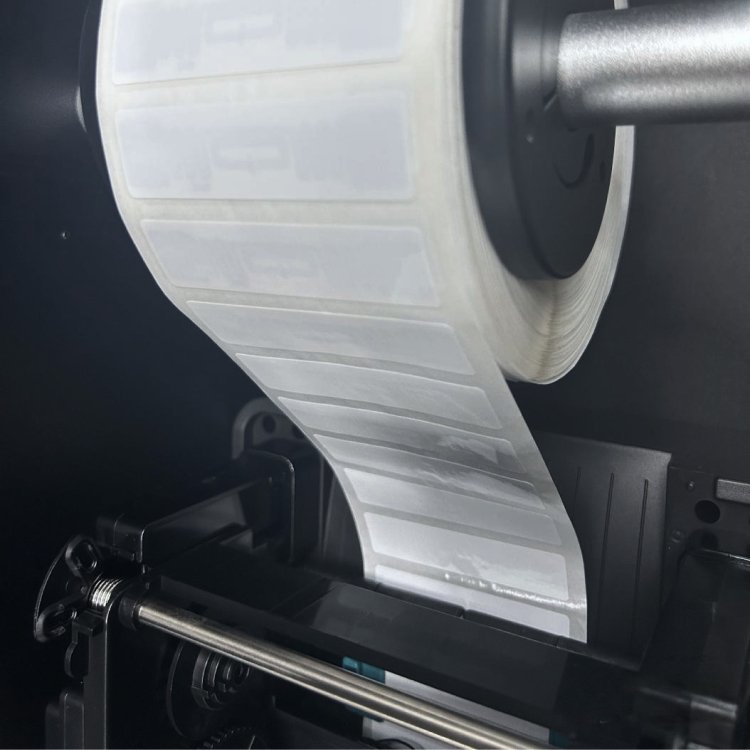
| H47U Printable UHF RFID Sticker | Suitable non-metal areas on a plastic tote, paper backing, or non-metal item packaging | The 50 mm × 50 mm printable format gives you a general non-metal baseline |
| PF6025 On-Metal UHF RFID Tag | Directly on metal racks, shelf markers, or metal items | Its on-metal construction, waterproof format, and adhesive design match direct metal placement |
| PCB High-Temperature Anti-Metal UHF Tag family | A metal item or process position that must pass through a confirmed heat cycle | The high-temperature family creates a separate path when a standard label does not fit the process |
Our H47U tag has a read range of up to 6 m, but the actual distance can vary with the reader, tote contents, tag position, and environment. If reading distance matters, we recommend testing H47U on the real tote with your actual reader and rack setup.
Our PF6025 tag has a read range of up to 5 m, but the actual distance can vary with the reader, mounting surface, tag position, and environment. We recommend it for direct metal placement and testing it on the real rack or metal item rather than using it as a general replacement for every non-metal tote label.
The PCB high-temperature family includes different constructions. Confirm the exact model after you share the mounting surface, temperature, time, pressure, moisture, chemicals, and number of heat cycles.
If part of the workflow mounts a tag directly on a rack or metal item, read our guide to using UHF RFID tags on metal surfaces. It explains why direct metal placement needs a different tag construction from a standard printable inlay.
Where Should You Place RFID Tags on a Tote?
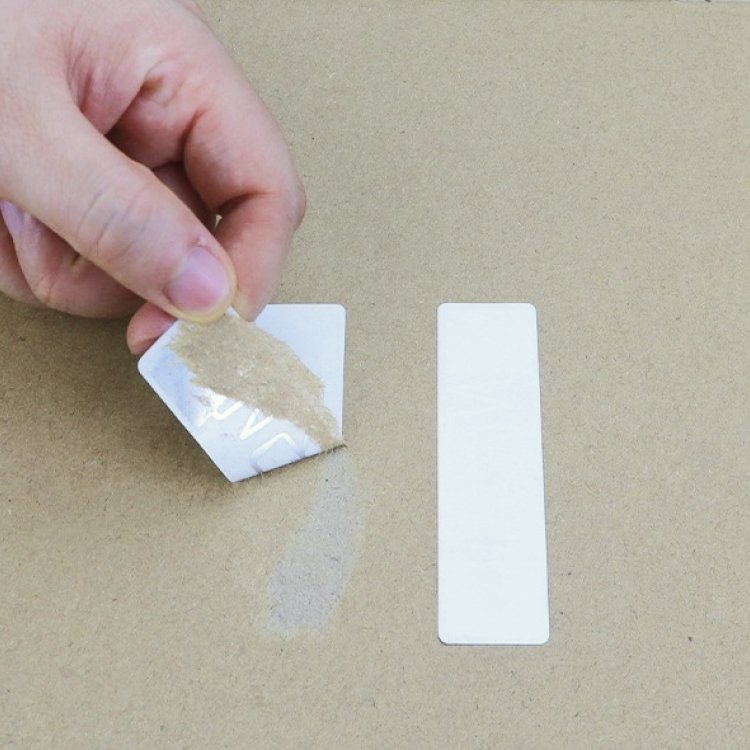
We recommend placing the tag where workers can repeat the position and the reader can face it during the normal inventory path. Keep a standard inlay away from direct metal contact and as far as practical from products with high water content.
An outside tote wall often gives the reader a clearer path and makes the label easier to inspect. An inside position may protect the label, but the tote contents can block or detune the signal.
A lid position may work when the lid keeps the tag flat and normally faces the reader. It may work poorly if workers remove lids, stack totes tightly, or turn them in different directions.
If you tag each item, use the same position on every similar item. A repeatable position helps you compare results instead of guessing whether a missed read came from the tag, the item, or the way someone placed it.
How Can You Read Several RFID Tags Grouped Together?
We recommend adding tags gradually and checking the same tote in every normal fill, stack, and rack position. This shows when the grouped inventory becomes harder to read.
Start with one tagged item. Add part of the normal group, then fill the tote with the number and mix of items workers will actually store.
Rotate the items and repeat each read from the normal worker or antenna path. Record intended reads, missed reads, repeat reads, and tags captured from a nearby tote or shelf.
The RAIN Alliance field guide explains that water, metal, carbon-rich materials, tag population, orientation, and environmental reflections can all affect a RAIN RFID read zone. It also recommends checking the complete system in the intended environment instead of relying on a lab result.
One successful sweep does not prove the workflow. Repeat the inventory round with different operators and normal tote handling so you can see whether the process stays consistent.
Which RFID Tags Can Handle an 80°C Production Step?
We recommend a verified high-temperature RFID tag when the complete tag must pass through 80°C for 30 minutes. We will confirm the exact model and construction before treating that condition as a product capability.
Heat can affect more than the chip. It can weaken the adhesive, damage the antenna connection, distort the face material, or change the printed surface.
Check the tag before the heat step, after one cycle, and after repeated cycles. Read the encoded EPC again and inspect the label for lifting, cracking, shrinking, or movement.
The RAIN Alliance also notes that mechanical force and temperature extremes can damage the antenna, chip, or their connection. That is why the sample should match the real mounting surface and the full production cycle.
How Should You Position a Reader Around Metal Racks?
We recommend building the read zone around one intended tote or rack bay. Maximum reader power can create extra reflections and capture tags that belong to a nearby location.
A handheld reader gives the worker control over distance and angle. A fixed reader can automate a doorway, station, or rack zone, but the antennas must cover the intended path without reaching too far into the next area.
The RAIN Alliance recommends shorter read zones that stay within the practical limits of the tag and reader. It also advises teams to consider antenna angles carefully around large metal surfaces.
Start at a lower useful power level and increase it only when the intended tags need more coverage. Repeat the check with full totes, empty spaces, nearby people, and normal rack positions.
What Data Should Each Tote or Item Store?
We recommend encoding one unique EPC on each tracked tote or item and using it as the lookup key. Keep the description, quantity, status, owner, and current location in your inventory database.
If you tag both the tote and its contents, let the software store the relationship. For example, the database can show that item EPCs 101 through 120 belong inside tote EPC 5001.
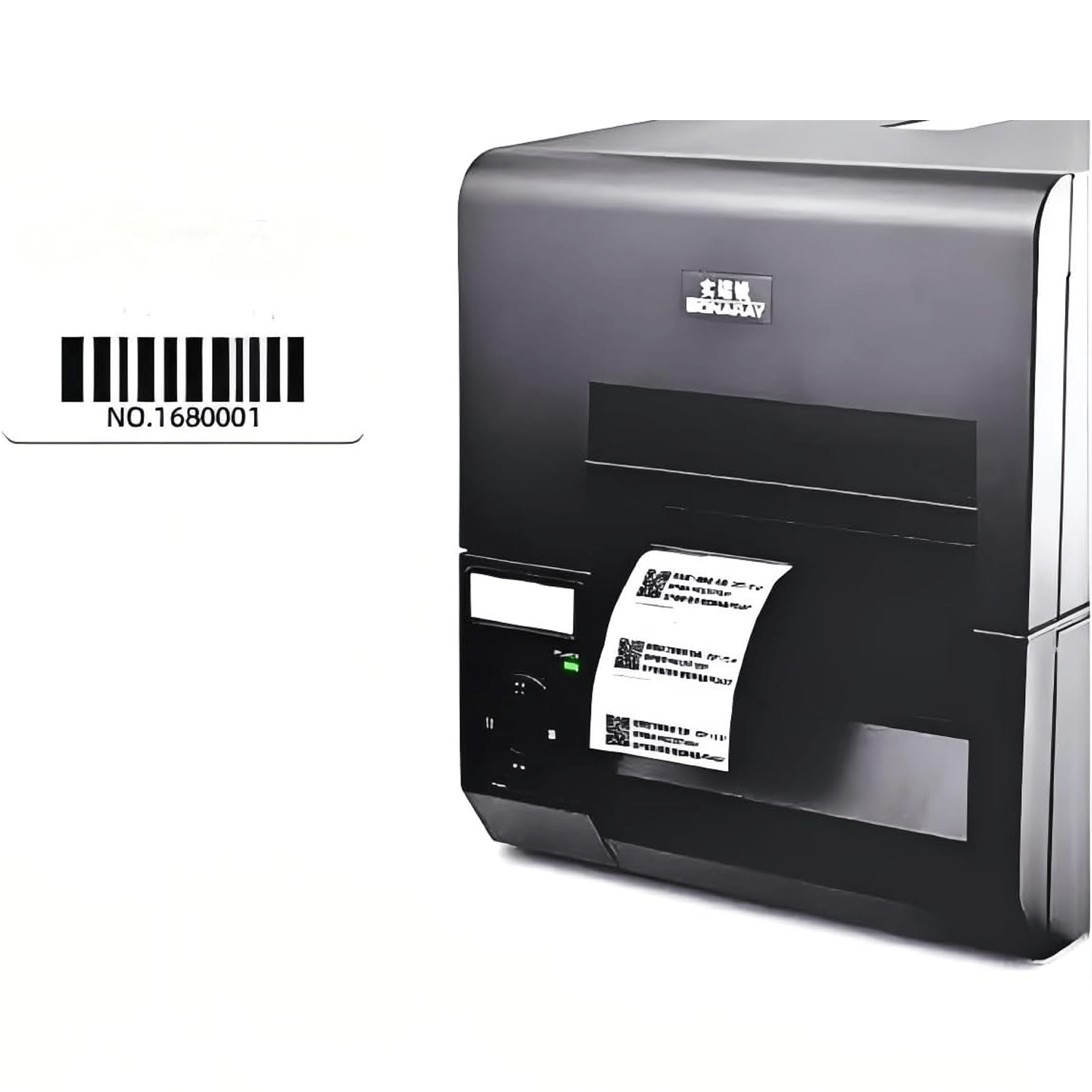
You can also print a barcode, item number, or other human-readable information on H47U when the workflow needs a visual backup. The printed data and encoded EPC should open the same correct record.
The GS1 EPC Tag Data Standard defines standardized EPC structures and the information stored on Gen2 RFID tags. You do not need to force every closed-loop project into a GS1 identifier, but you should choose a unique, documented structure before encoding a large batch.
A Practical UHF RFID Inventory Pilot for Totes and Metal Racks
We recommend changing one variable at a time, then running the complete inventory workflow under normal conditions. A small, controlled pilot makes it easier to find the cause of a missed or unwanted read.
- Decide whether each RFID record follows a tote, an item, or both.
- Choose representative totes, items, fill levels, and rack positions.
- Place H47U on suitable non-metal positions and encode a unique EPC for each test unit.
- Establish a baseline away from the metal rack.
- Add tagged items until the tote holds the normal grouped population.
- Place the full tote in its real rack position and repeat the inventory sweep from normal angles.
- Use PF6025 wherever the tag must attach directly to a metal rack or item.
- Run the 80°C path separately with the confirmed PCB high-temperature tag candidate.
- Compare every intended EPC with the database and record missed, duplicate, or unwanted reads.
- Repeat the workflow with normal operators before choosing a larger quantity.
Define the pass rules before you begin. The intended tags should appear, nearby unwanted tags should stay controlled, each EPC should match the correct record, and every label should remain attached and readable.
Track Tote Inventory in the Real Rack Setup Before Ordering in Volume
You do not need to guess whether one label can cover a plastic tote, a metal rack, grouped items, and a heat step. Tell us what you want to track, where the tag will sit, how many tags may be grouped together, and whether any part of the workflow reaches 80°C.
Apply for Free UHF Tote Tracking Samples
We can help you build a focused sample mix around H47U, PF6025, and the right PCB high-temperature candidate. If you need a barcode, part number, logo, or EPC on the sample, include that in your request so you can review the complete label workflow.
The UHF tag samples are free. You only cover shipping.