

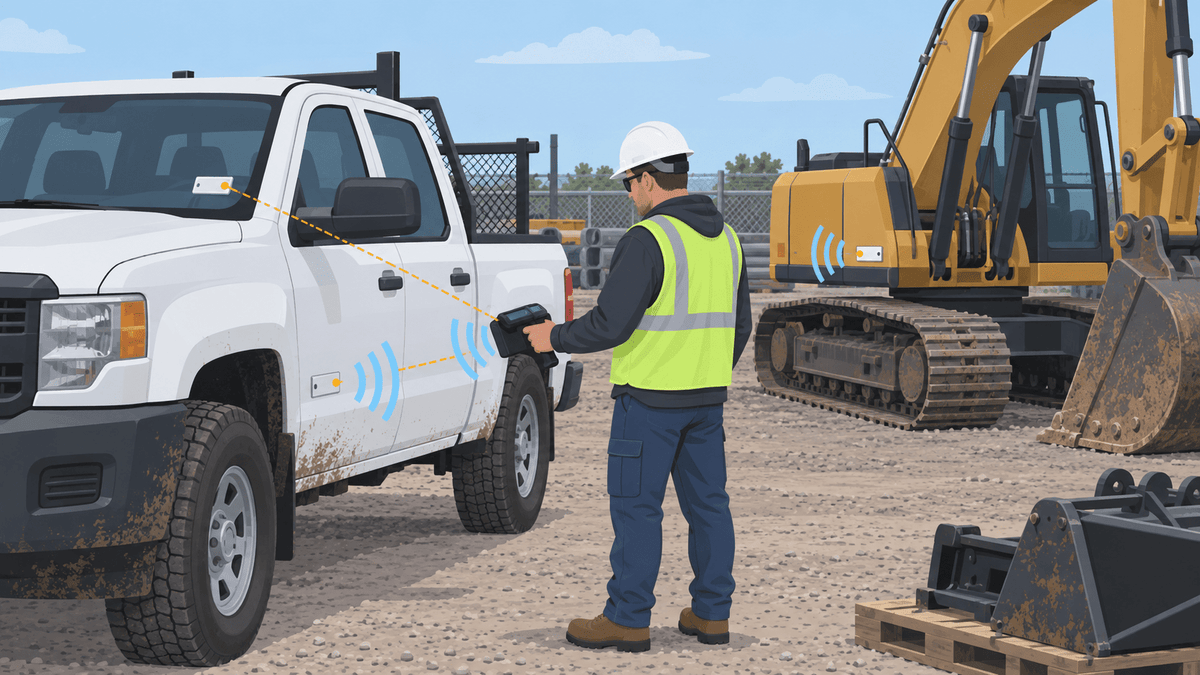
UHF RFID gives construction teams one practical way to identify trucks, machines, attachments, tools, cases, and reusable site assets at planned checkpoints. This guide shows you how to match the tag to the surface, choose a reader workflow, connect each read to an asset record, and pilot the system without treating passive RFID like GPS.
Use RFID when your main question is, “Which asset passed this point or appeared in this inventory check?” Use GPS or another locating system when your main question is, “Where is this asset right now?”
Can You Use UHF RFID to Track Construction Assets and Heavy Equipment?
You can use UHF RFID to identify tagged construction assets during yard checks, issue and return events, service intake, or inventory counts. A reader captures the tag identity, while your asset database explains what the identity means.
Passive UHF RFID does not continuously send GPS coordinates. Your team must bring the asset through a controlled read zone or bring a handheld reader close enough to read the tag.
Which Construction Assets Should You Tag?
Tag the unit that your team issues, moves, maintains, counts, or investigates as one asset record. That unit may be a truck, excavator, attachment, powered tool, tool case, reusable container, or another site asset.
| Asset | Useful RFID event | Important limit |
|---|---|---|
| Trucks and machines | Yard entry, inventory, or service intake | One vehicle tag does not identify every item inside |
| Attachments | Issue, transfer, return, or maintenance | Each separately managed attachment needs its own identity |
| Powered tools | Tool-room issue, return, or count | Small metal surfaces need careful tag and placement testing |
| Tool cases | Inventory or loading check | A case read does not prove that every tool remains inside |
| Reusable containers | Dispatch, return, or location checkpoint | The container record and the contents record may need separate identities |
Start with assets that cause the most search time, missing-record work, or service confusion. A narrow first group gives you cleaner results than tagging everything at once.
UHF RFID Identification or GPS Location: Which One Fits the Job?
Use UHF RFID for asset identity at a planned read point. Use GPS or another locating technology when you need continuous position across a wide area.
RFID works well for questions such as “Did this attachment return to the yard?” or “Which tools are in this service bay?” GPS works better for questions such as “Where is this truck between jobsites?”
You can connect both technologies to the same asset record. However, a passive RFID tag alone does not provide geofencing, live maps, or theft recovery.
Which RFID Tag Fits Metal Equipment, Windshields, Tools, and Cases?
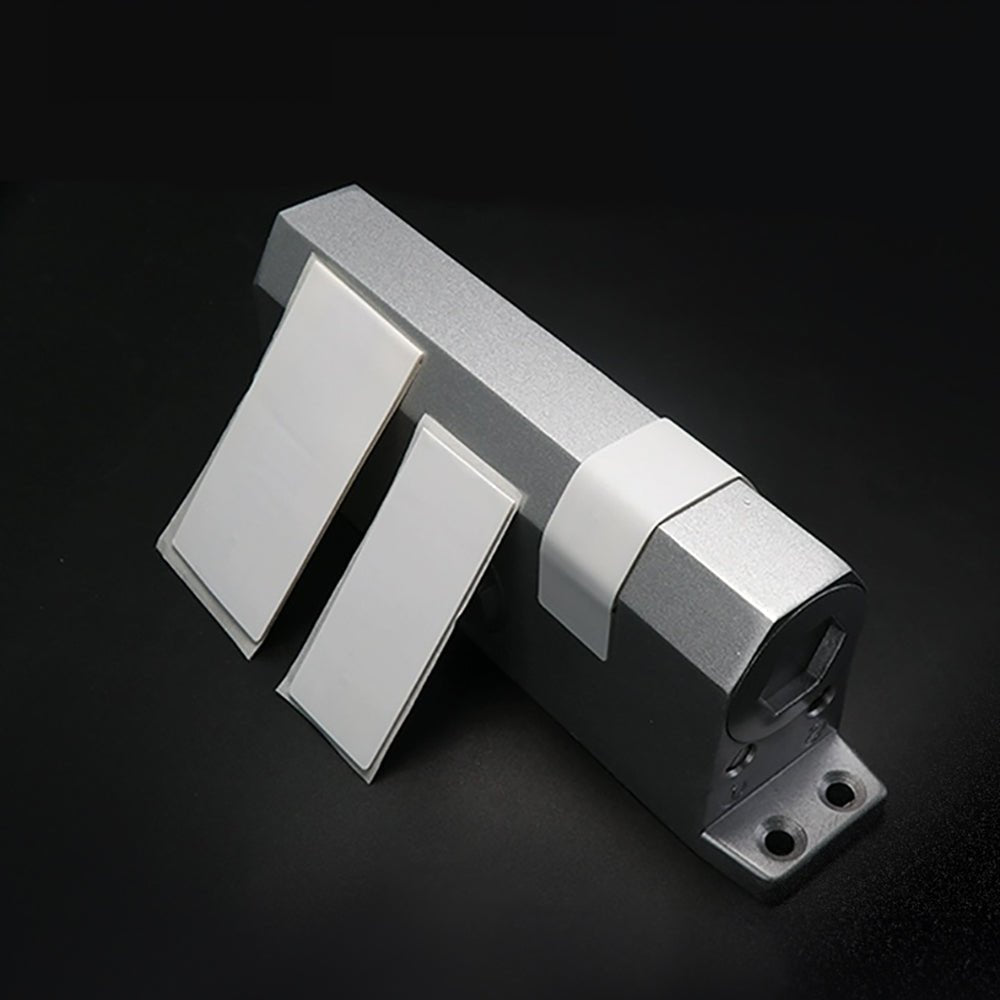
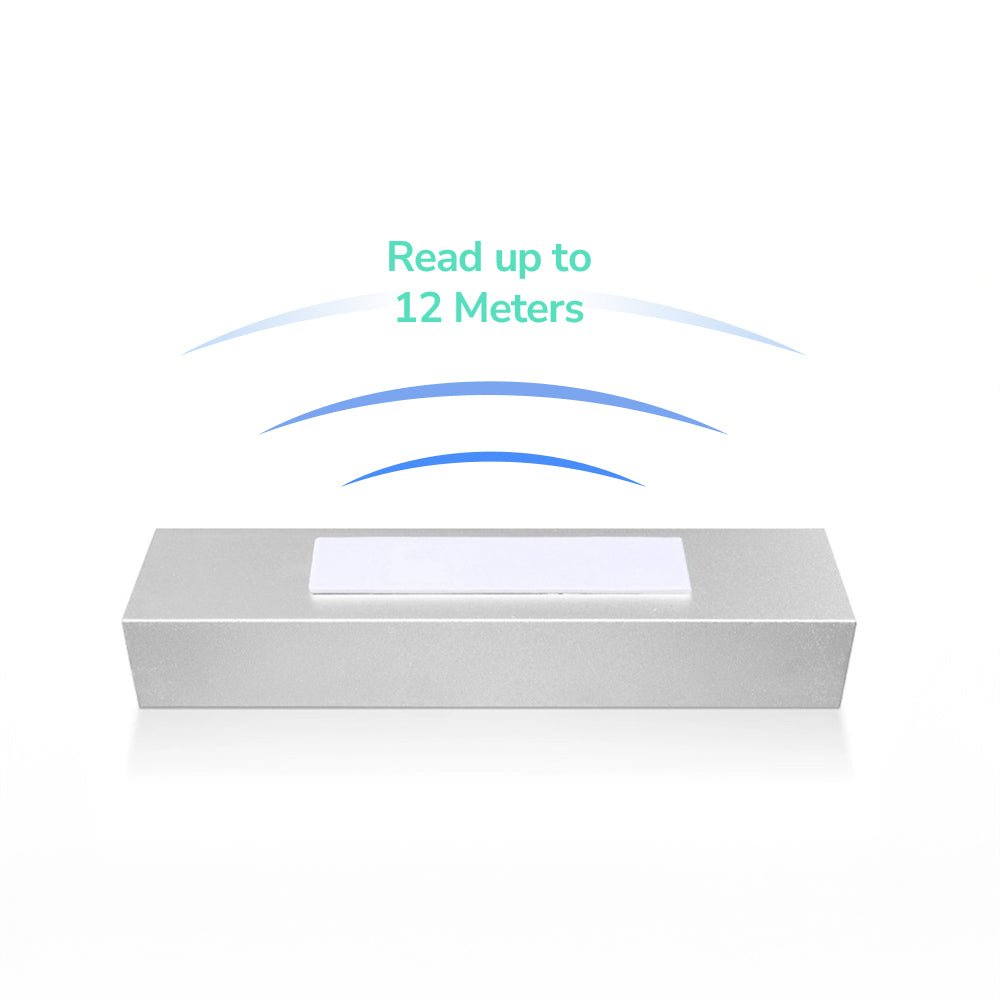
Use an on-metal tag for direct placement on metal equipment, a windshield tag for suitable inside-glass identification, and a standard label only on a suitable non-metal surface. Test the complete tag and reader setup on the actual asset before ordering in volume.
| Tag | Suitable starting point | Why it may fit |
|---|---|---|
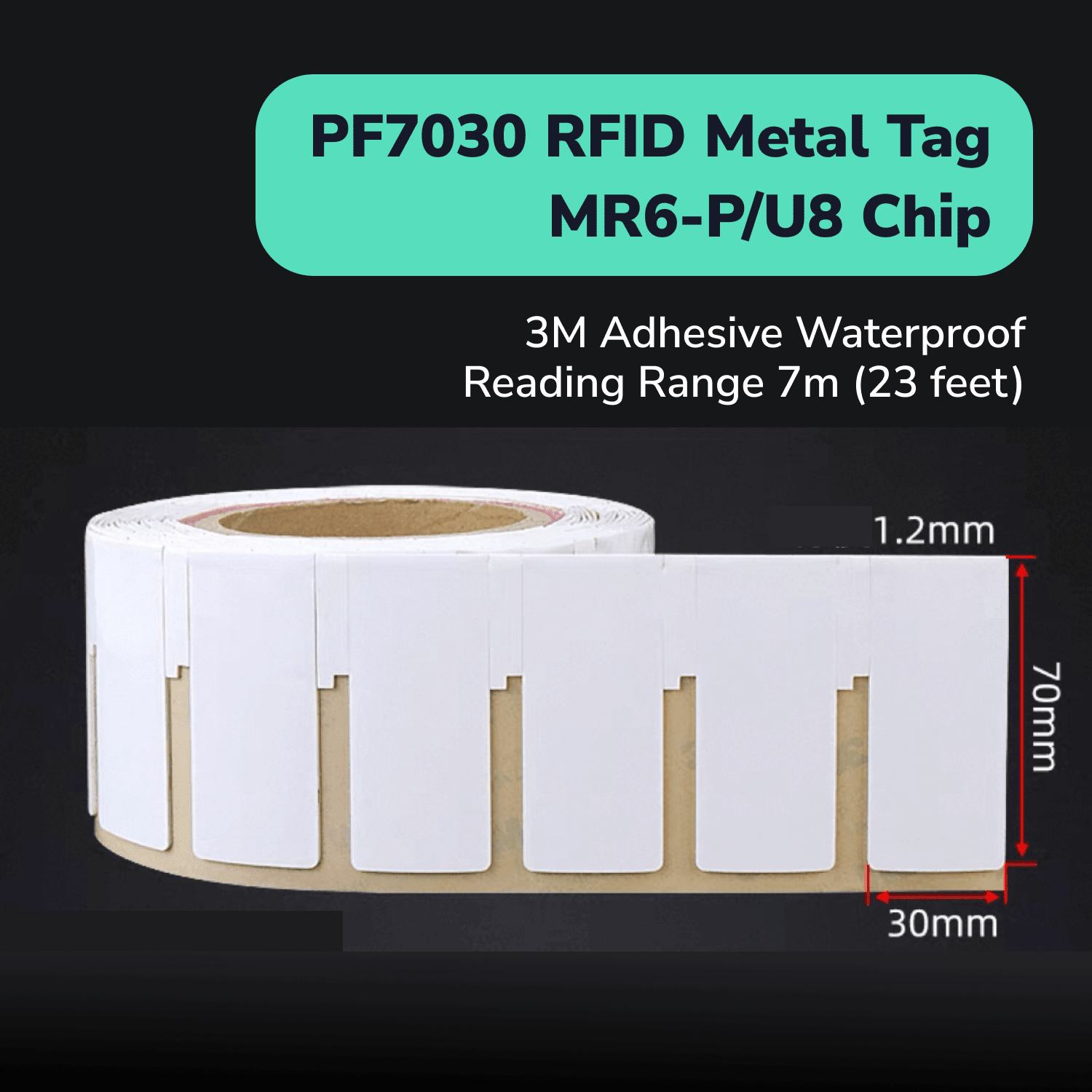
| PF7030 on-metal tag | Larger metal equipment panels | Its on-metal construction gives equipment teams a primary candidate for direct metal placement |
| PF6025 on-metal tag | Tighter metal mounting areas | Its smaller format gives teams another direct-on-metal option |
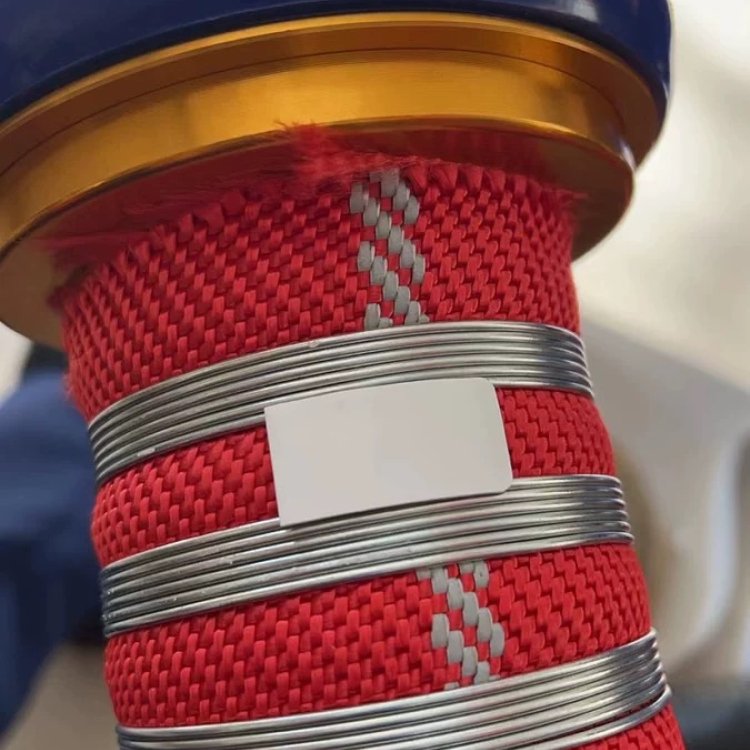
| PET11045 windshield tag | Suitable inside-windshield positions | It creates a separate vehicle-identification path without mounting a hard tag on the body |
| H47U inlay | Suitable plastic cases or packaging | It fits non-metal identification tasks where an on-metal tag is unnecessary |
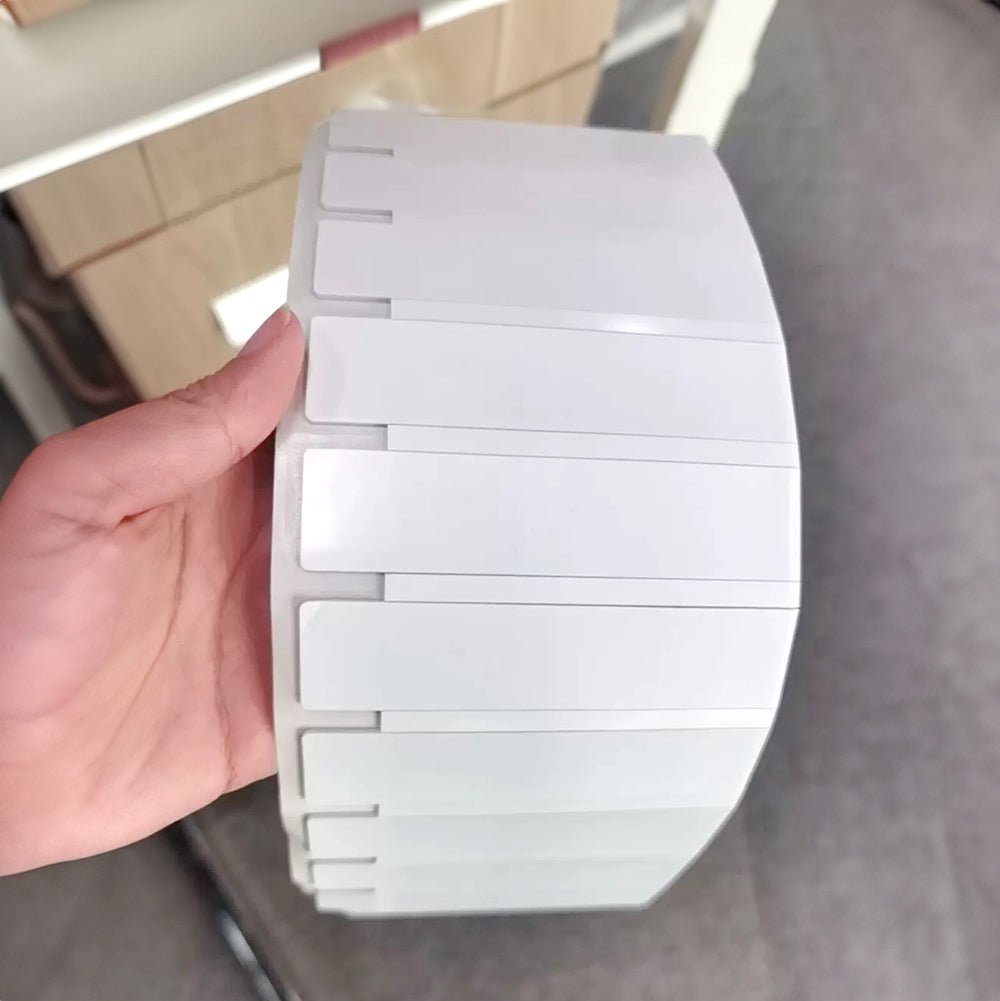
| PET7018 waterproof label | Suitable exposed non-metal surfaces | Its PET construction provides a printable waterproof-label option |
Treat published read range as a reference, not a jobsite result. Metal geometry, nearby equipment, tag angle, antenna position, reader power, people, water, and motion can all change performance.
Where Should You Place RFID Tags on Construction Vehicles and Equipment?
Choose one repeatable, protected position that gives the reader a clear path. Keep the tag away from hot areas, moving parts, hinges, controls, safety labels, and locations that service work may damage.
Place an on-metal tag on an approved metal panel when the asset allows it. Place PET11045 inside an approved windshield zone when the vehicle and reader workflow support that approach.
Use a non-metal label on a suitable plastic case, housing, or asset plate. Ask the equipment owner or manufacturer before drilling, altering a machine, or covering any required information.
How Do Weather, Mud, Water, Vibration, Impact, and Cleaning Affect Tag Choice?
Test the tag, adhesive or mount, placement, and reader workflow under the conditions the asset actually faces. A dry indoor sample check cannot prove performance after rain, mud, transport, cleaning, heat, cold, impact, or repeated handling.
A waterproof label does not automatically prove UV life, chemical resistance, washdown performance, abrasion resistance, or immersion life. An on-metal tag does not automatically prove that its attachment will survive every vibration or impact.
Inspect the tag after normal work cycles. Record lifting edges, cracks, loose mounts, unreadable printing, weak reads, and placement damage before you expand the system.
Handheld Readers, Yard Gates, Service Bays, or Tool Stations?
Match each reader to one controlled event instead of choosing hardware only by maximum range. A clear event produces cleaner data and makes exceptions easier to investigate.
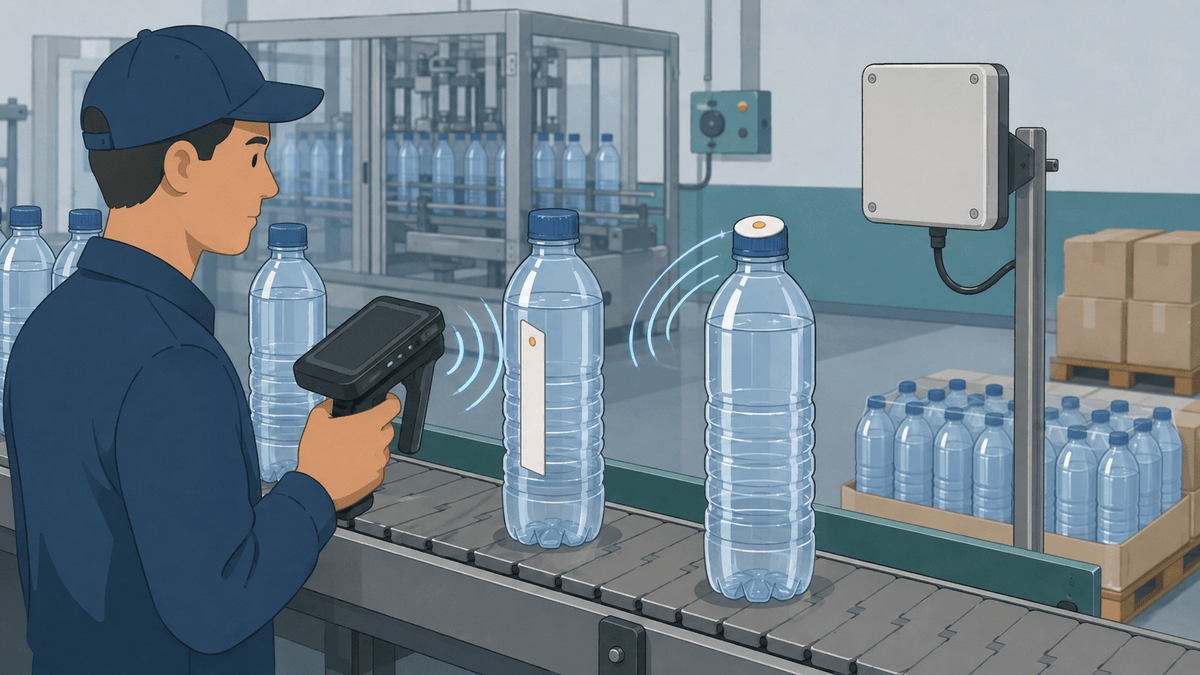
Use a handheld reader for planned inventory sweeps and targeted searches. Use a controlled yard lane, service bay, tool station, or loading point when the asset naturally passes one checkpoint.
Test nearby metal, people, vehicle speed, asset spacing, antenna direction, and adjacent assets. Keep equipment access authorization separate from asset identification unless the complete controller and safety workflow has been designed for both.
How Should RFID Connect with a Construction Asset Database or Mobile App?
Map one unique EPC to one asset record, then let your authorized database or mobile app manage the business information. The tag identity should point to the record instead of carrying every detail itself.
Useful fields include the asset ID, description, serial number, assigned yard or project, assigned team, status, service state, last verified event, and exception reason. Your software must also handle permissions, duplicate identities, offline scans, synchronization, APIs, and audit logs.
The GS1 EPC Tag Data Standard provides an authority reference for EPC identity structures. Your organization still needs its own record ownership and data-governance rules.
Which Construction Asset Events Should the System Record?
Give each scan or reader point one named event and one controlled system action. Do not let a raw RFID read silently change asset status without the required business checks.
| Event | Record action | Exception to review |
|---|---|---|
| Yard receipt | Confirm arrival | Unknown or unexpected asset |
| Project issue | Assign project or team | Missing approval or duplicate assignment |
| Site transfer | Record controlled move | Wrong destination or incomplete handoff |
| Service intake | Change service state | Asset identity does not match work order |
| Service release | Return to available status | Required work or approval remains open |
| Inventory check | Compare observed and expected lists | Missing, unexpected, or duplicate EPC |
| Retirement | Close active lifecycle | Tag or asset remains active elsewhere |
Require a person to review exceptions before the system marks an asset missing, transferred, serviced, or retired. That check protects the asset record from a missed read or an unrelated nearby read.
How Do You Control Missed Reads and Reads from Nearby Equipment?
Shape the read zone around one lane, bay, vehicle, cabinet, or inventory task. Test normal spacing while other tagged assets remain nearby.
Record missed, unexpected, unknown, duplicate, and cross-zone EPCs. Change tag placement, antenna direction, reader power, shielding, spacing, or software timing one variable at a time.
The RAIN RFID Field Guide explains why materials, orientation, mechanical force, and the real operating environment matter. Use it as planning guidance, then confirm the result on your own assets.
Can an RFID Tag Show If Someone Removed or Replaced It?
Your RFID system can flag an unexpected identity or record mismatch, but these recommended tags do not prove a verified tamper event. They also do not prevent theft or guarantee that someone cannot remove or replace a tag.
Use controlled tag issuance, replacement history, duplicate checks, and visual inspection to manage this risk. Record who replaced the tag, which old EPC was retired, which new EPC was issued, and why the change occurred.
A Practical UHF RFID Pilot for One Construction Workflow
Pilot one asset group and one event before expanding across the fleet, yard, tool inventory, or jobsites. A focused pilot helps you separate tag problems, reader problems, workflow problems, and record problems.
- Define one event, such as service intake or tool-case inventory.
- Select representative assets with real metal, glass, plastic, dirt, spacing, and damage conditions.
- Choose candidate tags and approved mounting positions.
- Encode unique EPCs and map them to controlled asset records.
- Establish a stationary baseline before adding speed, angle, distance, or nearby assets.
- Add normal weather, handling, transport, and cleaning conditions.
- Capture the mobile-app or export result and reconcile every exception.
- Inspect the physical attachment and repeat the workflow with another operator.
Pass the pilot only when intended reads repeat, nearby reads stay controlled, records match, data reaches the right system, tags remain usable, and operators can perform the task safely. Do not treat one successful read as deployment proof.
Apply for UHF RFID Samples for Your Construction Assets
Tell us what you need to track, where the tag will sit, and where the reader will capture it. We can use those details to prepare a focused sample mix for metal equipment, windshields, tools, cases, or other suitable surfaces.
The short application asks for your tracking purpose and project role first. We can confirm the asset material, outdoor conditions, reader point, software path, and estimated volume with you afterward.
Apply for Free UHF Construction Equipment Tag Samples
Sample testing helps you compare candidates, but it does not guarantee final read range or deployment performance. Test the selected tag with the actual asset, reader, placement, environment, and workflow before a full rollout.