



NFC UID Converter: Hex to Decimal & Decimal to Hex
Our NFC UID converter helps you compare a card’s hexadecimal and decimal numbers before you prepare an import list. Enter a full UID to see its bytes, decimal value and reversed-byte result, then check which display your reader or software expects.
Whether you’re matching a MIFARE UID to decimal or comparing a printed card number with a reader output, we’ll help you understand the difference. UID means unique identifier; hexadecimal, or HEX, uses the digits 0–9 and letters A–F.
Convert Your NFC UID
RFID Readers and NFC Cards


How to Convert a UID Between Hex and Decimal
1
Convert Hex to Decimal
Choose HEX input and select the UID length shown by your reader or card documentation. Enter the full value, such as 12345678 for a four-byte UID, and compare the two decimal results.
For a MIFARE UID hex-to-decimal conversion, use the complete identifier. Keep any leading zero bytes in your input.
2
Convert Decimal to Hex
Choose Decimal input and select the known UID length. Enter the full decimal number to restore its HEX display at that width.
Decimal does not retain leading zero bytes, so the converter needs the original length. For example, 305419896 becomes 12345678 at four bytes.
3
Match Your System’s Display
Compare the entered-order and reversed-byte results with one card your system already recognizes. Copy the matching display only after you confirm how your system interprets the UID.
If neither value matches, check whether the system uses a shortened identifier or a separate credential stored in the card.
Compare Card Numbers Before You Import a List
We want you to resolve a number-format question before it becomes a larger card-order or enrollment problem. Use one card to check the details that matter.
See the Byte Order Clearly
Compare the original byte pairs with their reversed order. You can see why the same input produces two different decimal values.
Keep the Full Identifier
Choose the correct UID length to keep leading zero bytes in the HEX result. A complete identifier gives you a clearer comparison than a shortened number.
Check One Card First
Match one reader output with the corresponding spreadsheet entry before you import a whole list. We can help you review the format details when the numbers differ.
Understand Your UID Converter Results
Our UID calculator shows the entered value and a reversed-byte interpretation separately. Each result has its own HEX and decimal display; your system’s settings determine which interpretation it uses.
HEX and Decimal
HEX and decimal use different number bases. For the same byte order, 12345678 in HEX represents 305419896 in decimal.
The letters in a HEX UID are part of its number display, not extra card data.
Entered Order and Reversed Bytes
Entered order keeps the byte pairs in the sequence shown in the HEX input or reconstructed from the decimal value. Reversed bytes puts the last pair first.
For 12 34 56 78, the reverse HEX byte order is 78 56 34 12. Reverse pairs, not individual characters.
Leading Zeros
A four-byte UID uses eight HEX characters. Optional ten-digit decimal formatting adds zeros at the beginning without changing the number.
For 305419896, the padded display is 0305419896. Keep that value as text if your import file requires ten digits.
Need Help Matching a UID List to Your Reader?
Share your reader model, the expected import format and one example UID with us. We’ll help you check the number display before you prepare the rest of your card list.
If you’re ordering cards from TagtixRFID, tell us whether you need a visible printed number, a UID spreadsheet or both. We’ll confirm the available preparation options for your card model.
Compare 4-Byte, 7-Byte and 10-Byte UID Displays
Choose the full UID length when you use our converter. The ISO/IEC 14443 UID sizes shown here use two HEX characters per byte; other RFID technologies may use different identifiers.
4 bytes · 8 HEX characters
Ten-digit decimal padding is an optional display format.
7 bytes · 14 HEX characters
Convert all seven bytes; do not silently reduce the UID to four bytes.
10 bytes · 20 HEX characters
Keep all ten bytes and confirm the system can accept the full value.
A ten-byte UID is not a ten-digit decimal card number. Byte length and the number of displayed decimal digits describe different things.
MIFARE Classic 1K UID length can vary by card version. Confirm whether you have a four-byte or seven-byte UID instead of choosing the length from the card name alone.
Why Can the Same Card Show Two Decimal Numbers?
Two systems can show different card numbers when they interpret the same UID bytes in opposite orders. A changed decimal display does not, by itself, show that the card’s identifier changed.
This illustrative four-byte example shows the difference. Neither column is a universal NFC UID format.
| Display | Entered Byte Order | Reversed Byte Order |
|---|---|---|
| Bytes | 12 34 56 78 | 78 56 34 12 |
| HEX | 12345678 | 78563412 |
| Decimal | 305419896 | 2018915346 |
| Optional 10-Digit Decimal | 0305419896 | 2018915346 |
Big-endian gives the first byte the most significant position when forming an integer. Little-endian gives the first byte the least significant position. The converter’s plain labels let you compare both interpretations without assuming your reader’s setting.
NXP does not prescribe one conversion from UID bytes to an integer. We recommend checking your reader or software documentation before you choose a decimal display.
Keep UID Numbers Intact in Your Spreadsheet
Keep UID values as text when you prepare a spreadsheet or CSV import. Text formatting helps preserve required leading zeros and avoids treating a long identifier as a number for calculations.
We recommend checking the original file, the imported preview and one physical card before you process the full list.
- Set the destination column to Text before you paste or import UID values.
- Keep the full HEX width and any decimal padding required by your system.
- Compare the saved and imported values with the original list.
- Test one known card with the intended reader and software.
If a spreadsheet has already removed zeros or rounded a long value, changing its display format cannot recover the missing information. Return to the original UID source.
A card’s printed number may follow a different rule from its full UID. Match the printed number, spreadsheet entry and reader output before assuming they are interchangeable.
NFC and MIFARE UID Conversion Questions
How Do I Convert a MIFARE UID to Decimal?
Enter the complete MIFARE UID as HEX, choose its byte length and compare the decimal results for both byte orders. Use the interpretation your system requires.
We recommend matching one known card before you convert a larger list. A MIFARE UID converter cannot determine your reader’s output rule from the card name alone.
Can I Convert a Decimal Card UID Back to Hex?
Yes, you can convert a decimal UID back to HEX when you know the original UID length and integer interpretation. Select that length to restore the required HEX width.
The decimal value 305419896 becomes 12345678 at four bytes. Missing length information leaves any original leading zero bytes unknown.
Can I Convert a Four-Byte UID to a Ten-Digit Decimal Number?
Yes, a four-byte UID value can be displayed as ten decimal digits by adding leading zeros where needed. This padding changes the display, not the value.
For example, 12345678 becomes 0305419896 using the entered byte order. A ten-digit RFID number still does not tell you which byte order the reader used.
Can I Convert a Seven-Byte UID to Decimal?
Yes, our converter is designed to convert the full seven-byte value to decimal. Select seven bytes and enter all fourteen HEX characters.
A seven-byte MIFARE UID can exceed the range of a four-byte card number. Confirm your software accepts the full result before you use it for an import.
Why Does My NFC UID Contain Letters?
Your NFC UID contains letters when the reader displays it in hexadecimal. HEX uses A–F alongside 0–9 to represent byte values.
A decimal display uses only 0–9. Check the input-format setting before entering a digits-only value, because digits alone do not identify its number base.
Which Byte Order Should I Use for My RFID UID?
Use the byte order required by your reader and receiving software. There is no single decimal display that every NFC or MIFARE system must use.
Compare both results with a known card or ask your system provider for its UID conversion rule. We can help you review the example and the format description.
Is a Card Serial Number or CSN the Same as a UID?
A reader may label a UID-derived value as a card serial number, or CSN, but that label alone does not establish its conversion rule. Confirm what the reader returns.
Use the converter when the value represents the full UID in decimal or HEX. A separately programmed credential or printed serial number needs its own mapping.
Why Doesn’t Either Decimal Result Match My Card Number?
Your system may use a shortened UID, selected bytes or a credential stored separately in card memory. Decimal/HEX conversion of the full UID will not reproduce every system-specific card number.
Share one example, your reader model and the expected format with us. We’ll help identify which details need confirmation before you prepare an import.
How Do I Find My NFC Tag or Card UID?
Read the card or tag with a compatible reader and software that exposes its UID, then copy the full value and its byte length. A phone app can also provide input when the phone, app and tag support that operation.
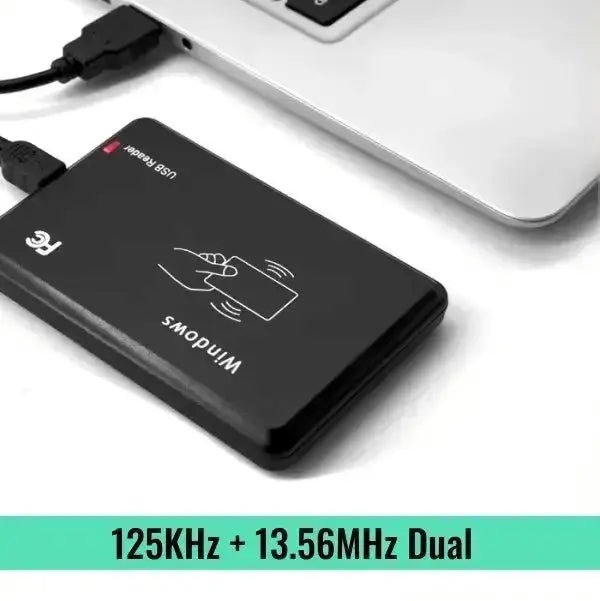
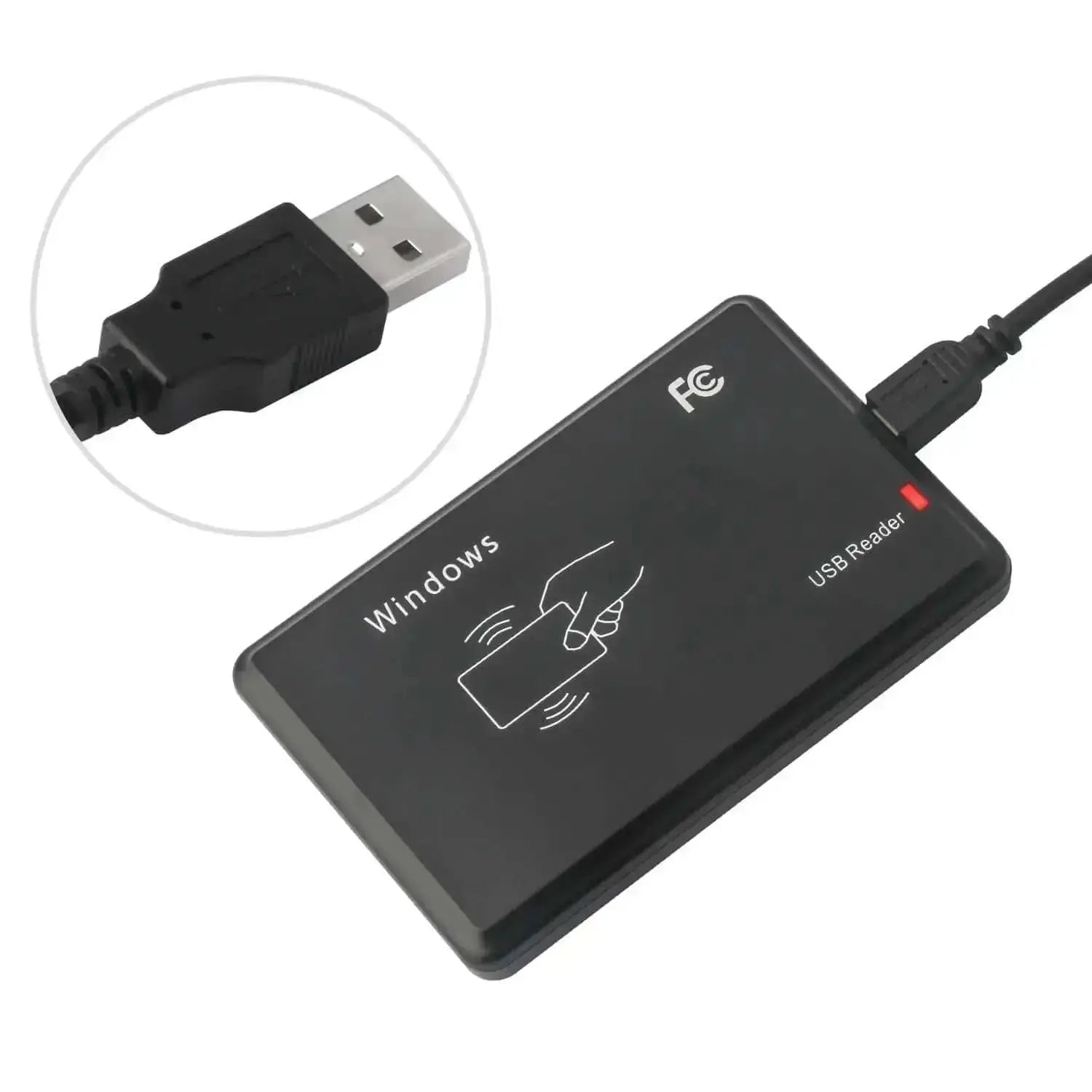
For an Android NFC UID or a USB reader output, confirm whether the app shows the bytes or an already converted number. This page converts pasted values; it does not scan your card.
Can I Use This Tool for MIFARE Classic, Ultralight or DESFire?
You can use the arithmetic converter for a complete UID value that fits a supported length. The card family alone does not establish what identifier your reader or software exposes.
For MIFARE Classic, Ultralight or DESFire, confirm the actual UID length and output format. A result here does not confirm reader compatibility or access permission.
Does UID Conversion Change, Clone or Emulate an NFC Card?
No, this tool only calculates number displays from the value you enter. It does not write a UID, clone a card or emulate a credential.
An RFID card number converter cannot change the card’s stored data or grant access to a system.
Why Does My UID Spreadsheet Lose Zeros or Show a Rounded Number?
A spreadsheet may treat the UID as a numeric value, remove leading zeros or alter a long number’s precision. Import UID fields as text and compare them with the original source.
If the stored value has already changed, start again from the original UID list. Adding zeros or changing the cell format cannot reliably rebuild missing data.
Related Card Format Guides
Use these guides when you need more context about card numbers and access-control formats.
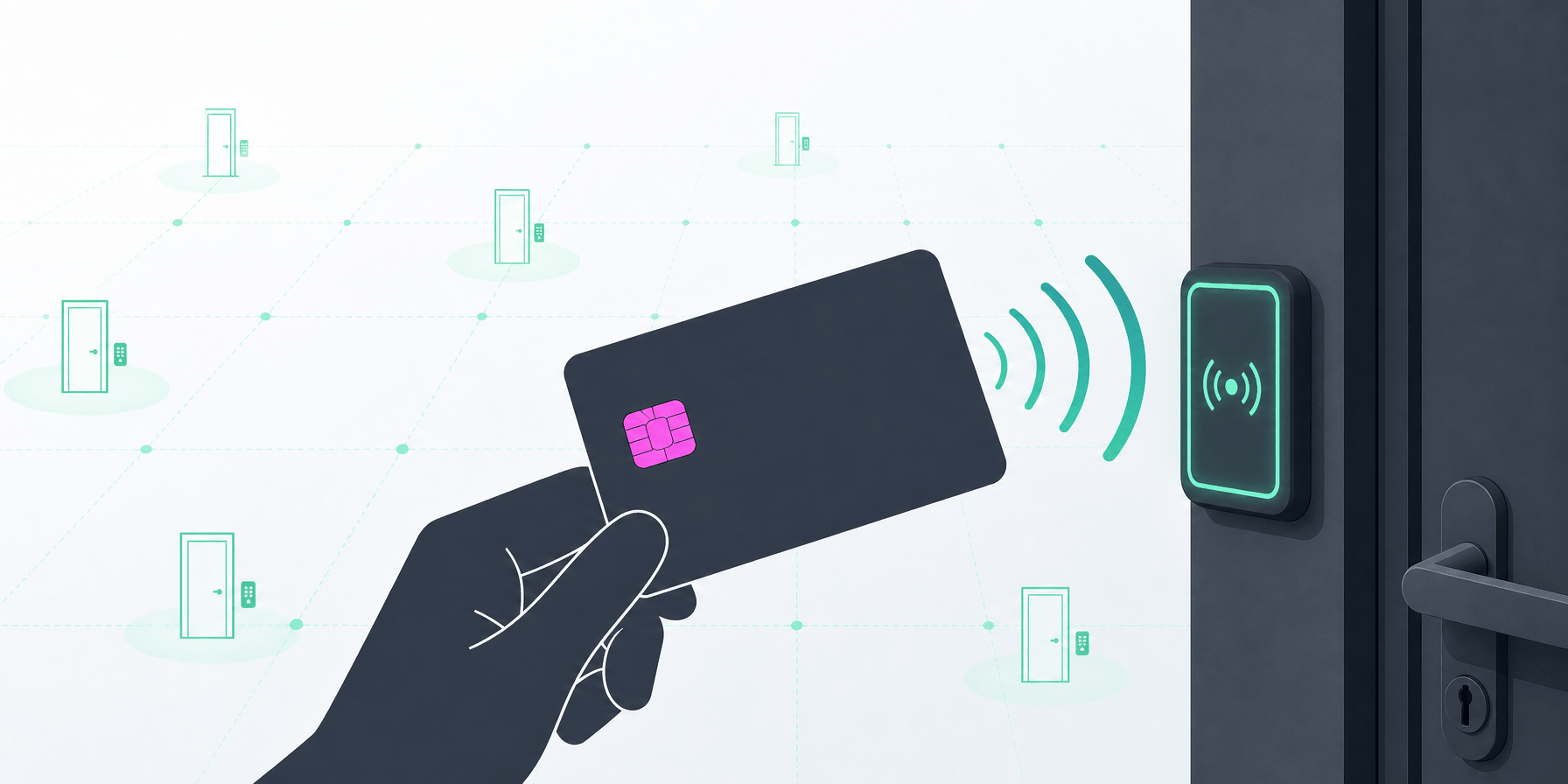
Descoperă beneficiile tehnologiei de control al accesului RFID pentru securitate și confort sporit. Explorează caracteristicile cheie ale cardurilor RFID și modul în care schimbă modul în care cont...

Wiegand Calculator for 26-Bit and 37-Bit HID Formats
Use this Wiegand calculator to build or decode H10301, H10302 and H10304 card data. Enter a facility code and card number, or paste a complete binary or hexadecimal value, to see the bit layout and...
Ofertă pentru cantități mari - 30% reducere
Ești distribuitor sau reseller? Cauți produse pentru un proiect B2B? Beneficiază de până la 30% reducere pentru comenzile en-gros. Contactează-ne pentru o ofertă personalizată.

Fără MOQ necesar
Inginerii noștri cu experiență pot dezvolta personalizat modulele RFID pentru a fi integrate în sistemele dumneavoastră. Configurarea hardware, ajustări de cablare, port USB sau serial etc., adaptate nevoilor soluției dumneavoastră.
Returnăm taxa de dezvoltare
Când comenzile ating o anumită sumă. Începeți cu un eșantion de test și implementați produsele finale cu suport tehnic din partea inginerilor noștri. Indiferent de câte aveți nevoie, suntem aici pentru a vă ajuta. Apreciem încrederea fiecărui client.