


NFC UID Converter: Hex to Decimal & Decimal to Hex
Meie NFC UID konverter aitab teil võrrelda kaardi kuueteistkümnend- ja kümnendarve enne impordiloendi koostamist. Sisestage täielik UID, et näha selle baite, kümnendväärtust ja ümberpööratud baitide tulemust, seejärel kontrollige, millist kuva teie lugeja või tarkvara ootab.
Olenemata sellest, kas sobitate MIFARE UID-i kümnendkujuga või võrdlete trükitud kaardinumbrit lugeja väljundiga, aitame teil erinevusest aru saada. UID tähendab unikaalset identifikaatorit; kuueteistkümnendsüsteem ehk HEX kasutab numbreid 0–9 ja tähti A–F.
Teisendage oma NFC UID
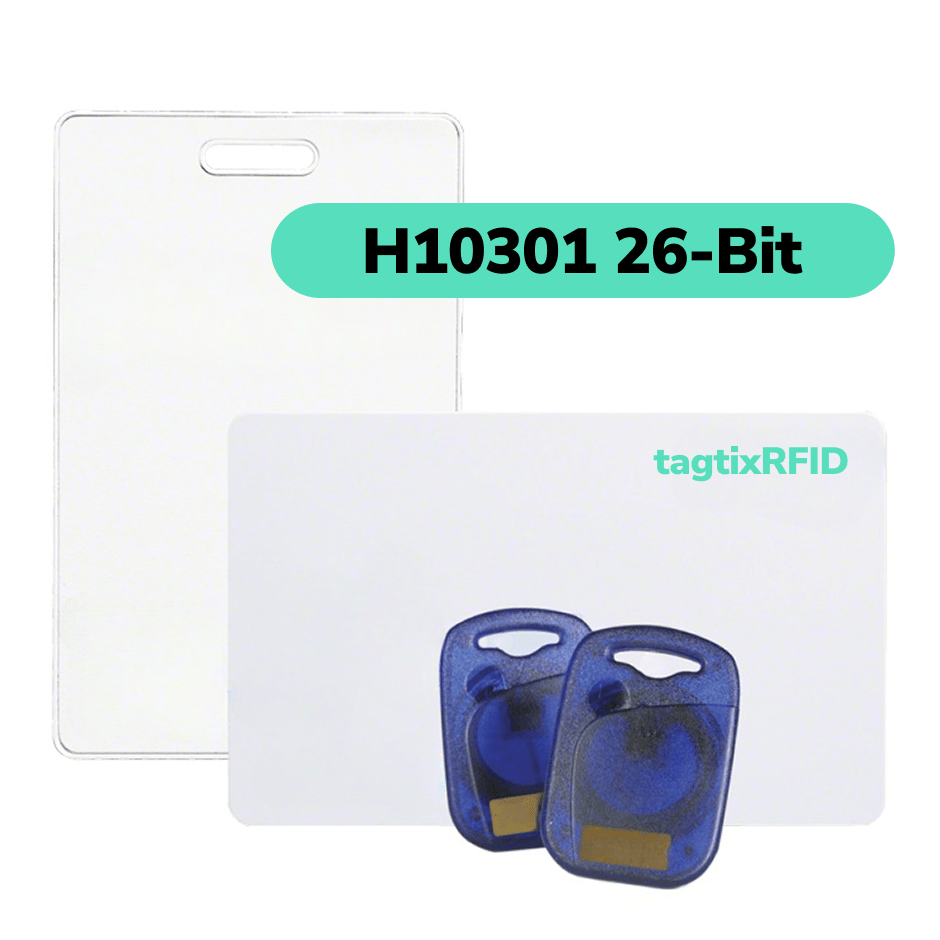
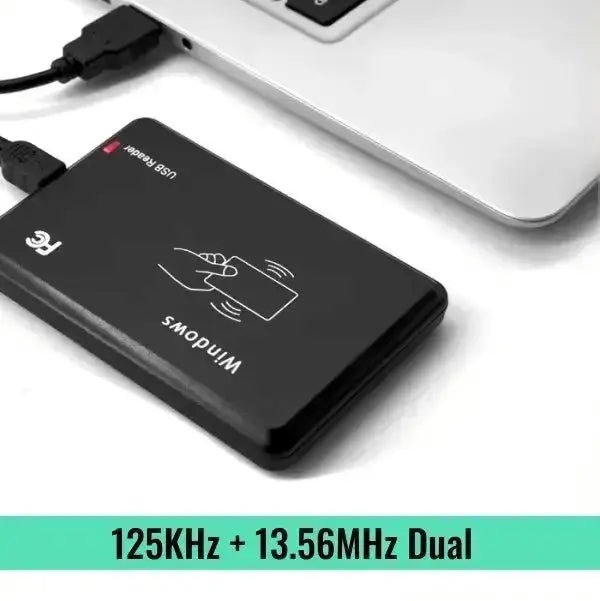
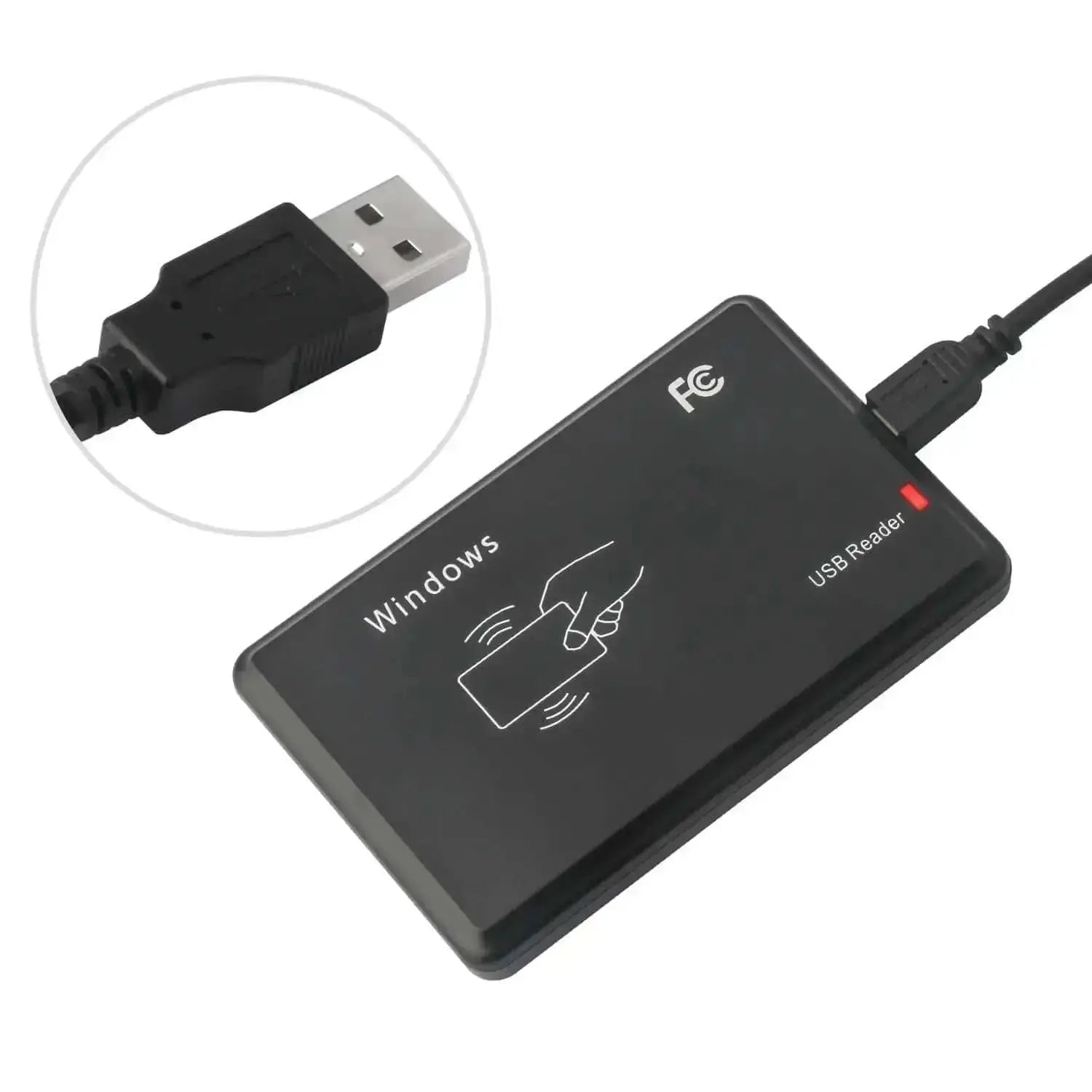
RFID-lugejad ja NFC-kaardid


Kuidas teisendada UID-d kuueteistkümnend- ja kümnendarvu vahel
1
Teisenda HEX kümnendkujuks
Valige HEX-sisend ja valige UID-i pikkus, mille teie lugeja või kaardi dokumentatsioon näitab. Sisestage täielik väärtus, näiteks 12345678 neljabaidise UID-i korral, ja võrrelge kahte kümnendtulemust.
MIFARE UID-i HEX-ist kümnendkujuks teisendamiseks kasutage täielikku identifikaatorit. Säilitage sisendis kõik alguses olevad nullbaidid.
2
Teisenda kümnendkuju HEX-iks
Valige kümnendsisend ja valige teadaolev UID-i pikkus. Sisestage täielik kümnendnumber, et taastada selle HEX-kuva valitud pikkusega.
Kümnendkuju ei säilita alguses olevaid nullbaite, seega vajab konverter algset pikkust. Näiteks 305419896 muutub nelja baidi korral 12345678-ks.
3
Sobitage oma süsteemi kuvaga
Võrrelge sisestatud järjekorra ja ümberpööratud baitide tulemusi ühe kaardiga, mille teie süsteem juba tuvastab. Kopeerige sobiv kuva alles pärast seda, kui olete kinnitanud, kuidas teie süsteem UID-i tõlgendab.
Kui kumbki väärtus ei ühti, kontrollige, kas süsteem kasutab lühendatud identifikaatorit või eraldi kaardile salvestatud autentimisandmeid.
Võrrelge kaardinumbrid enne loendi importimist
Soovime, et lahendaksite numbriformaadi küsimuse enne, kui sellest saab suurem kaarditellimuse või registreerimise probleem. Kasutage ühte kaarti, et kontrollida olulisi üksikasju.
Vaadake baitide järjekorda selgelt
Võrrelge algseid baidipaare nende vastupidise järjekorraga. Näete, miks sama sisend annab kaks erinevat kümnendväärtust.
Säilitage täielik identifikaator
Valige õige UID pikkus, et säilitada HEX-tulemuses alguses olevad nullbaidid. Täielik identifikaator annab selgema võrdluse kui lühendatud number.
Kontrollige esmalt ühte kaarti
Enne kogu nimekirja importimist sobitage ühe lugeja väljund vastava arvutustabeli kirjega. Kui numbrid erinevad, saame aidata teil vormingu üksikasju üle vaadata.
Saage aru UID-konverteri tulemustest
Meie UID-kalkulaator näitab sisestatud väärtust ja vastupidise baitide tõlgendust eraldi. Igal tulemusel on eraldi HEX- ja kümnendkuva; teie süsteemi seaded määravad, millist tõlgendust see kasutab.
HEX ja kümnend
HEX ja kümnend kasutavad erinevaid arvusüsteeme. Sama baitide järjekorra korral tähistab HEX-väärtus 12345678 kümnendarvuna 305419896.
Tähed HEX-UID-s on osa selle arvu esitusest, mitte täiendavad kaardiandmed.
Sisestatud järjekord ja vastupidised baidid
Sisestatud järjekord säilitab baidipaarid HEX-sisendis näidatud või kümnendväärtusest taastatud järjestuses. Vastupidiste baitide korral läheb viimane paar esimeseks.
Väärtuse 12 34 56 78 korral on vastupidine HEX-baitide järjekord 78 56 34 12. Pöörake paarid, mitte üksikud märgid.
Juhtnullid
Neljabaidine UID kasutab kaheksat HEX-märki. Valikuline kümnekohaline kümnendvorming lisab algusesse nulle, ilma et number muutuks.
Väärtuse 305419896 puhul on nullidega täidetud kuvand 0305419896. Hoidke see väärtus tekstina, kui teie impordifail nõuab kümmet numbrit.
Need Help Matching a UID List to Your Reader?
Share your reader model, the expected import format and one example UID with us. We’ll help you check the number display before you prepare the rest of your card list.
If you’re ordering cards from TagtixRFID, tell us whether you need a visible printed number, a UID spreadsheet or both. We’ll confirm the available preparation options for your card model.
Võrrelge 4-, 7- ja 10-baidiste UID-de kuvamist
Kasutage meie konverterit, valides UID-i täispikkuse. Siin näidatud ISO/IEC 14443 UID-i suurused kasutavad kahte HEX-märki baidi kohta; teised RFID-tehnoloogiad võivad kasutada erinevaid identifikaatoreid.
4 baiti · 8 HEX-märki
Kümnekohaline kümnendarvu nullidega täitmine on valikuline kuvamisvorming.
7 baiti · 14 HEX-märki
Teisendage kõik seitse baiti; ärge vähendage UID-i vaikselt neljale baidile.
10 baiti · 20 HEX-märki
Säilitage kõik kümme baiti ja veenduge, et süsteem suudab kogu väärtust vastu võtta.
A ten-byte UID is not a ten-digit decimal card number. Byte length and the number of displayed decimal digits describe different things.
MIFARE Classic 1K UID length can vary by card version. Confirm whether you have a four-byte or seven-byte UID instead of choosing the length from the card name alone.
Why Can the Same Card Show Two Decimal Numbers?
Two systems can show different card numbers when they interpret the same UID bytes in opposite orders. A changed decimal display does not, by itself, show that the card’s identifier changed.
This illustrative four-byte example shows the difference. Neither column is a universal NFC UID format.
| Display | Entered Byte Order | Reversed Byte Order |
|---|---|---|
| Bytes | 12 34 56 78 | 78 56 34 12 |
| HEX | 12345678 | 78563412 |
| Decimal | 305419896 | 2018915346 |
| Optional 10-Digit Decimal | 0305419896 | 2018915346 |
Big-endian gives the first byte the most significant position when forming an integer. Little-endian gives the first byte the least significant position. The converter’s plain labels let you compare both interpretations without assuming your reader’s setting.
NXP does not prescribe one conversion from UID bytes to an integer. We recommend checking your reader or software documentation before you choose a decimal display.
Keep UID Numbers Intact in Your Spreadsheet
Keep UID values as text when you prepare a spreadsheet or CSV import. Text formatting helps preserve required leading zeros and avoids treating a long identifier as a number for calculations.
We recommend checking the original file, the imported preview and one physical card before you process the full list.
- Set the destination column to Text before you paste or import UID values.
- Keep the full HEX width and any decimal padding required by your system.
- Compare the saved and imported values with the original list.
- Test one known card with the intended reader and software.
If a spreadsheet has already removed zeros or rounded a long value, changing its display format cannot recover the missing information. Return to the original UID source.
A card’s printed number may follow a different rule from its full UID. Match the printed number, spreadsheet entry and reader output before assuming they are interchangeable.
Küsimused NFC ja MIFARE UID teisendamise kohta
Kuidas teisendada MIFARE UID-i kümnendarvuks?
Sisestage täielik MIFARE UID HEX-vormingus, valige selle baidipikkus ja võrrelge kümnendtulemusi mõlema baidijärjestuse puhul. Kasutage tõlgendust, mida teie süsteem nõuab.
Soovitame enne suurema nimekirja teisendamist sobitada ühe teadaoleva kaardiga. MIFARE UID-i konverter ei saa ainult kaardi nime põhjal kindlaks teha teie lugeja väljundreeglit.
Kas kümnendarvulise kaardi UID-d saab tagasi kuueteistkümnendarvuks teisendada?
Jah, saate kümnendarvu UID-i tagasi HEX-iks teisendada, kui teate UID-i algset pikkust ja täisarvu tõlgendust. Valige see pikkus, et taastada nõutav HEX-laius.
Kümnendväärtus 305419896 muutub nelja baidi puhul väärtuseks 12345678. Pikkusteabe puudumine jätab võimalikud algsed juhtivad nullbaidid teadmata.
Kas ma saan neljabaidise UID-i teisendada kümnekohaliseks kümnendarvuks?
Jah, neljabaidist UID-i väärtust saab kuvada kümne kümnendnumbrina, lisades vajaduse korral ette nulle. See nullidega täitmine muudab kuvandit, mitte väärtust.
Näiteks 12345678 muutub sisestatud baitide järjekorra abil 0305419896-ks. Kümnekohaline RFID-number ei ütle siiski, millist baitide järjekorda lugeja kasutas.
Kas ma saan seitsmebaidise UID-i kümnendarvuks teisendada?
Jah, meie konverter on loodud kogu seitsmebaidilise väärtuse kümnendarvuks teisendamiseks. Valige seitse baiti ja sisestage kõik neliteist HEX-märki.
Seitsmebaidiline MIFARE UID võib ületada neljabaidilise kaarditunnuse vahemikku. Enne tulemuse importimist kontrollige, kas teie tarkvara aktsepteerib täielikku tulemust.
Miks sisaldab minu NFC UID tähti?
Teie NFC UID sisaldab tähti, kui lugeja kuvab selle kuueteistkümnendsüsteemis. HEX kasutab baitväärtuste esitamiseks A–F koos 0–9-ga.
Kümnendkuva kasutab ainult 0–9. Enne ainult numbritest koosneva väärtuse sisestamist kontrollige sisestusvormingu seadet, sest ainult numbrid ei näita arvusüsteemi.
Millist baidijärjestust peaksin oma RFID UID-i jaoks kasutama?
Kasutage baitide järjekorda, mida nõuavad teie lugeja ja vastuvõttev tarkvara. Puudub üksainus kümnendkuva, mida iga NFC- või MIFARE-süsteem peaks kasutama.
Võrrelge mõlemat tulemust teadaoleva kaardiga või küsige oma süsteemipakkujalt selle UID-teisendusreeglit. Saame aidata teil näidet ja vormingu kirjeldust üle vaadata.
Kas kaardi seerianumber või CSN on sama mis UID?
Lugeja võib UID-st tuletatud väärtust nimetada kaardi seerianumbriks ehk CSN-iks, kuid üksnes see nimetus ei määra selle teisendusreeglit. Kontrollige, mida lugeja tagastab.
Kasutage konverterit, kui väärtus esindab kogu UID-d kümnend- või HEX-kujul. Eraldi programmeeritud identimisandmed või trükitud seerianumber vajavad oma vastendust.
Miks ei ühti kumbki kümnendtulemus minu kaardinumbriga?
Teie süsteem võib kasutada lühendatud UID-d, valitud baite või kaardi mällu eraldi salvestatud tunnust. Täieliku UID kümnend- või kuueteistkümnendkujule teisendamine ei taasta iga süsteemispetsiifilist kaardinumbrit.
Jagage meiega ühte näidet, oma lugeja mudelit ja eeldatavat vormingut. Aitame tuvastada, millised üksikasjad vajavad enne impordi ettevalmistamist kinnitamist.
Kuidas leida oma NFC-märgise või kaardi UID?
Lugege kaart või silt ühilduva lugeja ja tarkvaraga, mis näitab selle UID-d, seejärel kopeerige täisväärtus ja selle baidipikkus. Telefoniäpp võib samuti sisendi anda, kui telefon, äpp ja silt seda toimingut toetavad.
Androidi NFC UID või USB-lugeja väljundi puhul kontrollige, kas rakendus näitab baite või juba teisendatud numbrit. See leht teisendab kleepitud väärtusi; see ei skaneeri teie kaarti.
Kas ma saan seda tööriista kasutada MIFARE Classic, Ultralight või DESFire jaoks?
Aritmeetilist teisendajat saate kasutada täieliku UID väärtuse jaoks, mis mahub toetatud pikkusesse. Ainult kaardiperekond ei määra, millist identifikaatorit teie lugeja või tarkvara näitab.
MIFARE Classic, Ultralight või DESFire puhul kinnitage tegelik UID pikkus ja väljundvorming. Tulemus siin ei kinnita lugeja ühilduvust ega juurdepääsuõigust.
Kas UID teisendamine muudab, kloonib või emuleerib NFC-kaarti?
Ei, see tööriist arvutab ainult sisestatud väärtusest numbrilisi kuvasid. See ei kirjuta UID-d, ei klooni kaarti ega emuleeri tunnust.
RFID-kaardinumbri teisendaja ei saa muuta kaardi salvestatud andmeid ega anda juurdepääsu süsteemile.
Miks kaotab minu UID-arvutustabel nullid või kuvab ümardatud numbri?
Arvutustabel võib käsitleda UID-d numbrilise väärtusena, eemaldada eesmised nullid või muuta pika numbri täpsust. Importige UID väljad tekstina ja võrrelge neid algallikaga.
Kui salvestatud väärtus on juba muutunud, alustage uuesti algsest UID-loendist. Nullide lisamine või lahtri vormingu muutmine ei taasta puuduvaid andmeid usaldusväärselt.
Seotud kaardivormingute juhendid
Kasutage neid juhendeid, kui vajate rohkem konteksti kaardinumbrite ja juurdepääsukontrolli vormingute kohta.
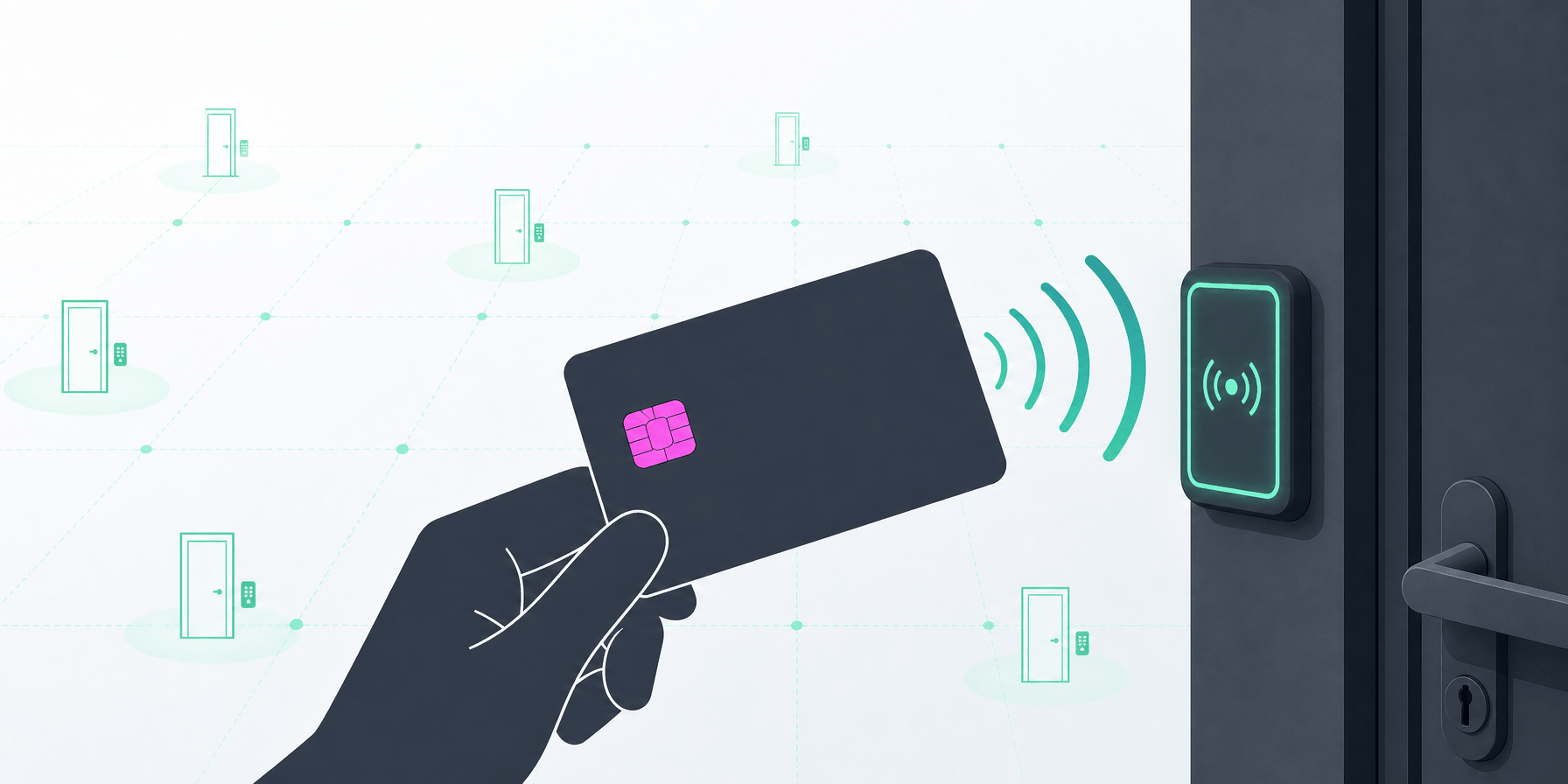
Kuidas RFID-juurdepääsukaardid töötavad? Vali õige oma juurdepääsukontrollisüsteemi jaoks
Avasta RFID-juurdepääsukontrollitehnoloogia eelised parema turvalisuse ja mugavuse saavutamiseks. Uuri RFID-kaartide põhifunktsioone ja kuidas see muudab juurdepääsu kontrollimise viisi.

Wiegand-kalkulaator 26-bitiste ja 37-bitiste HID-formaatide jaoks
Kasutage seda Wiegandi kalkulaatorit H10301, H10302 ja H10304 kaardiandmete koostamiseks või dekodeerimiseks. Sisestage asutuse kood ja kaardinumber või kleepige täielik binaar- või kuueteistkümnen...
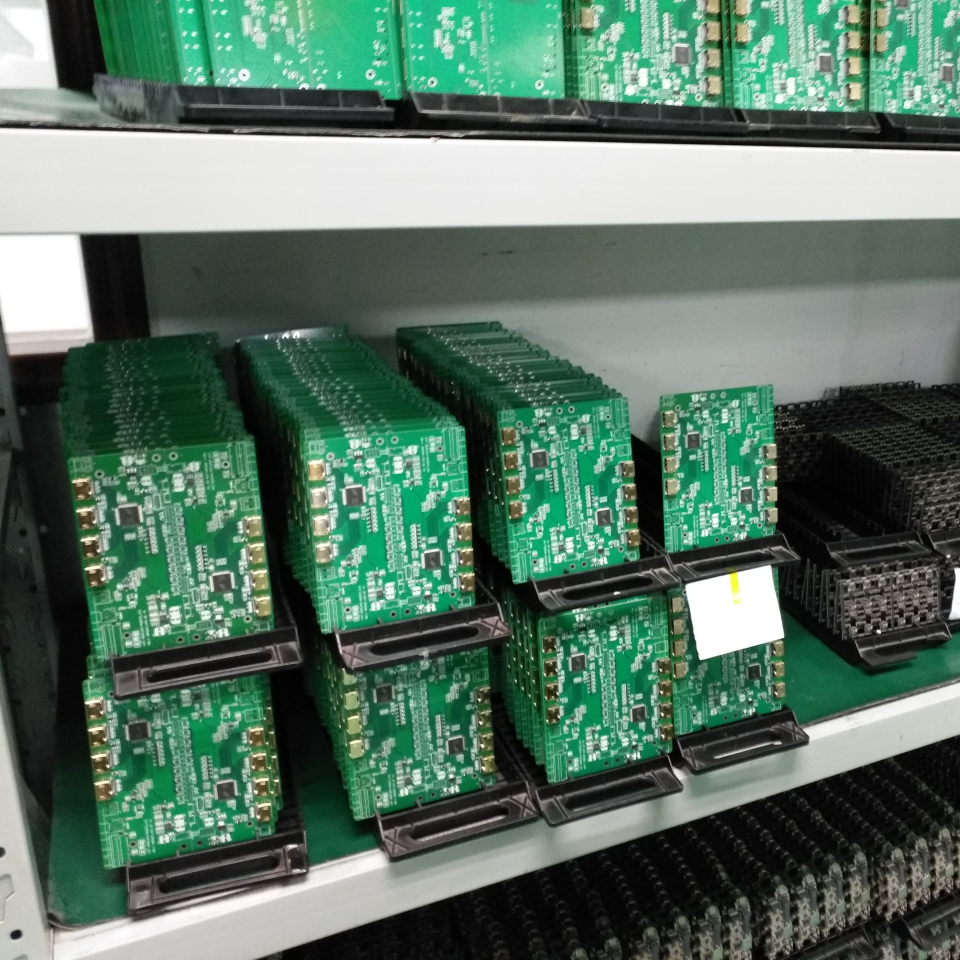
Hulgihind 30% soodsam
Olete edasimüüja või jaemüüja? Otsite B2B-projektiks? Nautige kuni 30% allahindlust suurematele tellimustele. Võtke meiega ühendust, et saada kohandatud pakkumine.
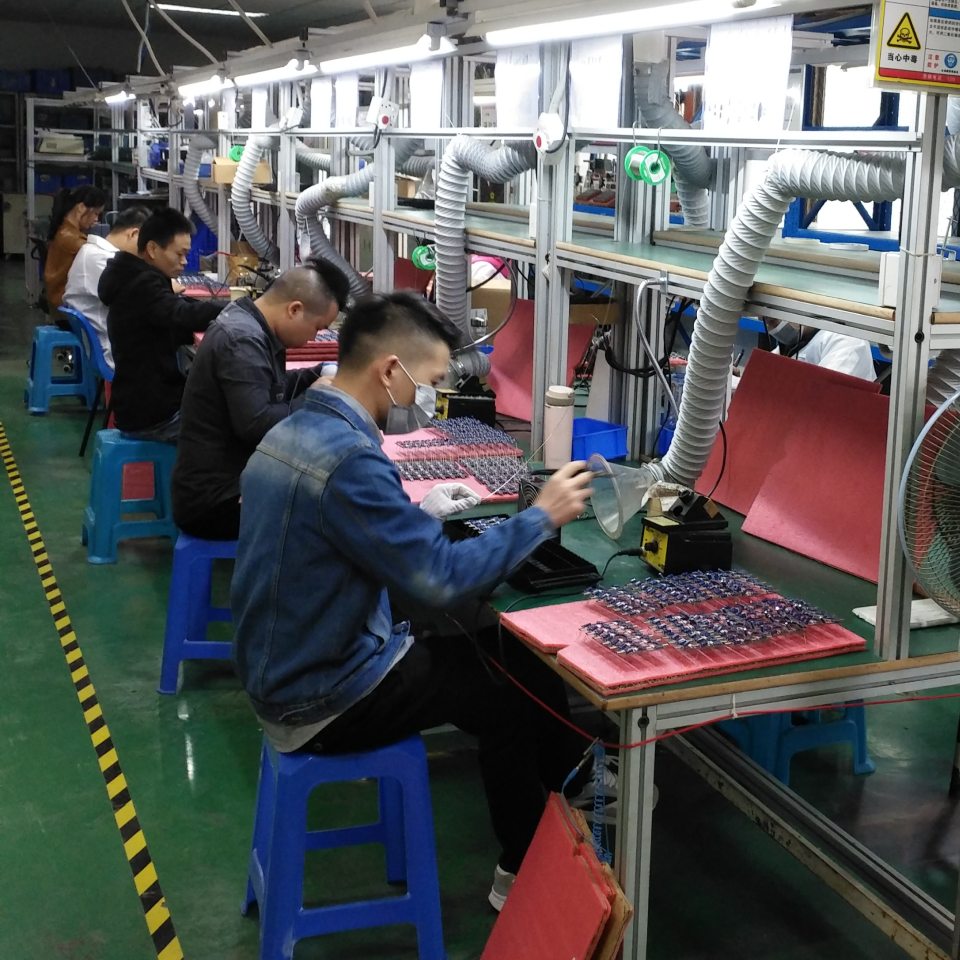
Miinimumtellimust ei ole
Meie kogenud insenerid saavad kohandada RFID-mooduleid teie süsteemidesse integreerimiseks. Riistvarakonfiguratsioon, juhtmestiku kohandamine, USB- või serialport jms vastavalt teie lahenduse vajadustele.
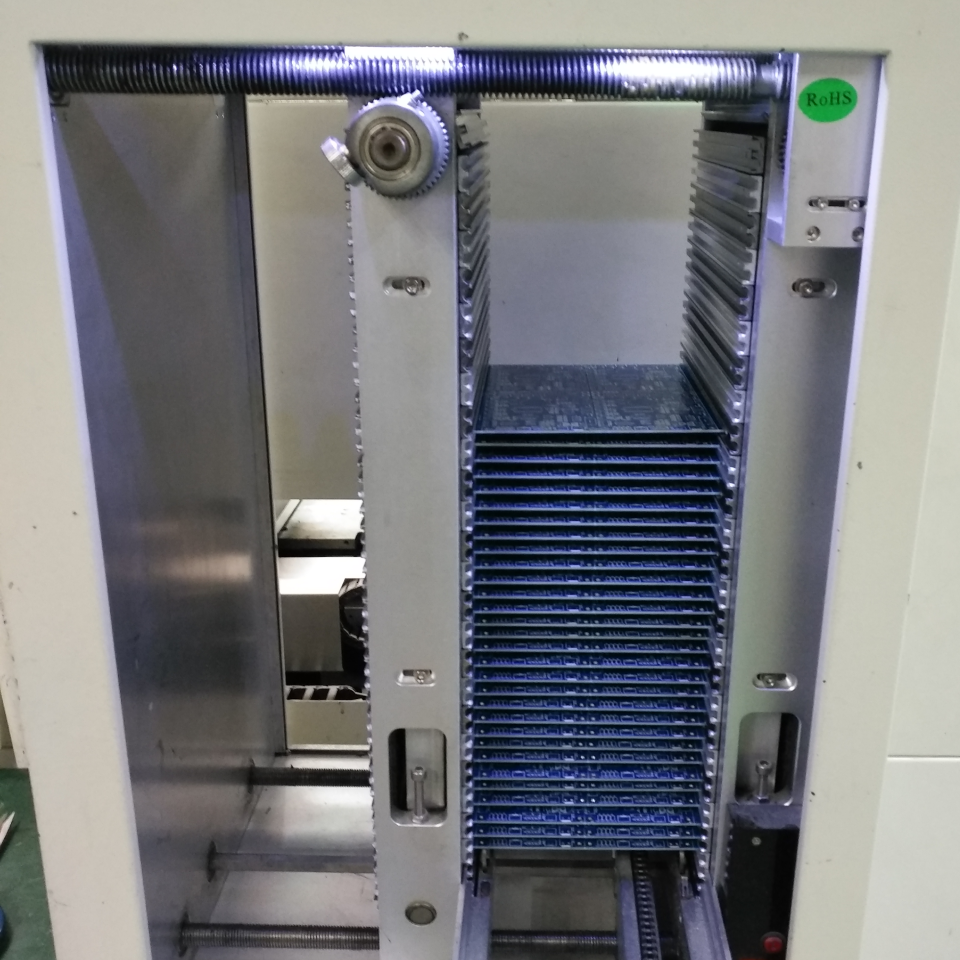
Me tagastame arendusmakse
Kui tellimused kogunevad teatud koguseni. Alustame näidise testimisega ja viime lõpptooted välja meie inseneride tehnilise toega. Kui palju iganes teil vaja on, oleme siin, et aidata. Me hindame iga kliendi usaldust.