
A UHF RFID windshield tag can identify an approved vehicle at a residential gate when the tag, reader, credential format, controller, software, lane, and enrollment process all work together. This guide shows property teams how to check that full path, place the tag, manage resident credentials, handle replacements, and run a safe one-lane pilot.
The reader detecting a tag does not automatically open the gate. The access system must recognize the credential, confirm its status and permissions, and use the existing gate and safety controls to make the final decision.
Can a UHF RFID Windshield Tag Open a Residential Vehicle Gate?
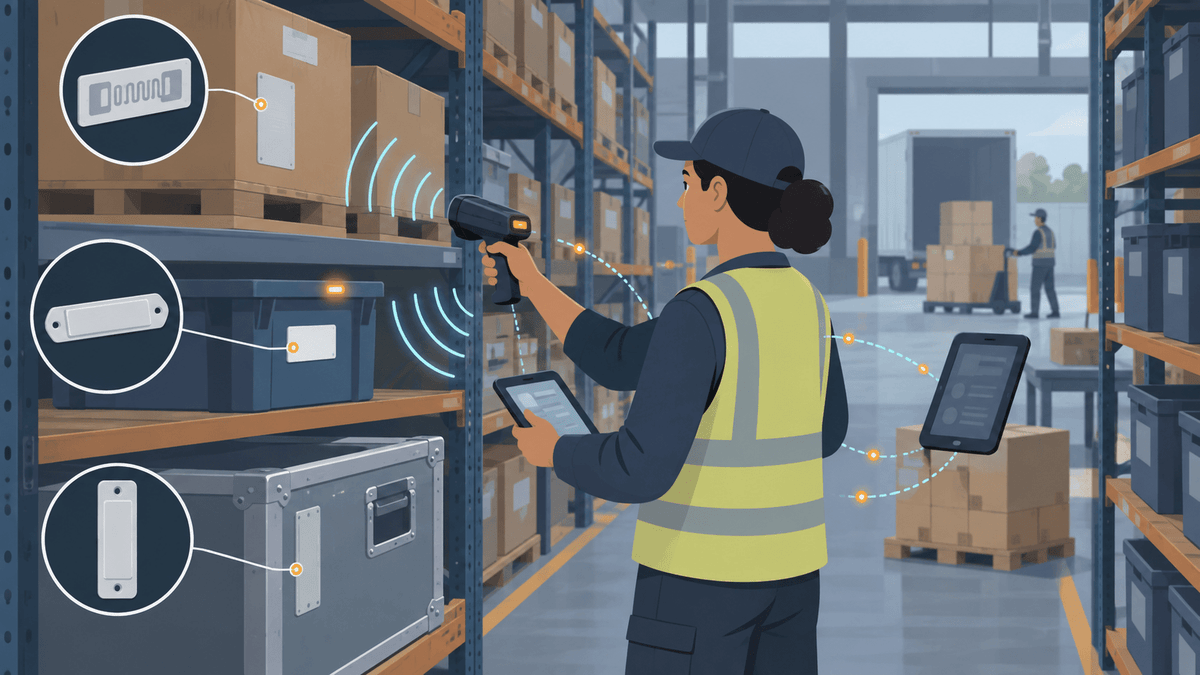
A compatible UHF reader can detect a windshield-tag identity, but the access system must map and authorize that identity before the controller can trigger the gate workflow. Every part of the system must pass the information to the next part correctly.
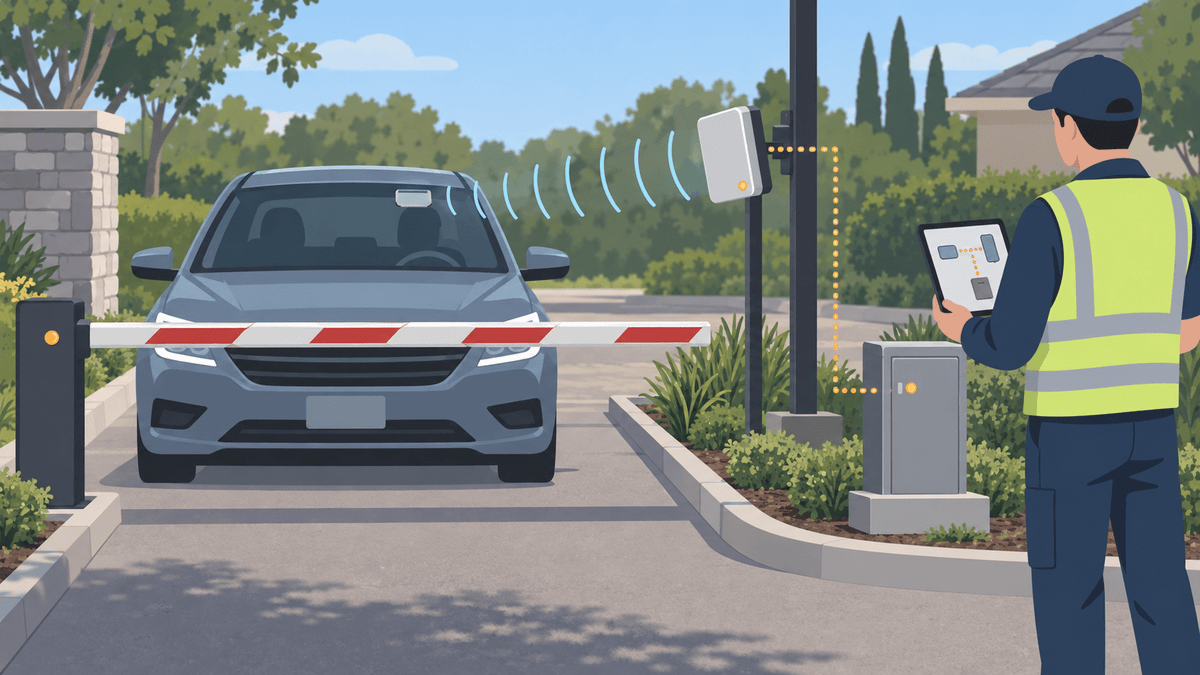
The complete path runs from the windshield tag to the lane reader, reader connection, access controller, enrollment software, allow-or-deny rule, and gate controls. Tag detection alone does not prove who drives the vehicle, whether the credential remains authorized, or whether the gate can move safely.
What Must Match Between the Windshield Tag and the Existing Gate System?
Confirm the reader frequency, tag protocol, memory field, credential format, reader output, controller input, enrollment method, and software rules before ordering tags in volume. One mismatch can let the reader see a tag while the access system still rejects it.
| System layer | Question to confirm |
|---|---|
| Radio region and frequency | Does the reader operate in the approved UHF band for the installation country? |
| Tag protocol | Does the reader support the tag’s UHF air-interface protocol? |
| Memory field | Does the system read the EPC, User Memory, or another field? |
| Credential format | How does the software turn the read value into an authorized credential? |
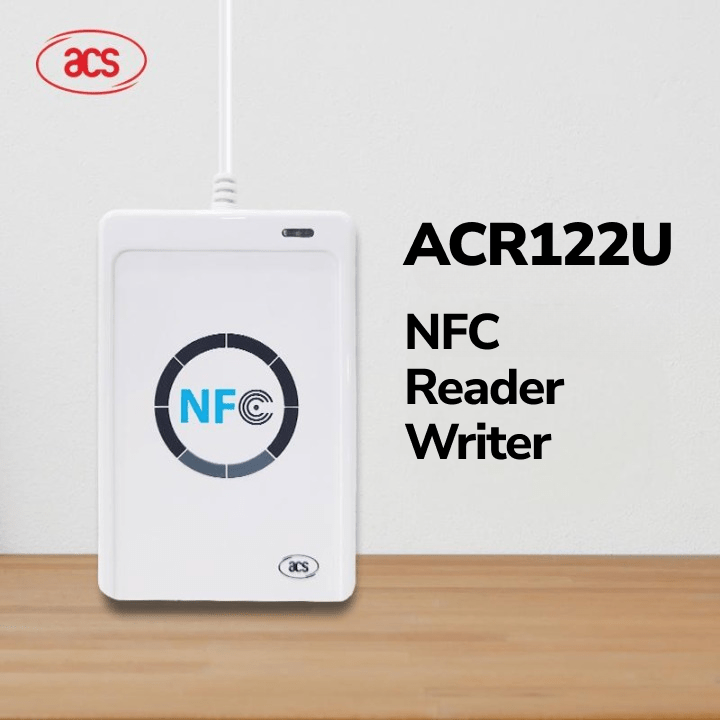
| Reader output | Does the reader send data through the connection the controller expects? |
| Controller input | Can the controller accept and interpret that output correctly? |
| Enrollment | Can staff add, activate, expire, revoke, and replace the credential? |
| Access rules | Do the correct vehicle group, schedule, lane, and status apply? |
EPC, User Memory, facility code, card number, Wiegand, OSDP, and a printed number describe different system layers. Do not treat those terms as interchangeable.
The GS1 UHF Gen2 Air Interface Protocol describes communication between compatible UHF tags and readers. It does not define your property’s credential mapping or access rules.
Why Can the Reader Detect the Tag but Still Deny Access?
The reader can detect a valid UHF response while the controller or software rejects the credential. The record may be missing, incorrectly formatted, inactive, duplicated, expired, revoked, or unauthorized for that lane or time.
Check the system in order: confirm the tag read, confirm the field the reader sends, confirm the transmitted format, confirm the controller input, and confirm the enrolled record and access rule. Keep real facility codes, card numbers, EPCs, and resident details out of public troubleshooting records.
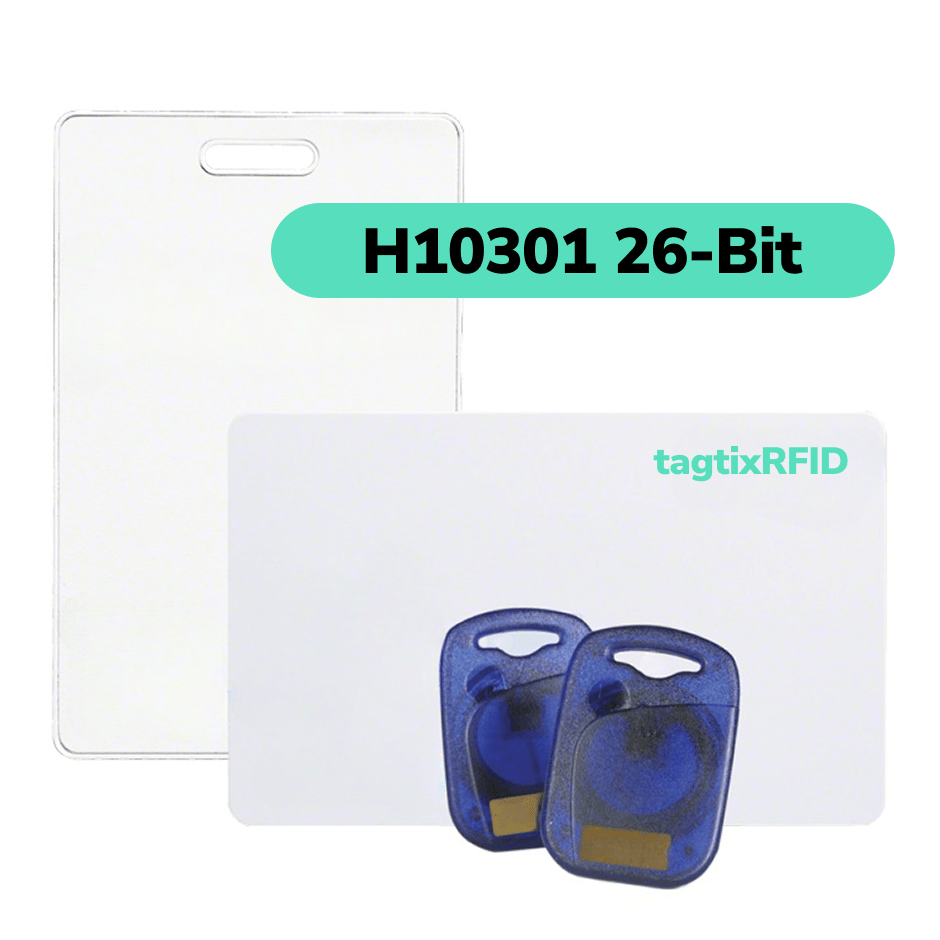
If the current system uses legacy 26-bit Wiegand, our 26-bit Wiegand guide can help you understand the format. Your installer or system provider must still verify the exact reader, controller, and enrollment setup.
Where Should You Place the Windshield Tag and Shape the Gate Read Zone?
Use one approved inside-windshield position and tune the reader around the intended approach or stopping area. A consistent position makes enrollment, replacement, resident instructions, and lane testing easier.
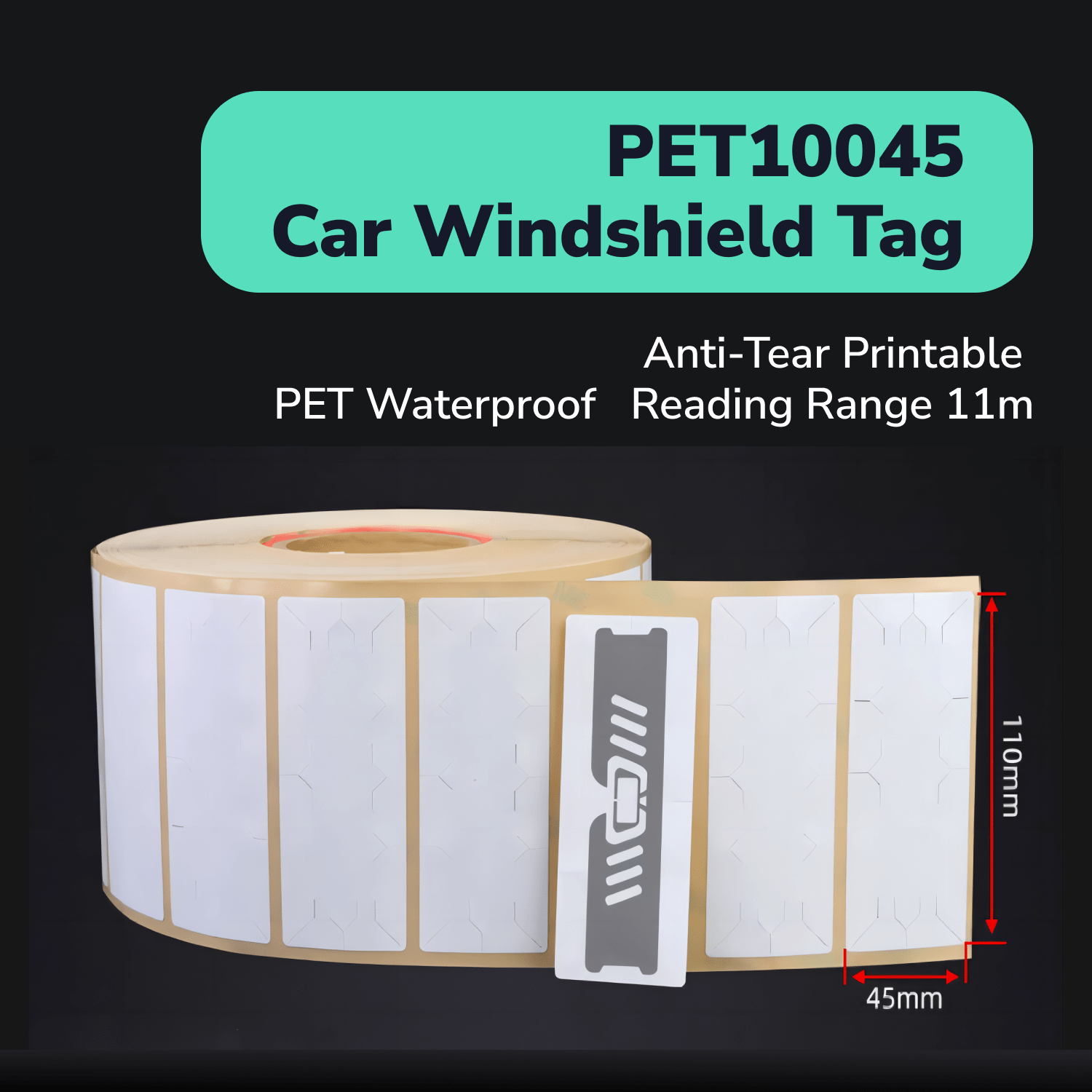
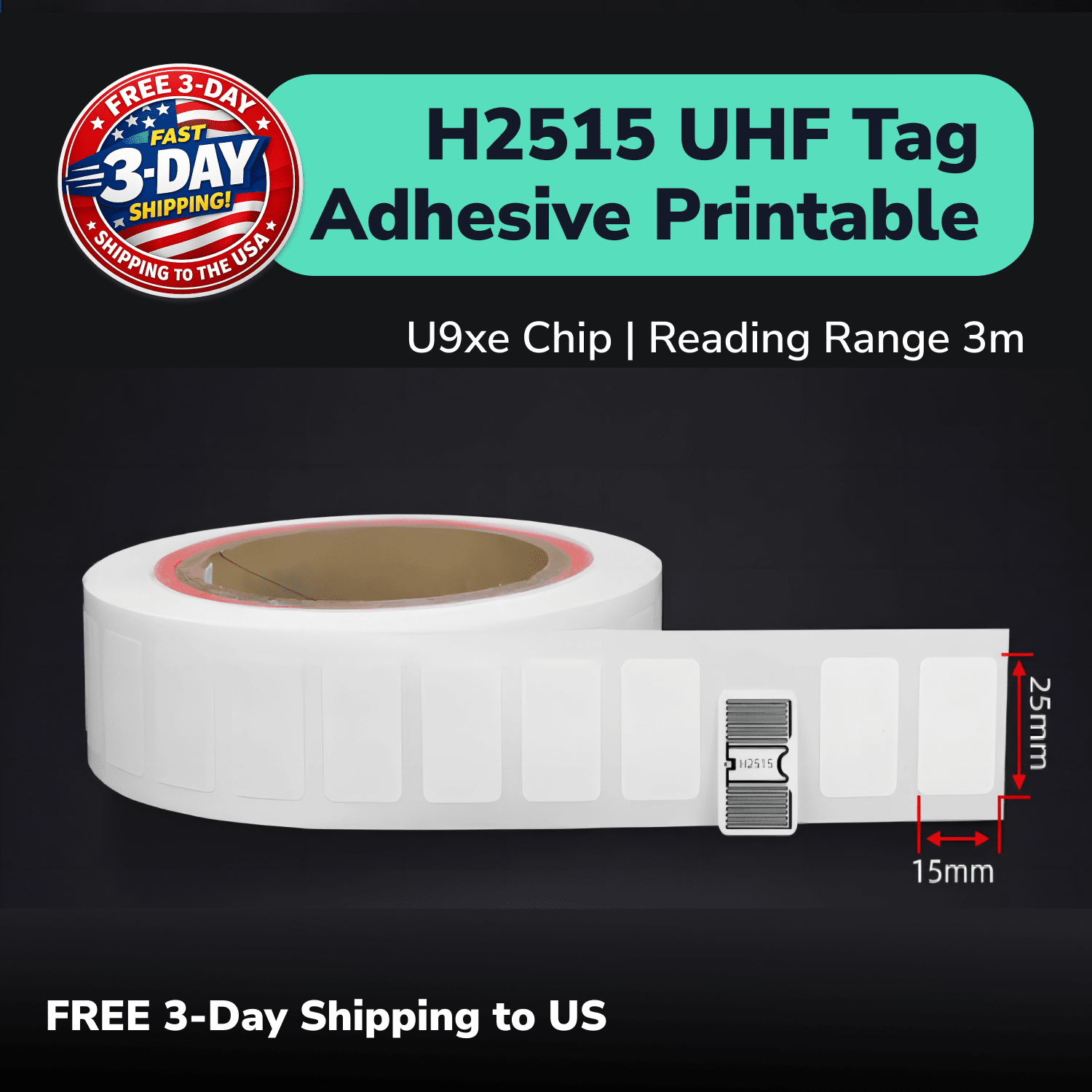
Use the PET11045 UHF windshield tag as the primary sample candidate for suitable inside-glass vehicle identification. Test it on representative windshields because coating, tint, heating elements, mirrors, vehicle angle, and glass construction can change performance.
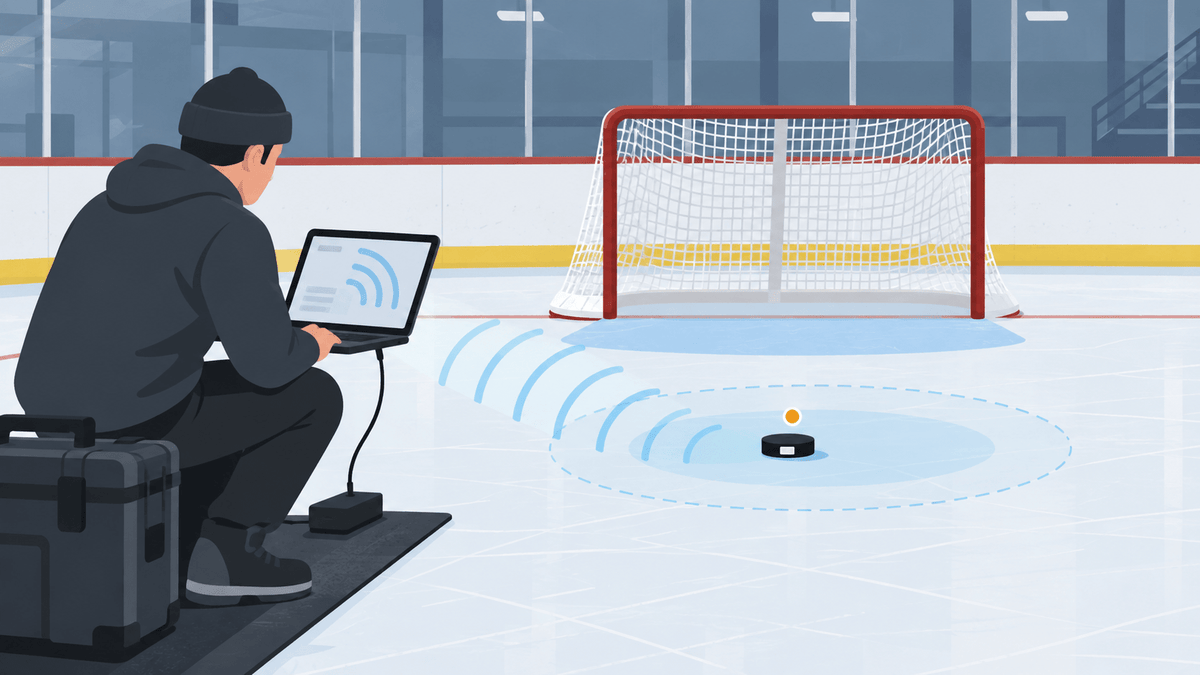
Tune the lane around mounting height, travel direction, stop position, speed, reader angle, power, shielding, weather, and queues. Record early, late, repeated, cross-lane, roadside, and missed reads instead of judging the system only by maximum range.
How Should an HOA or Property Issue and Activate Vehicle Tags?
Give each windshield credential a unique record, an approved issuer, a vehicle relationship, an activation date, a status, and an authorization rule. Let the access system hold resident and vehicle details while the tag carries only the minimum identity the system needs.
Define which staff role can approve and enroll tags. Check for duplicate credentials and duplicate vehicle records before activation.
Use a repeatable handoff: verify the approved request, assign the credential, record the vehicle relationship, apply the tag in the approved position, activate it, and confirm the result in the intended lane. Keep an audit record of who completed each step.
How Should the Property Replace and Revoke Windshield Credentials?
Revoke or retire the old credential before activating its replacement. Record the reason, old identity, new identity, date, and responsible staff member in the access system.
Use the same process for damaged tags, lost credentials, windshield replacement, vehicle sale, tenant move-out, suspended accounts, and second vehicles. Do not leave the old and new credentials active by accident.
Tell residents how to request a replacement and what information staff need. A simple, documented process reduces support delays without weakening approval controls.
How Should Residents, Visitors, Contractors, and Staff Use Different Access Rules?
Give each user group its own credential type, approval path, allowed schedule, expiration rule, and support process. One permanent resident workflow should not automatically apply to visitors, contractors, vendors, staff, or delivery exceptions.
| Group | Useful rule |
|---|---|
| Residents | Approved vehicle relationship and ongoing status review |
| Visitors | Temporary approval and clear expiration |
| Contractors or vendors | Limited schedule, date range, or approved lane |
| Staff | Role-based approval and prompt revocation after employment changes |
| Deliveries and exceptions | Separate intercom, guard, booking, or manual process |
Windshield tags do not replace visitor policy, identity checks, intercoms, guards, or other controls that the property requires. They provide one vehicle-credential input inside the wider access program.
What Security and Privacy Controls Belong in the Vehicle-Access Program?
Treat the UHF tag as one credential input and protect resident, vehicle, access, and event data inside the authorized access system. Use a lookup identity on the tag when the system does not need personal information in tag memory.
Apply role-based access, strong administrator security, approval logs, duplicate checks, revocation controls, suitable event retention, and incident review. Limit each staff member to the access and actions needed for that role.
The Security Industry Association’s OSDP guidance explains a reader-to-controller communication standard. OSDP support does not automatically encrypt a windshield tag or prove that every component in your gate system supports the standard.
How Should Staff Handle Unread, Unauthorized, or Duplicate Credentials?
Give staff a safe manual process for unread tags, denied vehicles, duplicate records, revoked credentials, damaged tags, resident support, and gate faults. Staff should know when to verify a record, issue a replacement, call an installer, or route a vehicle through an approved alternative process.
Keep RFID identification separate from vehicle-presence sensors, safety loops, gate controllers, cameras, intercoms, and operating procedures. Do not publish bypass steps, sensitive lane settings, or private escalation details.
Review exceptions regularly. Repeated missed reads may point to windshield placement or lane design, while repeated denials may point to enrollment, formatting, status, or authorization rules.
A Practical UHF RFID Pilot for One Residential Gate Lane
Pilot representative approved vehicles in one lane before issuing or replacing credentials across the property. A focused pilot helps you find radio, credential, lane, workflow, and support problems while the group remains manageable.
- Document the current reader, controller, software, gate, and safety system.
- Confirm the approved radio region, reader frequency, and tag protocol.
- Verify the memory field, credential mapping, output, and enrollment path.
- Choose one approved windshield zone and enroll a small set of vehicles.
- Establish stationary reads before adding normal approach speed and queues.
- Compare representative windshield and vehicle types.
- Test adjacent-lane behavior and record every early, late, repeated, or missed read.
- Verify allowed, denied, revoked, expired, and replacement paths.
- Review staff workload, resident instructions, logs, and exception handling.
Pass the pilot only when intended-lane reads repeat, neighboring reads stay controlled, credentials map correctly, allow and deny records remain accurate, and the existing gate controls operate safely. One successful vehicle pass does not prove that every windshield, lane, or operating condition will work.
The RAIN RFID System Design Guidelines provide additional planning guidance for building a complete RFID system. Your access-control provider must still verify the final gate design and safety requirements.
Apply for UHF Windshield Tag Samples for Your Gate System
Tell us what gate system you use and what you need the windshield credential to do. We can prepare PET11045 samples after you identify the country, reader, credential field, controller connection, windshield conditions, lane layout, and enrollment workflow.
The short application asks for your tracking purpose and project role first. We can collect the technical system and vehicle details with you afterward, so the first step stays easy.
Apply for Free UHF Vehicle Access Tag Samples
Sample testing helps you check compatibility, placement, and lane behavior, but it does not guarantee final access performance. Confirm the full tag-to-reader-to-controller-to-software path with your installer before a property-wide rollout.